Participant
October 9, 2019
Question

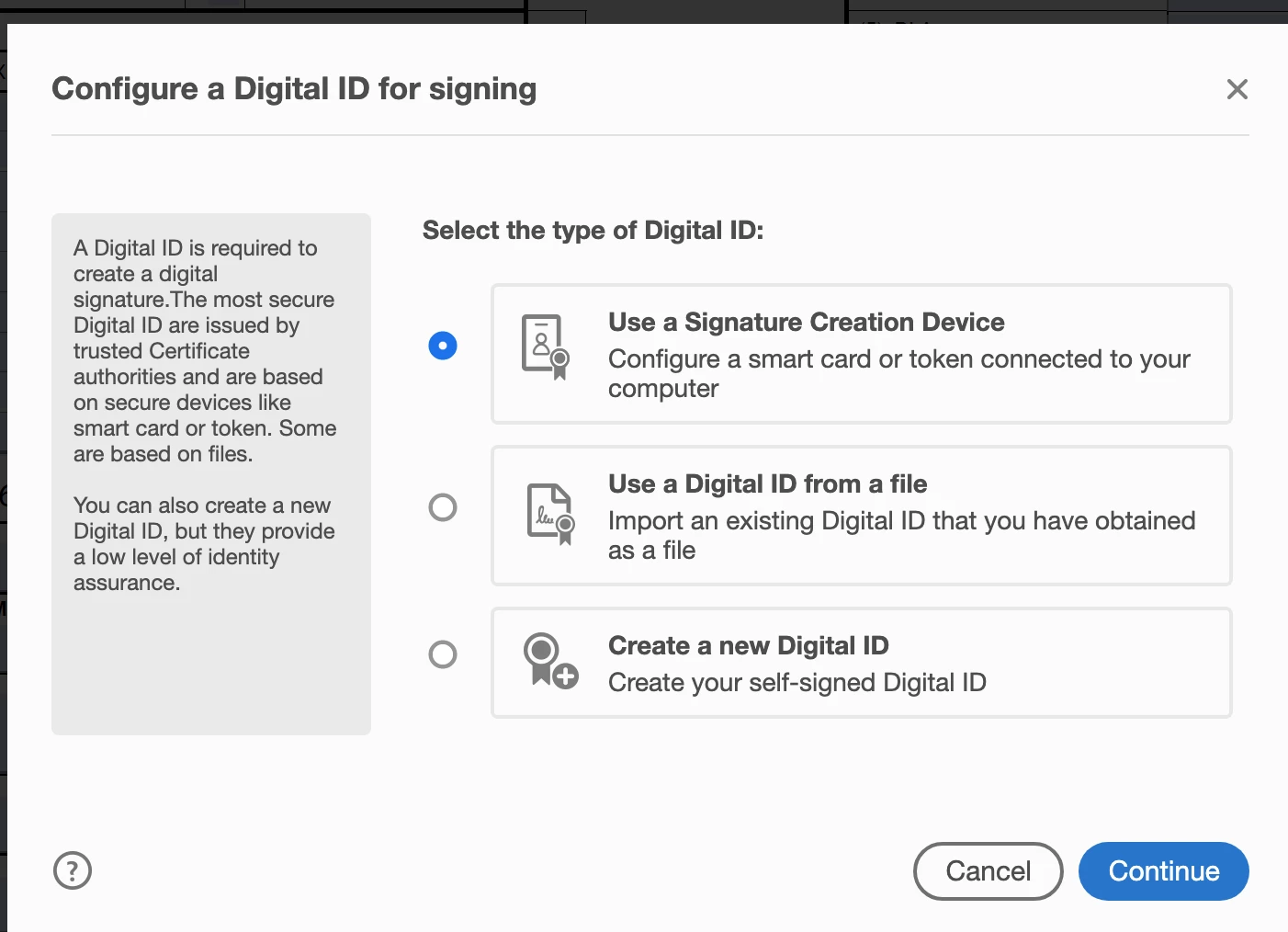
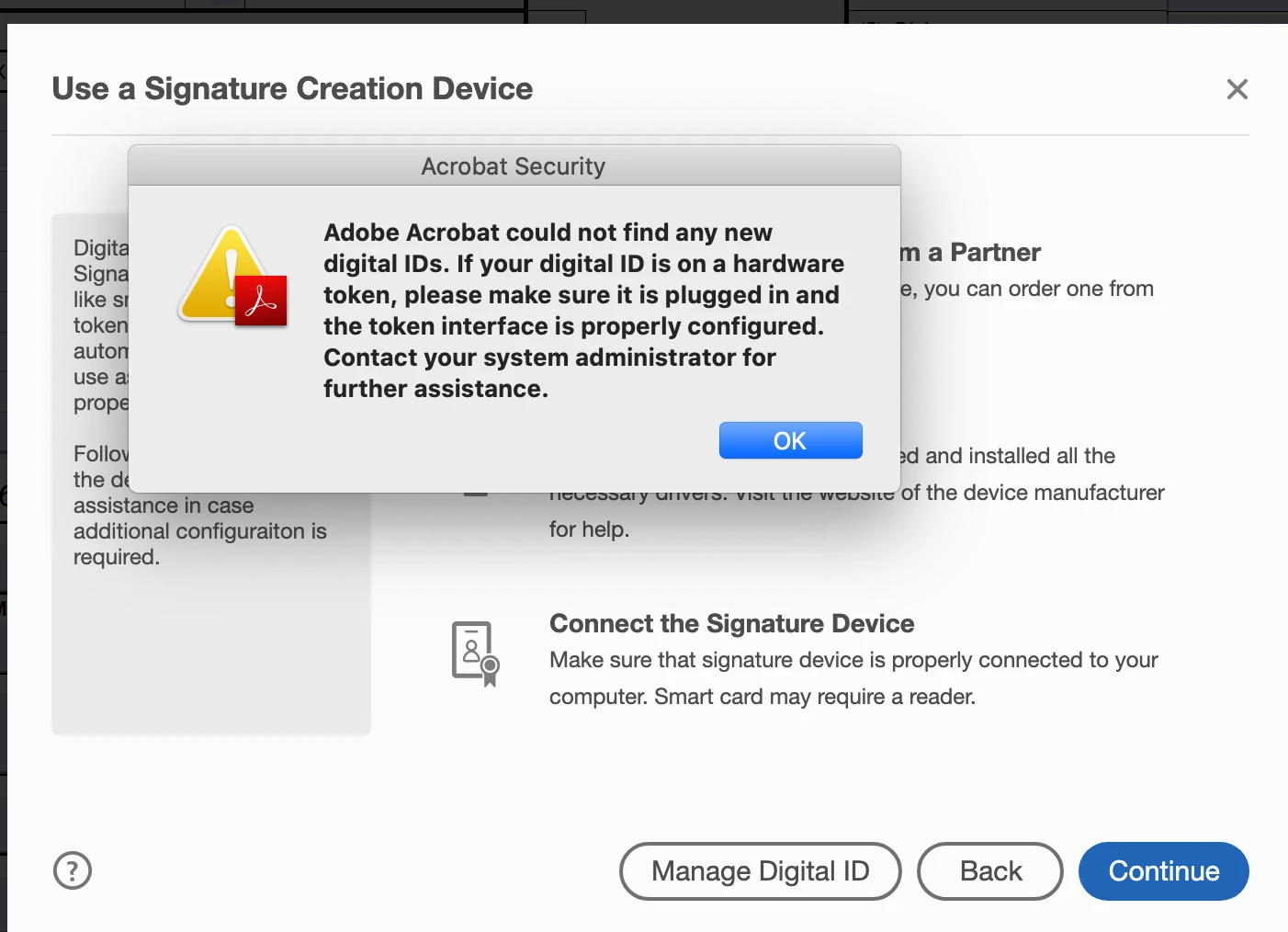
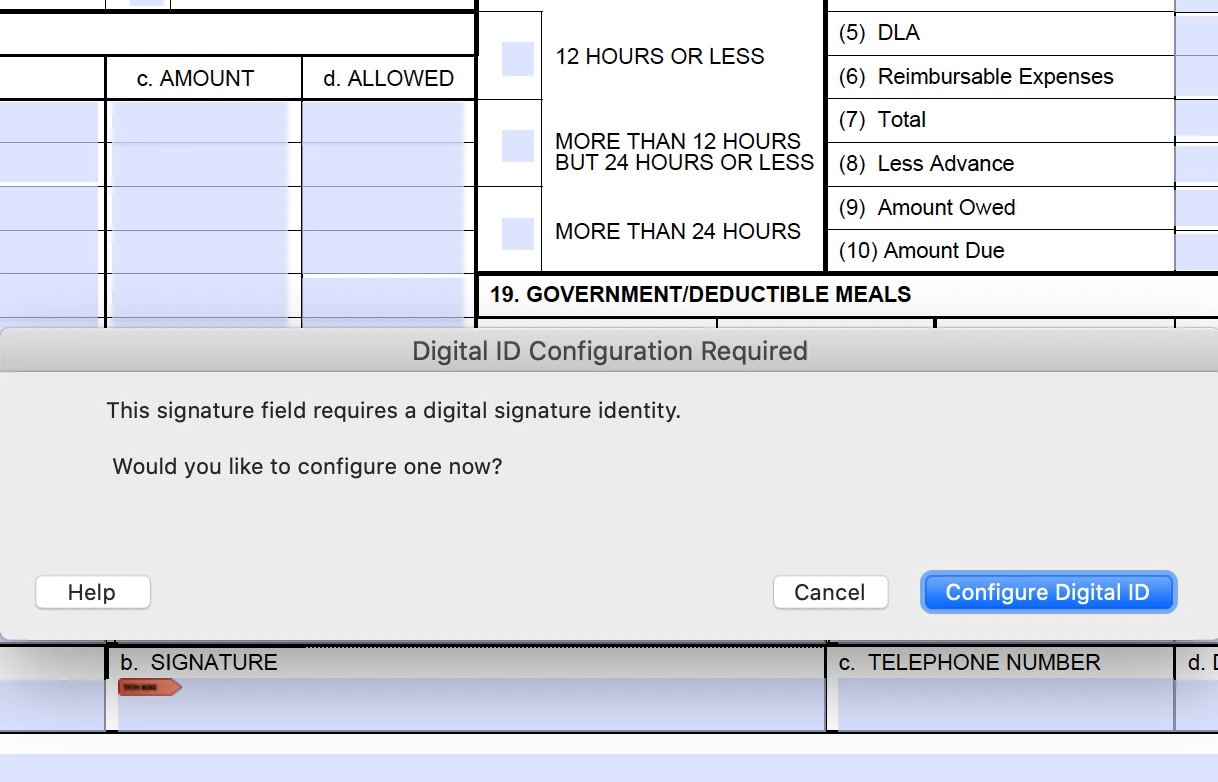
Can't digitally sign PDF with DOD certificate since upgrading to Catalina

  • October 9, 2019
  • 3 replies
  • 4786 views

Since updating to MacOS Catalina, I have been unable to digitally sign PDF documents with DOD certificate/signature. Please help. 
This topic has been closed for replies.

3 replies

Amal.
Community Manager
Community Manager
October 15, 2019

Hi There,


We have a new update released today for the version 19.21.20047 compatible with Mac OS Catalina.  You may try updating the application to the latest version. Go to Help > Check for Updates and see if that helps


For more information please use the help link - https://www.adobe.com/devnet-docs/acrobatetk/tools/ReleaseNotesDC/index.html


Let us know if you need further assistance


Regards

Amal


Brett99!Author
Participant
October 17, 2019

Hi Amal, I updated Adobe Reader but had no success with signing documents with my CAC reader. From what I've heard in the DoD community, it isn't an isolated issue with me only.

Amal.
Community Manager
Community Manager
October 18, 2019

Hi There, 


Thanks for sharing the observation. We are checking this on our end, will share the update soon.


Also, do contact your signature authority once and check if the signature certificates are compatible with Mac OS Catalina.


Regards

Amal

Amal.
Community Manager
Community Manager
October 9, 2019

Hi Brettb,


Thanks for reaching out. 


++Adding on to Test_Screen_Name


You may alspo refer to the help article - https://helpx.adobe.com/x-productkb/global/fix-macos-64-bit-compatibility-errors.html and see if that answers your query.


Regards

Amal

Legend
October 9, 2019

Go back to the older system. Wait until all the apps and plug-ins you want to do are supported in Catalina. Also any DOS drivers or software. You are brave, to upgrade so early.