
Participant
April 8, 2025
Answered

Can't edit my PDF - Text

  • April 8, 2025
  • 2 replies
  • 605 views

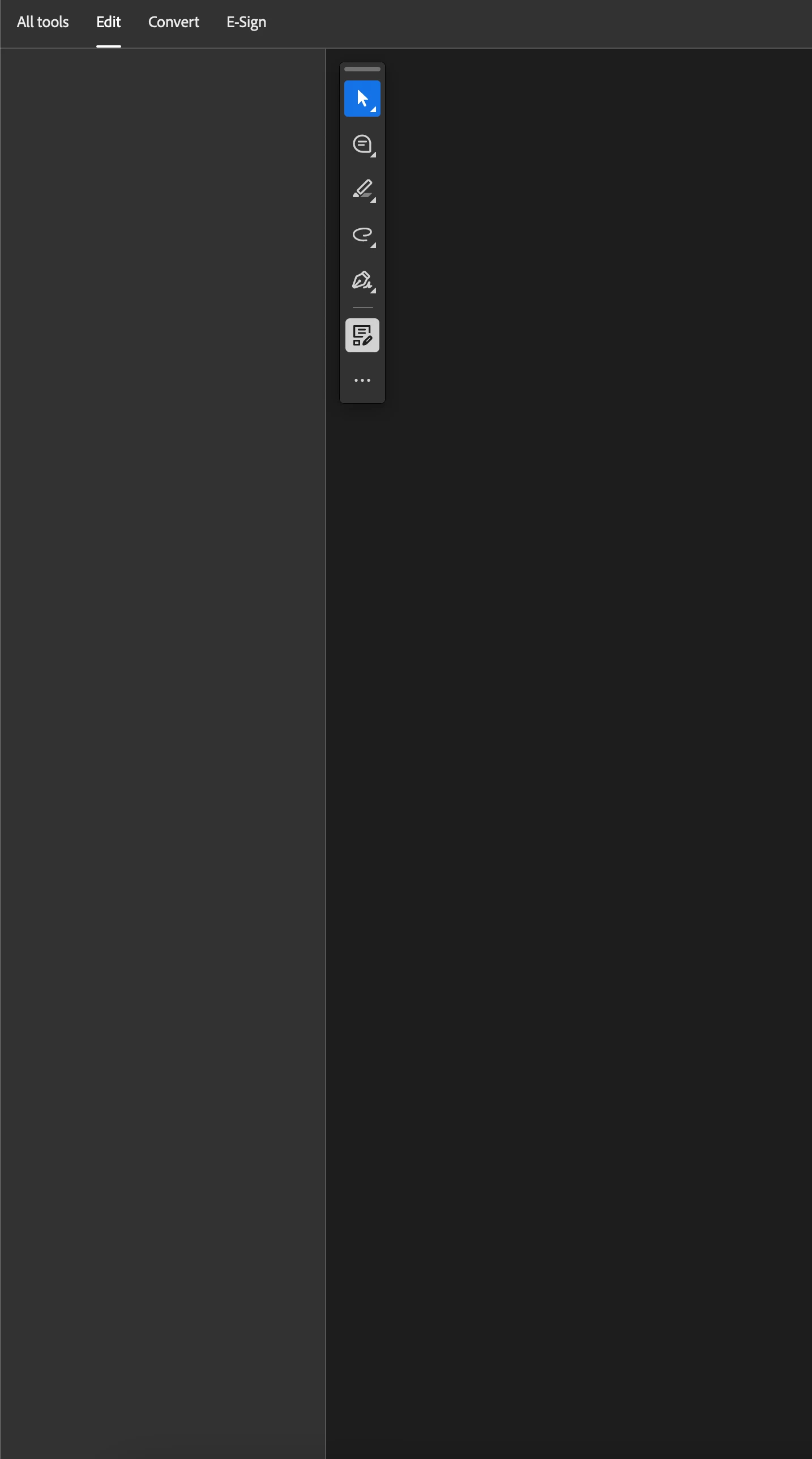
I can't edit my PDFs, once I click on edit PDF inside the "All Tools" Menu-Point, it just switches over to edit but nothing shows up. I also can't select editable text anymore in the PDF, which works if I'm just on the "All Tools" point, but as soon as I'm under the "Edit", it doesn't work anymore.


I have to change text and fonts, which doesn't work in the web version, as it doesn't recognize all fonts.


Correct answer Meenakshi Negi

Hi Joey33760145b1ck,


Thank you for reaching out.


Please try repairing the application installation. In Acrobat, go to Menu > Help > Repair Installation.

If that does not help, try reinstalling the application. try reinstalling the application using the following steps:
-Remove the application and run the cleaner tool (https://adobe.ly/3R952u7).
-Reboot the machine
-Install Adobe Acrobat from the following page: https://adobe.ly/4j0IY0U;


Let us know how it goes.


Thanks,

Meenakshi

2 replies

gary_sc
Community Expert
Community Expert
April 8, 2025

Hi, @Joey33760145b1ck, besides the suggestion of @Meenakshi Negi, be aware that changing the font and font size may have unintended consequences. The ability for PDF documents to word-wrap to other pages is nonexistent. Thus, if you're going to a smaller font size, the ability of the text on subsequent pages to slide up to fill the void will not happen. Likewise, if you go to a larger font and font size, the text is likely to fall off the page and not be seen. It will not slip onto the next page as would happen in a page layout or word processing application.


The BEST way to do what you want is to go back to the original application that created the document, make your changes, and then re-PDF the document. If you do not have access to the original application, or you did not create the original application, your next-best option would be to export the document into (say) an MS Word format, make the necessary changes, and then re-PDF the document.


Sorry, but that's the way it is.

Meenakshi Negi
Community Manager
Meenakshi NegiCommunity ManagerCorrect answer
Community Manager
April 8, 2025

Hi Joey33760145b1ck,


Thank you for reaching out.


Please try repairing the application installation. In Acrobat, go to Menu > Help > Repair Installation.

If that does not help, try reinstalling the application. try reinstalling the application using the following steps:
-Remove the application and run the cleaner tool (https://adobe.ly/3R952u7).
-Reboot the machine
-Install Adobe Acrobat from the following page: https://adobe.ly/4j0IY0U;


Let us know how it goes.


Thanks,

Meenakshi