


Participating Frequently
July 2, 2023
Answered

can't open acrobat

  • July 2, 2023
  • 3 replies
  • 1962 views

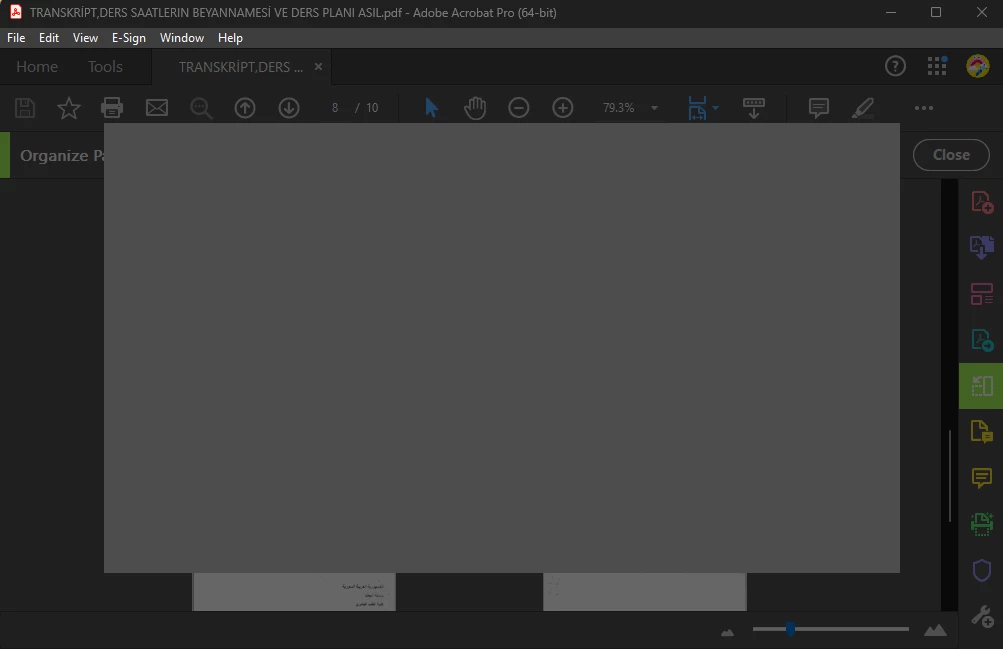
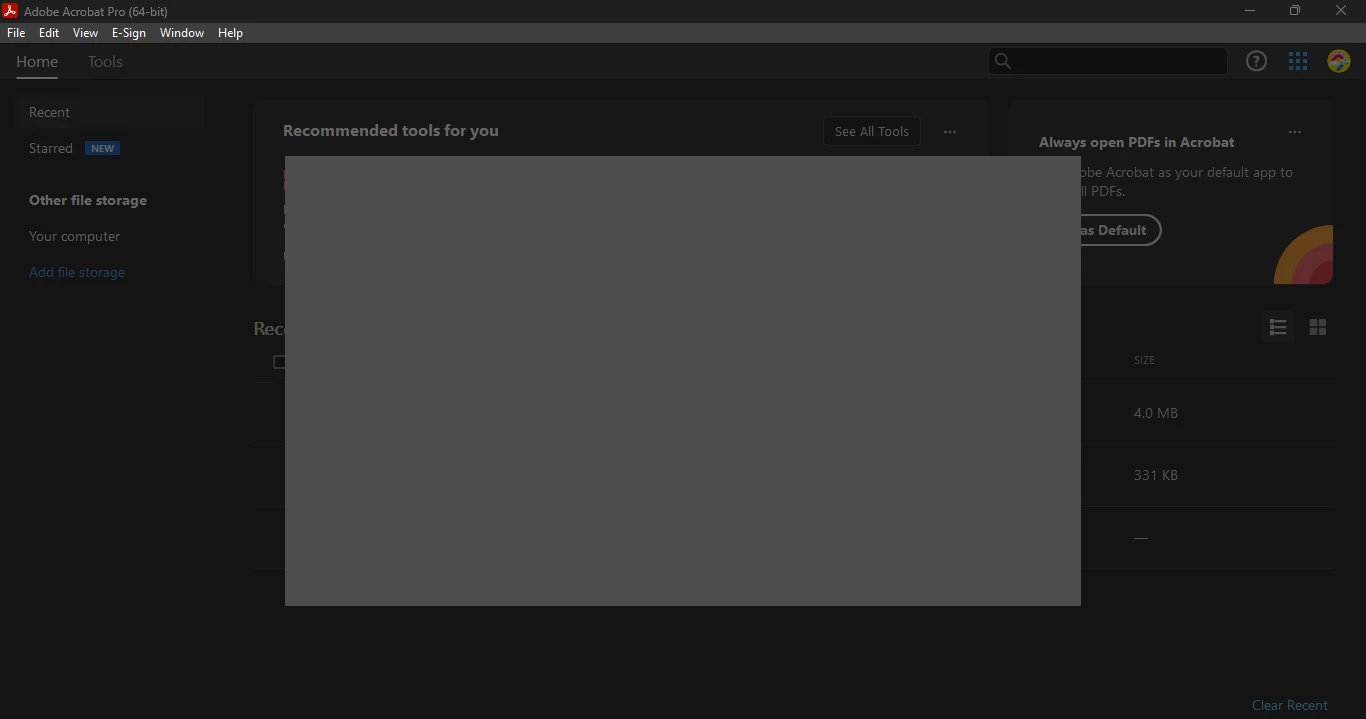
I can't use any acrobat feature I can't even open it. When I open it it shows a gray box with a blue circle that keeps spinning. I waited for a long time for it to disappear, but it remains the same.
What is the solution to this problem.
This topic has been closed for replies.
Correct answer Amal.

Hi there


The new version of Acrobat (23.03.20269) is now available to address this issue. Please update the application from the help menu > Check for updates and reboot the computer once.


You may also download the patch manually from the link https://www.adobe.com/devnet-docs/acrobatetk/tools/ReleaseNotesDC/index.html and see if that works.


Regards

Amal

3 replies

Amal.
Community Manager
Amal.Community ManagerCorrect answer
Community Manager
August 9, 2023

Hi there


The new version of Acrobat (23.03.20269) is now available to address this issue. Please update the application from the help menu > Check for updates and reboot the computer once.


You may also download the patch manually from the link https://www.adobe.com/devnet-docs/acrobatetk/tools/ReleaseNotesDC/index.html and see if that works.


Regards

Amal

Amal.
Community Manager
Community Manager
July 7, 2023

Hi @mokahya 


++ Adding to the discussion


Would you mind collecting the Adobe CC logs https://helpx.adobe.com/creative-cloud/kb/cc-log-collector.html , Procmon logs (Win Only) https://www.adobe.com/devnet-docs/acrobatetk/tools/Labs/acromonitor.html  and Adobe freeze logs https://helpx.adobe.com/acrobat/kb/collect-logs-crash-freeze.html  and share them via any cloud storage. Just upload the log file to the cloud, generate the link, and share that link with us for further investigation.

Regards
Amal

mokahyaAuthor
Participating Frequently
July 16, 2023

Thank you @Amal. 
I did what did you ask me. the link https://drive.google.com/drive/folders/1S29YEUhcXywZIYPKko-hznWVPLGV41yg?usp=sharing .  If it is incomplete or wrong, please inform me. and thank you I still can't use Acrobat.

mokahyaAuthor
Participating Frequently
August 1, 2023

Hi there


Thanks for sharing the details. i have raised this issue to the engineering team for their review,will share the update as soon as we get any info.


Thanks for your tie and patience


~Amal


@Amal. thank you.
By the way, the problem is still the same and I still can't use Acrobat. Acrobat is one of the most used apps by me for my university life.

mariahweyne
Inspiring
July 3, 2023

Try unistalling using this tool - AcroCleaner — Acrobat Desktop Tools and Utilities (adobe.com) 

After uninstalling try reinstalling - you can use this link How to download and install Acrobat DC subscription on your computer (adobe.com) or by installing the CC desktop app -How to download the Creative Cloud desktop app (adobe.com)

mokahyaAuthor
Participating Frequently
July 6, 2023

I did it like you said and it still same. I am using CC in my PC. A video about the problem  

mariahweyne
Inspiring
July 6, 2023

Maybe you can try contacting Adobe through their chat. Contact Customer Care (adobe.com)