

New Participant
July 15, 2024
Question

Can't save a portfolio

  • July 15, 2024
  • 2 replies
  • 1442 views

Hello!


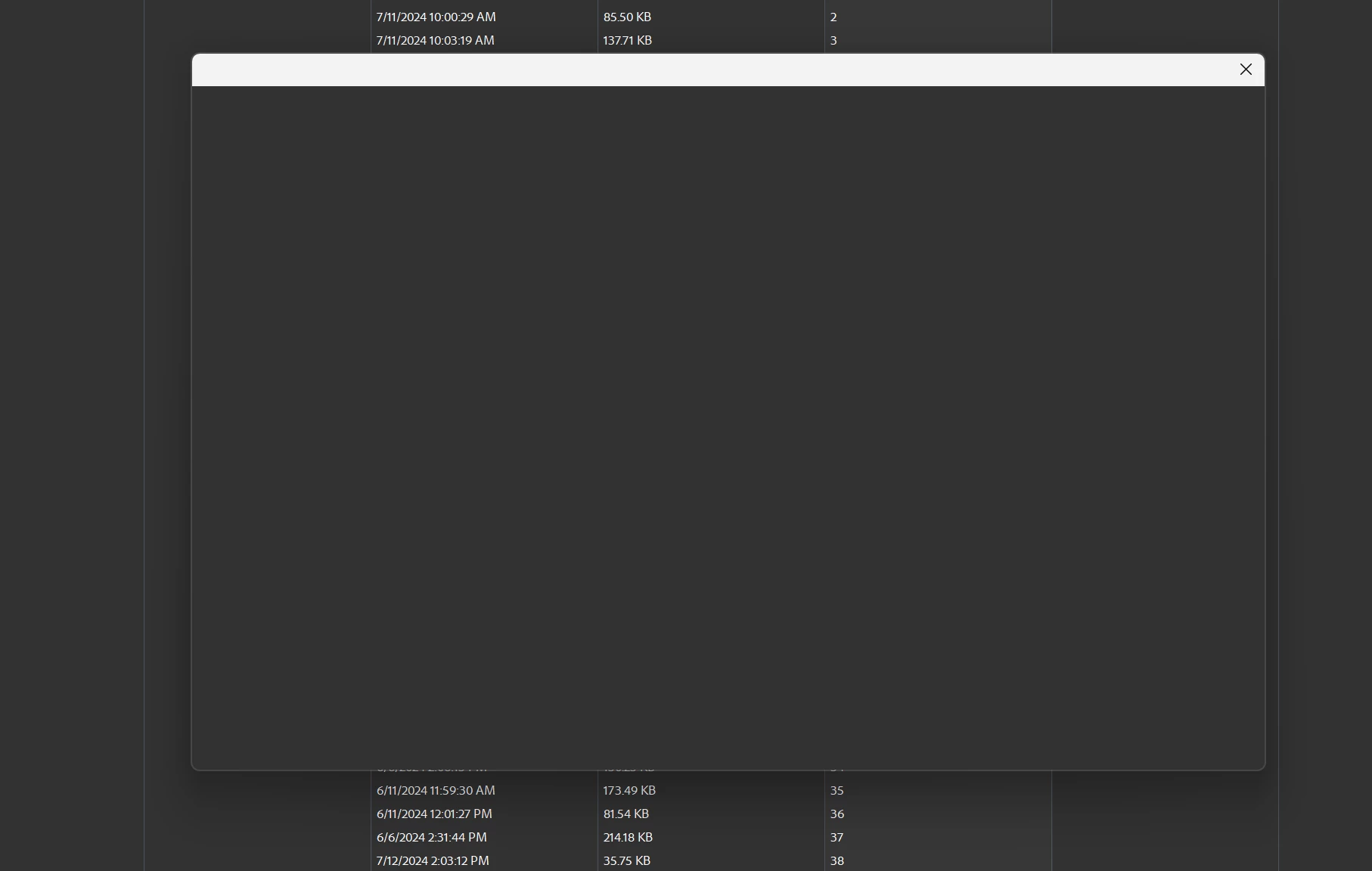
Every time I go to create a portfolio and then save said portfolio, the save panel comes up blank. I've tried reinstalling acrobat but that hasn't solved the problem.

 

This topic has been closed for replies.

2 replies

Community Manager
August 14, 2024

Hi @CheadleClan 

Following up to check if your issue is resolved or if you are still experiencing this problem.

Also, let us know if the machine you are using is a personal or an office IT-managed machine. 


~Tariq

try67
Adobe Expert
July 15, 2024

Open the application's Preferences - General, and disable "Show online storage when saving files" and "Show online storage when opening files".

New Participant
July 15, 2024

That worked at first, but now after I save the portfolio it does not show up as a saved file. And when I go to close the portfolio it promts to save again.

New Participant
July 15, 2024

In other words, the file itself does not actually save despite having clicked save and naming it.