


Participant
January 12, 2022
Answered

Can't Save PDF - Save Dialog Window Blank - Drives me Insane

  • January 12, 2022
  • 4 replies
  • 935 views

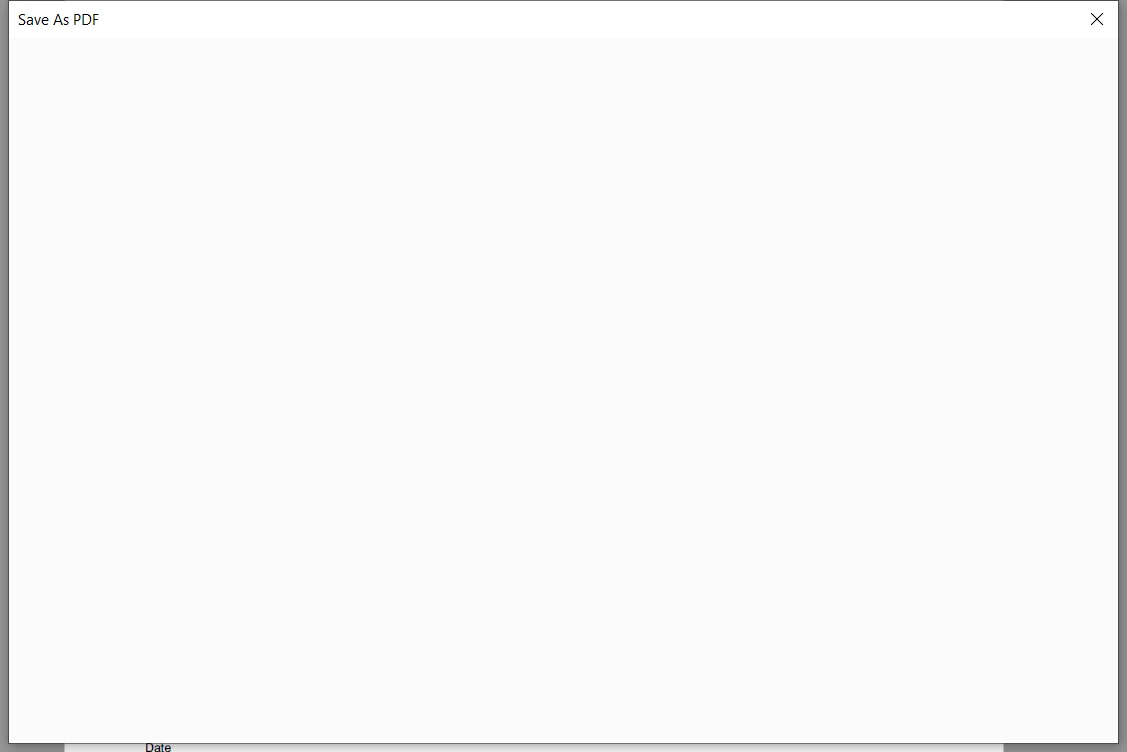
Hello! Has anyone else had this issue? Acrobat Pro is up to date. Windows 10. Works fine for days and then I try and save a PDF from cominging multiples and i get this blank Dialog Window and can't see the save folders or select anything. 
This topic has been closed for replies.
Correct answer try67

Go to Edit (or the application menu if you're on a Mac) - Preferences - General and disable "Show online storage when saving files" and "Show online storage when opening files".

4 replies

Adobe Employee
January 13, 2022

Hi,


Sorry to hear about the issue you are facing with Acrobat. Can you please share the version and platform details where you are facing this blank dialog? You can find version number from Help->About.

Also, please try terminating any running AcroCEF/RdrCEF processes from task manager, if they are present when Acrobat is closed. Then try relaunching Acrobat and check if problem is fixed.


thanks,

-amboo

Amal.
Community Manager
Community Manager
January 13, 2022

Hi there


We are sorry to hear that. The planned update for Adobe Acrobat/Reader DC version 21.11.20039  is now available. Please update the application from the help menu > Check for updates  and reboot the computer once.

You may also download the patch manually from the link https://www.adobe.com/devnet-docs/acrobatetk/tools/ReleaseNotesDC/index.html  and see if that works for you.


For more information about the new release please check the help page https://helpx.adobe.com/acrobat/using/whats-new.html


Let us know if you experience any trouble and need more help


Regards

Amal

try67
Community Expert
try67Community ExpertCorrect answer
Community Expert
January 12, 2022

Go to Edit (or the application menu if you're on a Mac) - Preferences - General and disable "Show online storage when saving files" and "Show online storage when opening files".

Participant
January 12, 2022

I had this issue as well. for me a repair installation fixed it. but i still have other issues with my adobe.