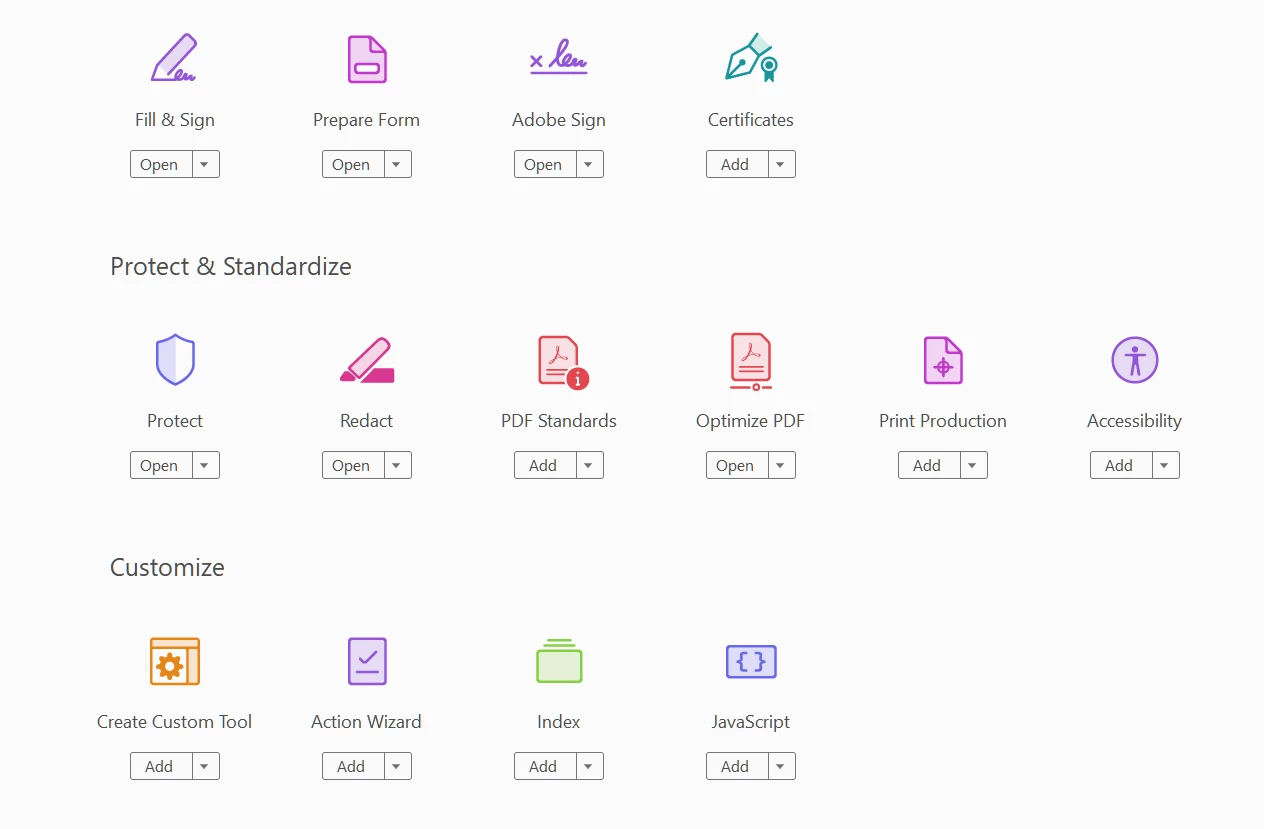
New Participant
February 16, 2021
Answered

Can't see all Text Field Properties

  • February 16, 2021
  • 2 replies
  • 16084 views

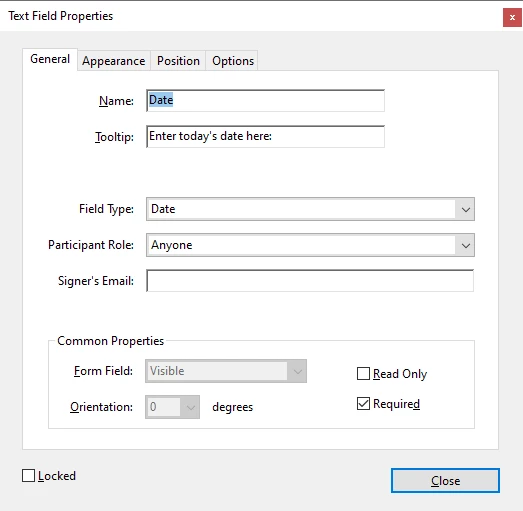
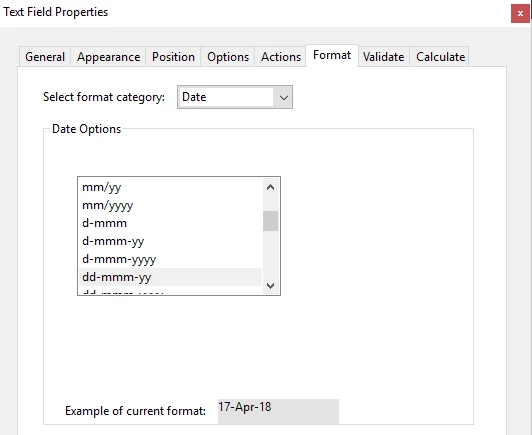
I have just purchased Adobe Acrobat Standard DC and am creating my first fillable PDF (using an existing Word document).  My issue is that I don't appear to have all the tabs on Text Field Properties box.  For example, I am trying to change the Date properties but it looks like I'm missing the "Actions", "Format", "Validate" and "Calculate" Tabs.


Below is a screenshot of the Text Field Properties I can see:


But having done some research, I should see the below Text Field Properties:


Any help on how I can see these additional tabs would be great appreciated!
Correct answer Jennie.Lowery

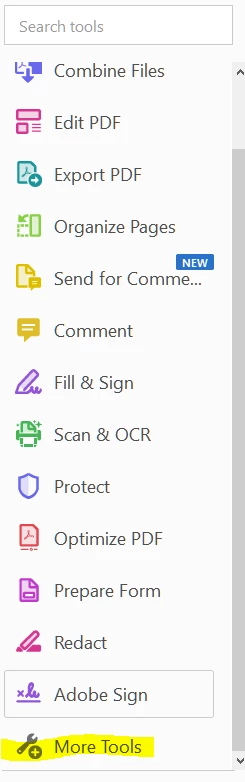
I am having this same issue, but I do not see the option to 'Revert Back to Acrobat Form'.  I have followed the instructions and it isn't there.  This is what I see.


I click on More Tools and then, I see this:

I'm using Adobe Acrobat Pro DC, Continuous Release, Version 2020.006.20034

Please help!  I don't want to have to create this form all over again.


I was also having this issue.  While in the form screen (where your PDF has been turned into a form) on the top left menu where it looks like

< Prepare a form       ... |  x

Click the ... and choose "remove e-signing options" then click OK to the dialog box that comes up.


This will give you back the options that were missing.


If you don't do this (after using the signatures required option) EVERY form afterwards will retain the signature settings.  After you change this, it goes back to normal for all furture forms.


2 replies

try67
Community Expert
February 16, 2021

Click on Tools - Prepare Form and then click on "More" at the right side of the window and then on "Revert to Acrobat Form". In the future, do not tick the box that says "This document requires signatures" when creating the form.

CPLAKAuthor
New Participant
February 16, 2021

Thank you - this has corrected my issue and now resolved.

CampaignCatalyst.net
Participating Frequently
April 13, 2021

Because doing so converts the file to an Adobe Sign form, which has very limited functionality compared to a "normal" PDF form.


Thanks for your answer as well. I was searching for why the new version of Acrobat didn't have the same options.


So, does that mean that you cannot have both calculated fields and a signature in the same form?


Thanks

Bernd Alheit
Community Expert
February 16, 2021

You have created a Adobe Sign form. Want you use Adobe Sign?