


Participant
March 15, 2023
Answered

Cannot install Asian language pack for Acrobat Pro

  • March 15, 2023
  • 1 reply
  • 4710 views

Hi there,


I am trying to get acrobat to recogniuze Korean. It shows up fine in the pdf itself, but when i select the text and C&P it somewhere else, it comes out as random numbers, letters, and boxes. When I try to add the language pack found here this is what appears:
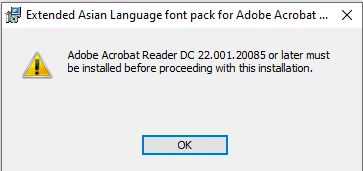
Then, when i click ok, this comes up:
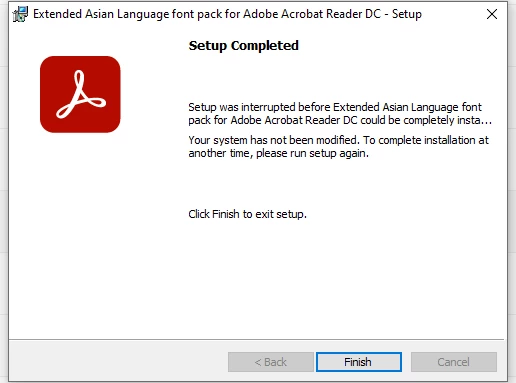
 

Im using the continuous release version 2022.003.20322


Correct answer Test Screen Name

That is the language pack for Acrobat Reader. But you have Acrobat Pro. It is included, try using the Programs Control Panel -> Modify.

1 reply

Test Screen NameCorrect answer
Legend
March 15, 2023

That is the language pack for Acrobat Reader. But you have Acrobat Pro. It is included, try using the Programs Control Panel -> Modify.

gzlightAuthor
Participant
March 15, 2023

that worked, thank you!

Participant
December 5, 2024

I am having the same problem and I modified Adobe Acrobat to add Korean under the "languages" section. Am I missing another step to make it work? It downloaded successfully onto my hard drive it says and I even restarted my computer but when I try to use the OCR scanner it can't recognize the text. What am I missing?