

Answered
cannot modify Web link
Hi!
I cannot edit/modify the red framed link, more over Acrobat says "There are no links on this page" however I can click on the link and it will open( it is dead so I want to modify it!)
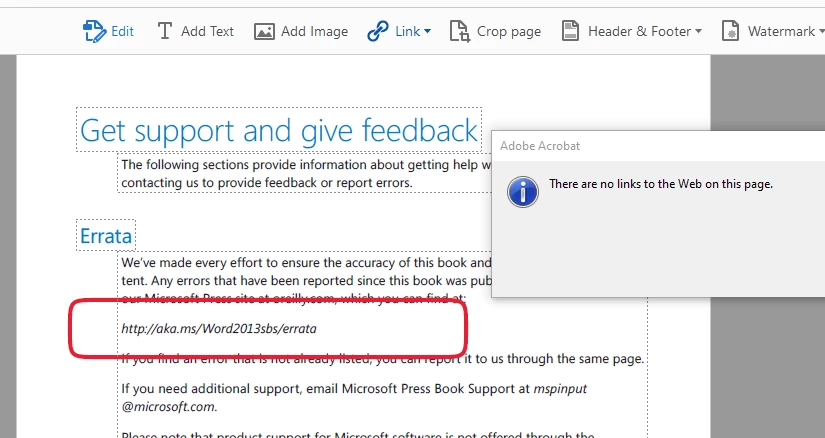
Any ideas?

Hi!
I cannot edit/modify the red framed link, more over Acrobat says "There are no links on this page" however I can click on the link and it will open( it is dead so I want to modify it!)
Any ideas?
Acrobat has an option where it converts plain-text URLs into clickable links (under Preferences - General - Create links from URLs). If you disable it, you'll see that that "link" is gone.
So in order to edit it you need to use the Edit Text tool and edit the actual text on the page. Also, if you want to make sure it's clickable even for those with this option disabled, add an actual Link object over it.
Already have an account? Login
Enter your E-mail address. We'll send you an e-mail with instructions to reset your password.
 AdChoices