


New Participant
August 27, 2024
Answered

Cannot open or install Acrobat Pro 2020 anymore due to errors on auth.services.adobe.com

  • August 27, 2024
  • 2 replies
  • 2951 views

Dear community,


I have recently changed the mainboard of my laptop due to a malfunction. When I tried to open the already installed Acrobat Pro 2020, it asks me to "Sign In" again.
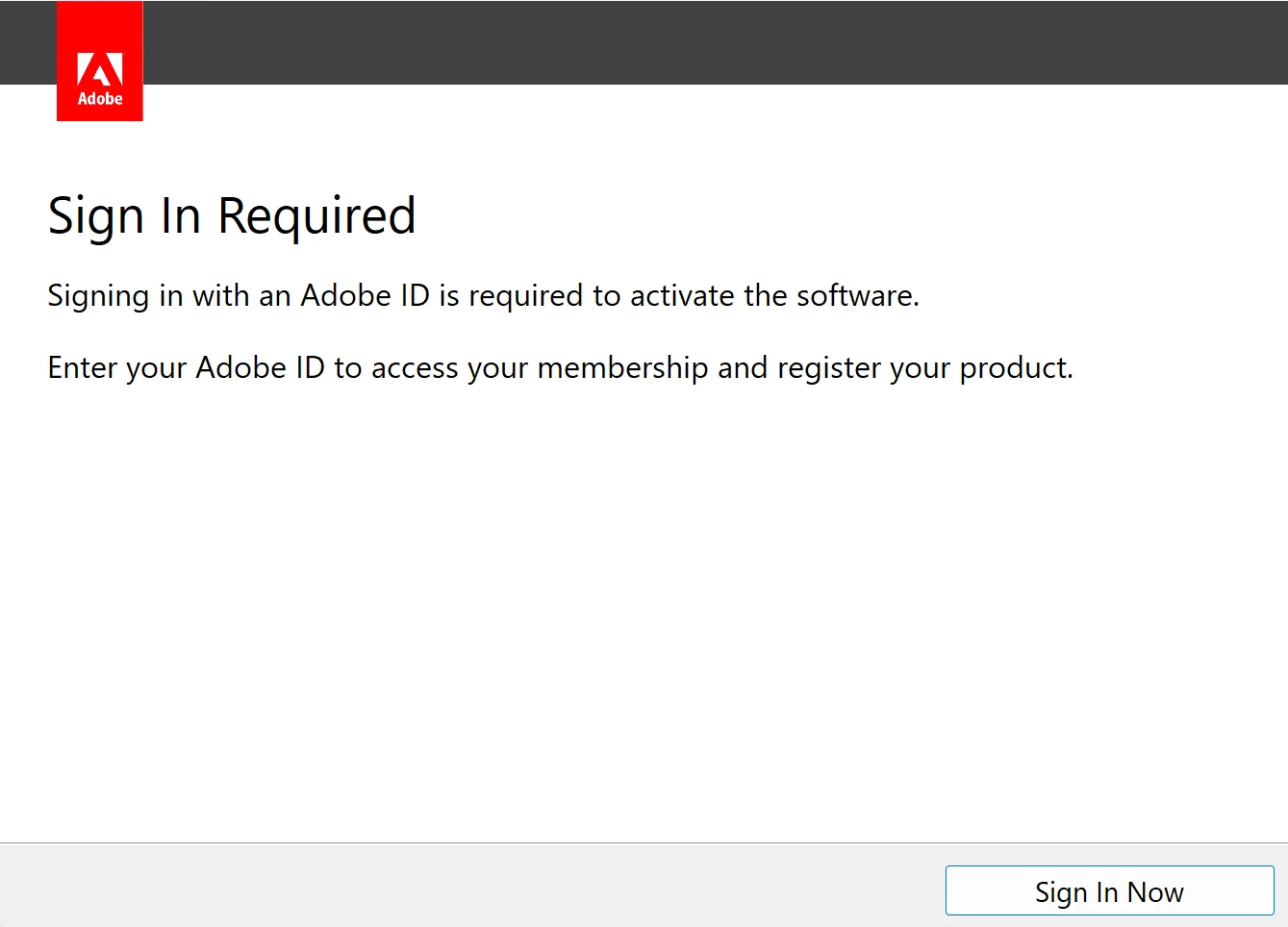


When I follow the "Sign In" button, I am redirected to the authentication prompt in my browser at https://auth.services.adobe.com/. However, as soon as I start typing my email into the authentication mask, it shows me an error that something went wrong.
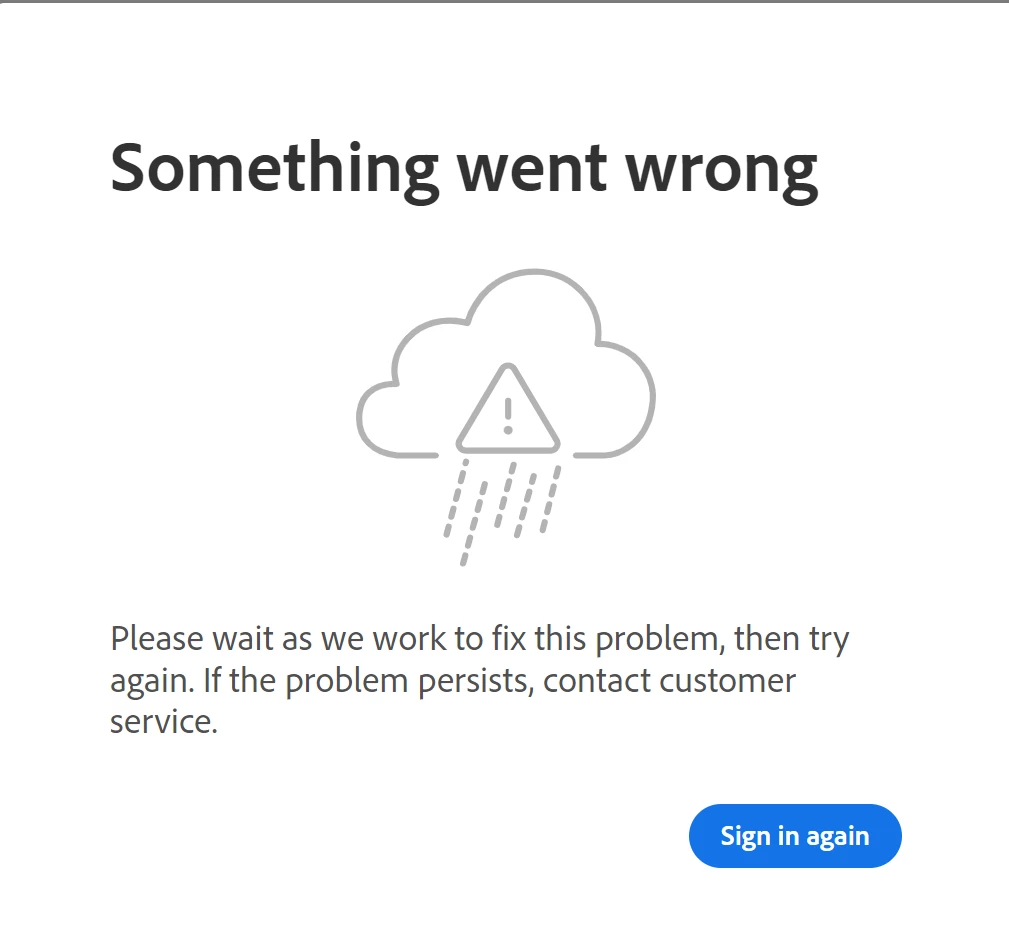
 

When I click on this "Sign in again", it redirects me to a form again where I should enter my email again. When I type my email there, it tells me that my email is either invalid or I have connection issues.
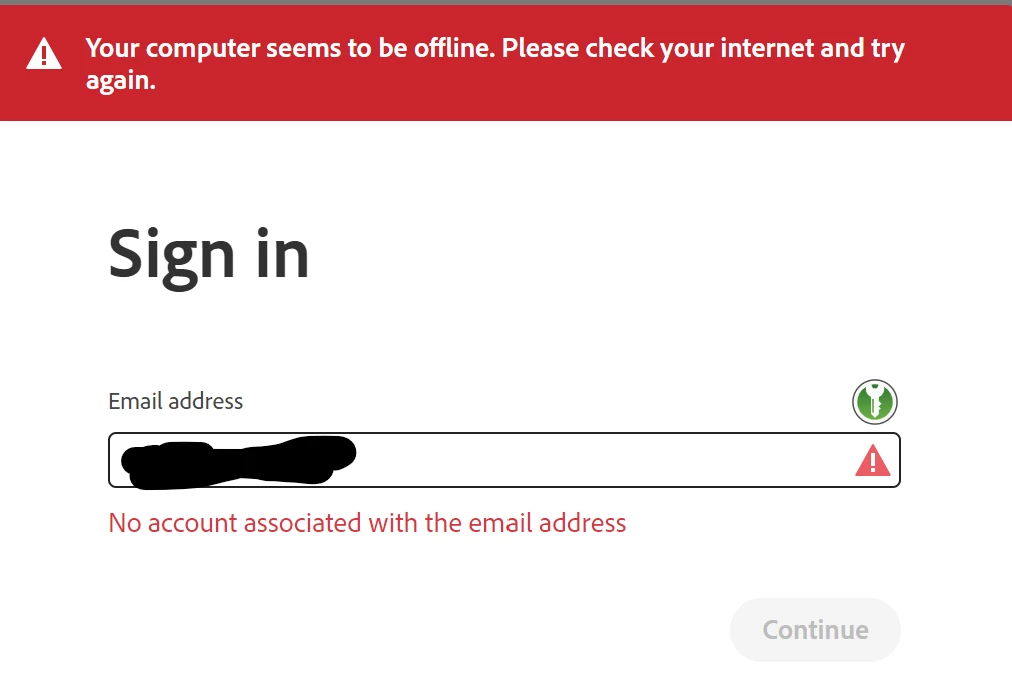
I am 100% the email is valid, because I am logged into my Adobe account with that email and my Adobe account has the license to said Adobe Pro 2020.


I first thought this is a temporary issue on Adobe's side, but I get this same issue now for 3 days. I further investigated the issue in my browser developer console and found that various requests to https://auth.services.adobe.com/ fail with a 404 error.
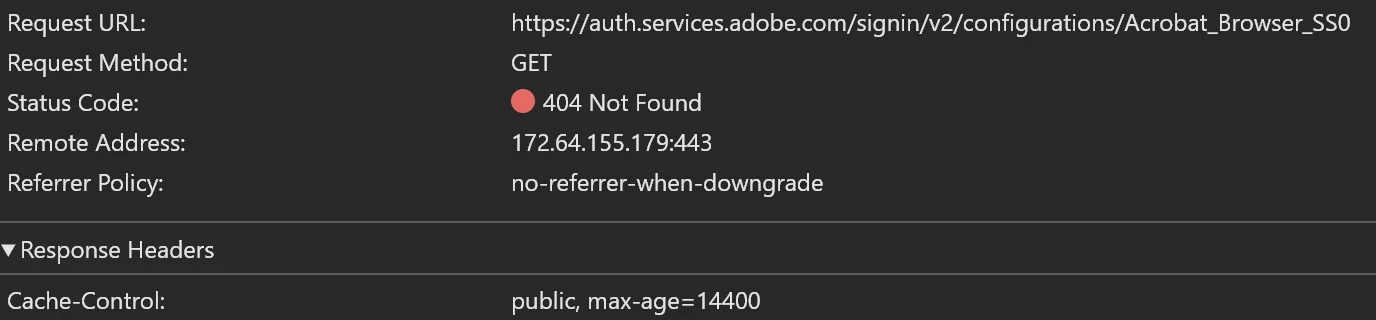
 

I have tried using another browser and I also tried to completely reinstall my Acrobat, but the issue persists. Does anyone have the same issue or knows how this can be fixed?


Correct answer davidj36661818

I could solve the problem with some troubleshooting of the customer support. It turns out this "Something went wrong" pops up, if the browser is not able to redirect back to the Acrobat application. This is the reason why it immediately showed the error when I started typing, because I was already logged into my account and the website tried to report the successful login to the application, which failed for whatever reason.


I use Chromium as my main browser. Once I changed my default browser to Edge, the redirection to the application worked successfully and the error was not showing up anymore.

2 replies

New Participant
September 13, 2024

I saw there was an issue with the Sign-In popping up randomly in a previous post: "Adobe Acrobat Pro 2020 Asking to Sign In". Maybe you can fix this problem by starting to disabling this popup, haven't tried it, though.

davidj36661818AuthorCorrect answer
New Participant
August 27, 2024

I could solve the problem with some troubleshooting of the customer support. It turns out this "Something went wrong" pops up, if the browser is not able to redirect back to the Acrobat application. This is the reason why it immediately showed the error when I started typing, because I was already logged into my account and the website tried to report the successful login to the application, which failed for whatever reason.


I use Chromium as my main browser. Once I changed my default browser to Edge, the redirection to the application worked successfully and the error was not showing up anymore.

New Participant
September 13, 2024

I use edge and it still does not start! Please help.


New Participant
September 13, 2024

What you can try, and what I did together with the Adobe support guy, is to create a temporary new user in Windows. You then login into this new user and see whether you can start Acrobat. Because it is a new OS user, it will also ask you to authenticate. Because this was a new user that was using the default browser settings, the login prompt for Adobe went through and I could start Acrobat. This showed me that something was wrong with the settings in my main Windows account.


Also when you say you used Edge, do you have Edge configured to be your default browser? When the problem started for me, I was trying to copy the web address in the Chromium address bar into Edge, which also showed me the same error. This led me to the wrong conclusion that it was not the browsers fault. However, It only started working when I changed my default browser to Edge.


If you already have Edge as your default browser, how about setting a Firefox as your default browser?
