Saher Naji
Inspiring
November 27, 2022
Answered

Change the style of Radio Button values

  • November 27, 2022
  • 2 replies
  • 3090 views

hello there,

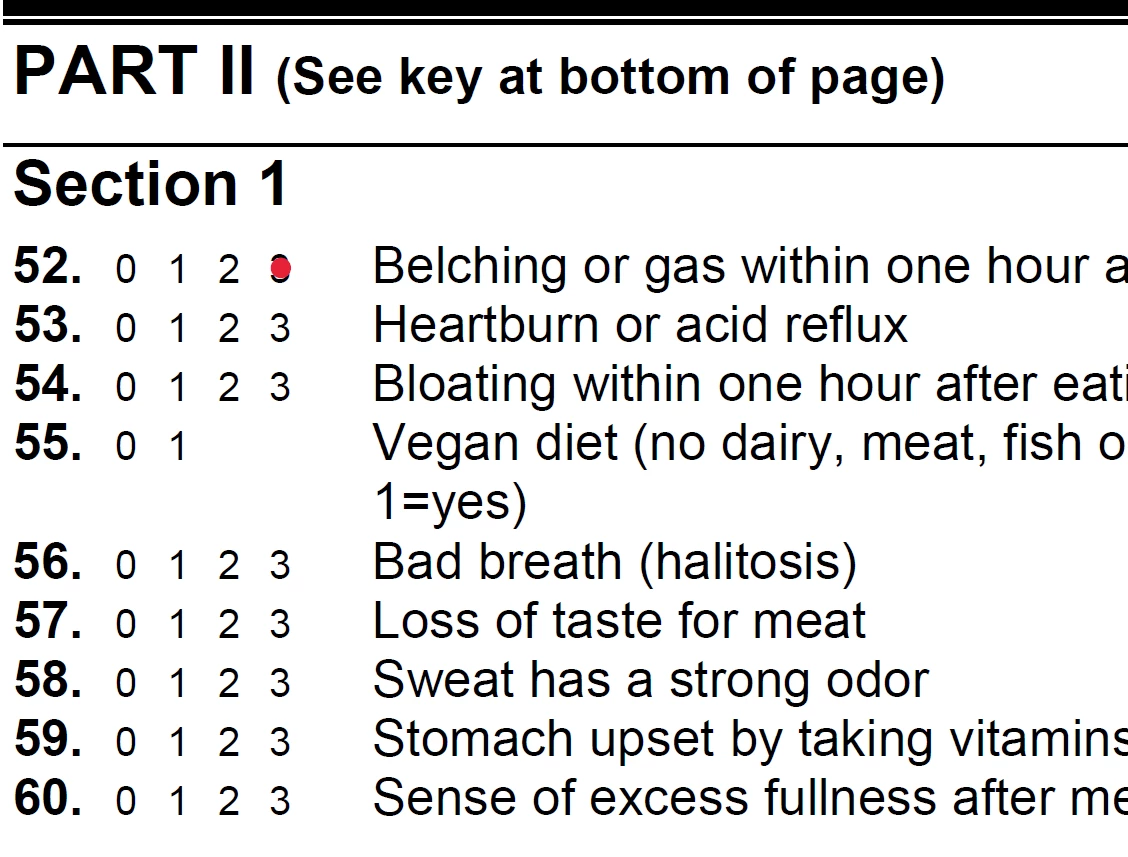
Is there a way to add other styles to the button style?

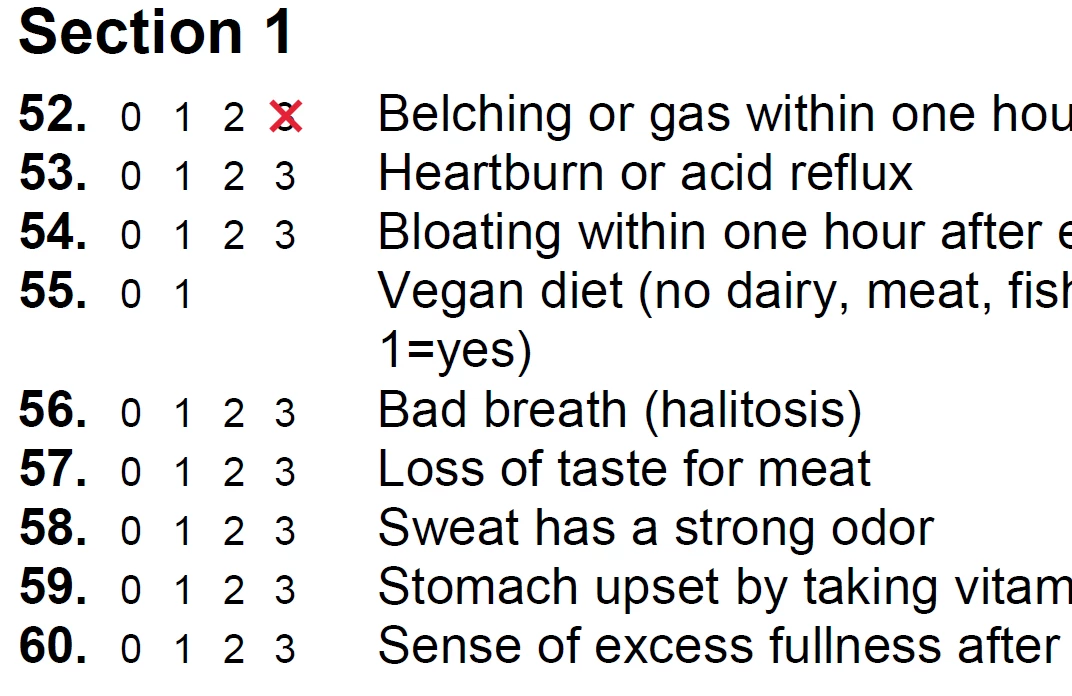
I have a very long questionnaire with many sections, I don't want to redesign it, so what I'm looking for is add an empty circle when I click on any option from 0 to 3, I know there is a circle in the button styles, but it will cover the text.


Thank you


This topic has been closed for replies.
Correct answer Nesa Nurani

Here is new example to calculate total also:

https://drive.google.com/file/d/1qqulz7ZYz0VxmOj6j707YD9EgjylpcE9/view?usp=share_link 

2 replies

Saher Naji
Inspiring
November 27, 2022

Check this example file please

Nesa Nurani
Community Expert
Community Expert
November 27, 2022

There are a couple of ways to achieve that, although it would be much easier if you use square instead of circle but anyway here is an example using radio buttons and buttons field, scripts are in button fields under 'Action' tab.

If you need more instructions, let me know.

https://drive.google.com/file/d/1oNaAqtm9iuN-Fwe-0Wa3tgXuxYOUp7ru/view?usp=share_link 


Saher Naji
Inspiring
November 27, 2022

Thanks @Nesa Nurani 

It's a good idea in case I don't want to calucalte the values of the radio buttons, I have to use a radio buttons, not a button, could we use the same JavaScript code with Radio Buttons?  

Nesa Nurani
Community Expert
Nesa NuraniCommunity ExpertCorrect answer
Community Expert
November 27, 2022