


New Participant
August 20, 2012
Answered

Combine files stuck on checking for security settings?

  • August 20, 2012
  • 13 replies
  • 90212 views

Adobe Acrobat X Pro 10.1.1 on Mac OS X 10.6.8

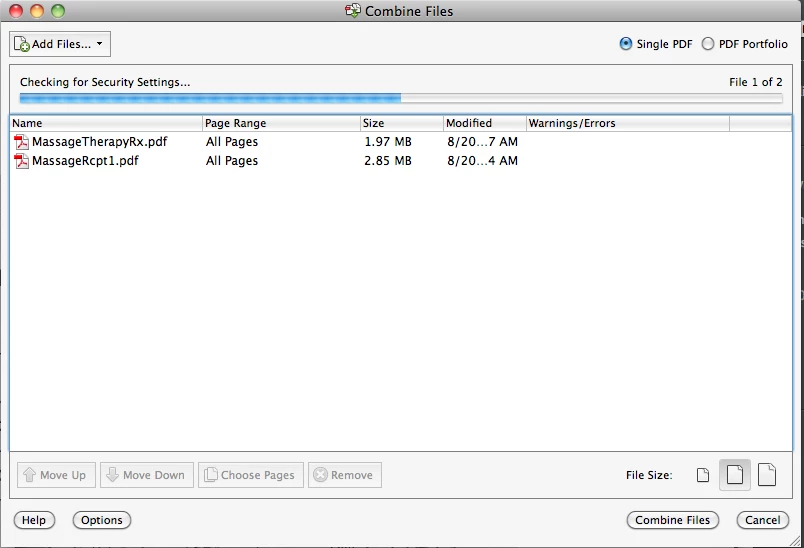
I've been trying to combine 2 pdf files (scanned to pdf using Preview on Mac) in Adobe Acrobat. However, it keeps getting stuck on checking for security settings for a long time (see screenshot below).
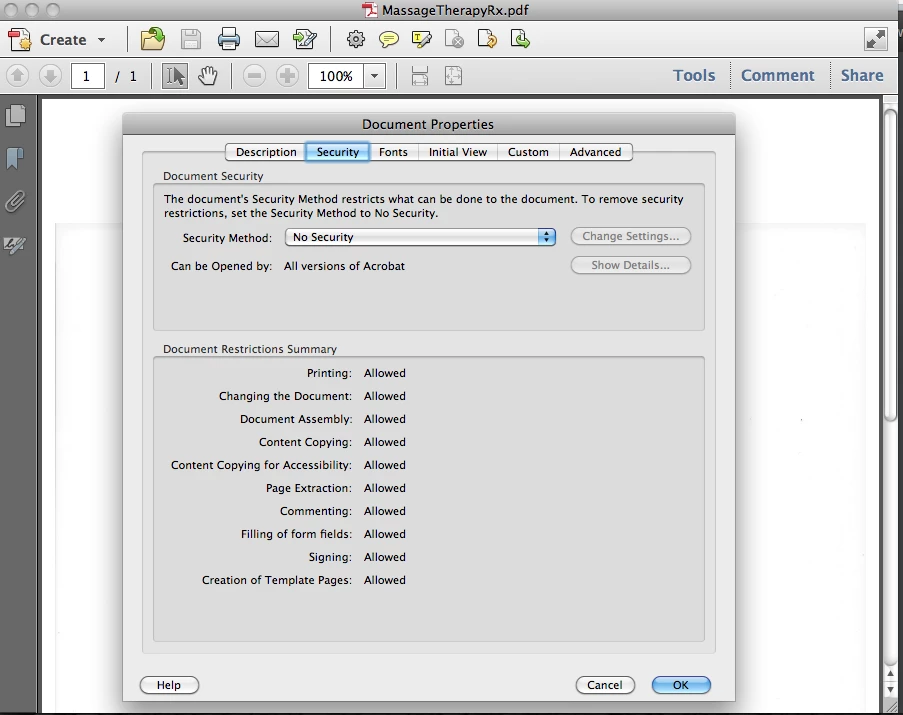
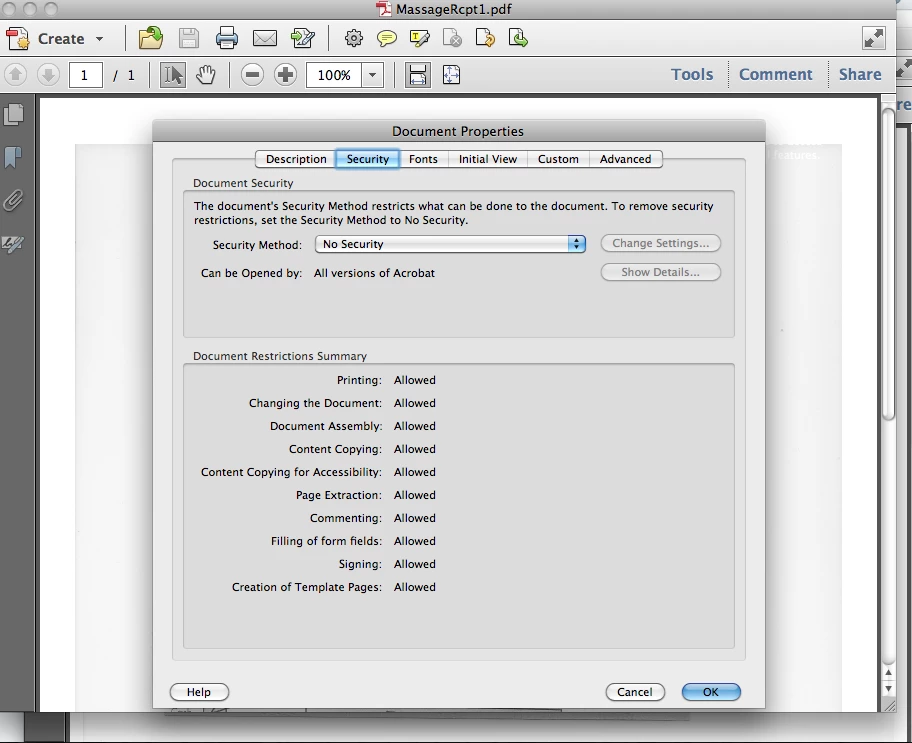
I checked the security settings on each pdf file and they both are showing no security.
I opened the original file using Preview, open the Print window and saved it to PDF under different name and still I can't combine the files. Is there any other way to get this done? I've been searching on Google and this forum for hours and found no solution to my problem.

Thanks.

Correct answer Test Screen Name

Insert Pages is the normal tool for combining PDF files, possibly many thousands of pages; the special thing in the File menu is a new tool, and not any more efficient in its resuls. For combining just two files, it hardly seems even quicker to use.

After combining files it's important to use SAVE AS PDF not just SAVE. This does some housekeeping, otherwise the resulting file is much larger than it needs to be.

13 replies

i.2b3
Participating Frequently
May 21, 2013

I have the same problem. I am on Mac 10.7.5 with Acrobat X 10.1.7

New Participant
November 7, 2012

I'm having this issue 'out of the box'.

I've checked my files and there are no security restrictions applied to them.

Adobe do not provide a way for me to email their support team or create a support ticket within My Adobe regarding this issue.

I think the least they could do is answer this question right here on the public forum.

Perhaps the answer is to use another piece of software. Pity, I paid money for Acrobat.

Inspiring
August 20, 2012

You might want to open them in Acrobat and use preflight to check the consistency of the PDFs. Then possibly save them to new PDF names in Acrobat. See if the new files can be combined. It sounds like a structure issue, and maybe the save as will resolve the structure problem. Have you tried opening one and then use the Insert Pages option to insert the other document?

icenyAuthor
New Participant
August 20, 2012

Bill, I'm not sure which option to choose for the preflight. Can you please explain more?

I did try the Insert Pages option and it works. However, I would still love to know if preflight will fix the security settings issue when combining files. Surely, Insert Pages won't be as efficient when it comes to combining more than 20 pages

Thanks!

Test Screen NameCorrect answer
Brainiac
November 7, 2012

Insert Pages is the normal tool for combining PDF files, possibly many thousands of pages; the special thing in the File menu is a new tool, and not any more efficient in its resuls. For combining just two files, it hardly seems even quicker to use.

After combining files it's important to use SAVE AS PDF not just SAVE. This does some housekeeping, otherwise the resulting file is much larger than it needs to be.