


Participating Frequently
September 22, 2023
Answered

Contact your administrator error on Acrobat.

  • September 22, 2023
  • 7 replies
  • 19526 views

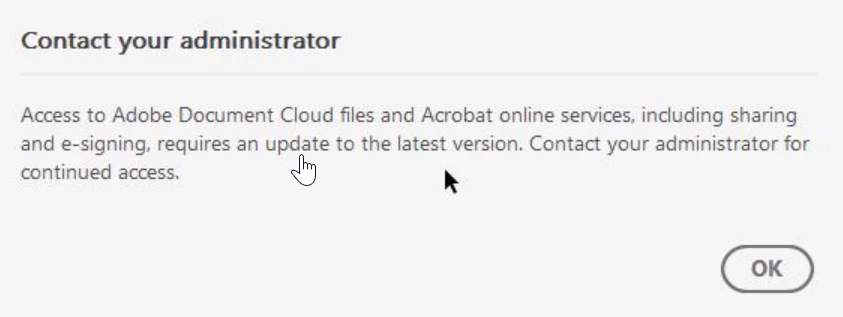
The below error keeps appearing for my users with a full CC license. I have updated Acrobat but it made no difference.


Contact your administrator


Access to Adobe Document Cloud files and Acrobat online services, including sharing and e-signing, requires an update to the latest version. Contact your administrator for continued access.
 

Correct answer Kevin Stohlmeyer

@ormso38823769 This message is correct. Your Adobe Admin must enable these services in the Admin Console profile in order to access.

7 replies

Participant
July 10, 2024

I had the same issue with some users with Adobe Acrobat DC. I execute repair installation of Adobe Acrobat app from Apps and Features and the issue got fixed.

AnandSri
Community Manager
Community Manager
March 10, 2025

Hello!


Thank you for sharing your findings, and steps to resolve the issue. For future references, you can refer to this article: https://adobe.ly/43BWhjB


Thanks,

Anand Sri.

Participant
March 22, 2024

but then how do I solve the problem so it sends letter out ?

Participant
March 22, 2024

Why when I send a letter for e signature do I keep getting not connected to server' which then prevents letter from being sent ? Is this a problem with Acrobat Pro ? 

kglad
Community Expert
Community Expert
March 22, 2024

@Lifetime Mort. & Fin. Ltd 


do you have a teams or enterprise subscription?

Participant
February 11, 2024

I found this and it fixed our issues on Server 2022: 

Community Beginner , 
Jan 17, 2024

Copy link to clipboard


Found the issue!


Apparantly other programs have the same issue because of windows update KB5034129 (No Patch Tuesday Megathread for January? : sysadmin (reddit.com))


for us deleteing the following registry keys fixed the issue:

"HKLM:\Software\Microsoft\Windows NT\CurrentVersion\Image File Execution Options\AcroCEF.exe",
"HKLM:\Software\Microsoft\Windows NT\CurrentVersion\Image File Execution Options\RdrCEF.exe"

Participating Frequently
December 21, 2023

Why would I be getting this same error when my license is just an individual license? I have no admin, I dont have an enterprise edition nor access to those settings. But I get thi error daily.


Kevin Stohlmeyer
Community Expert
Community Expert
December 21, 2023

@PA Art Dept is your license managed at all like an educational program? If not, update your Acrobat.

Participating Frequently
December 21, 2023

We are a small business so it is just a single license purchased from Adobe that renews annually. Creative Cloud shows my Acrobat is up to date also.

Kevin Stohlmeyer
Community Expert
Kevin StohlmeyerCommunity ExpertCorrect answer
Community Expert
September 22, 2023

@ormso38823769 This message is correct. Your Adobe Admin must enable these services in the Admin Console profile in order to access.

Participating Frequently
September 26, 2023

Hi @Kevin Stohlmeyer how do I do this? I did look around but didn't see anything obvious...

Kevin Stohlmeyer
Community Expert
Community Expert
September 26, 2023

@ormso38823769 are you the admin with access to the Adobe Admin Console?

kglad
Community Expert
Community Expert
September 22, 2023

are the cc apps updated?

Participating Frequently
September 26, 2023

They are.