


New Participant
October 5, 2022
Question

Convert/Print a Dynamic XML format PDF to A Static PDF on MAC

  • October 5, 2022
  • 5 replies
  • 6519 views

Dear community


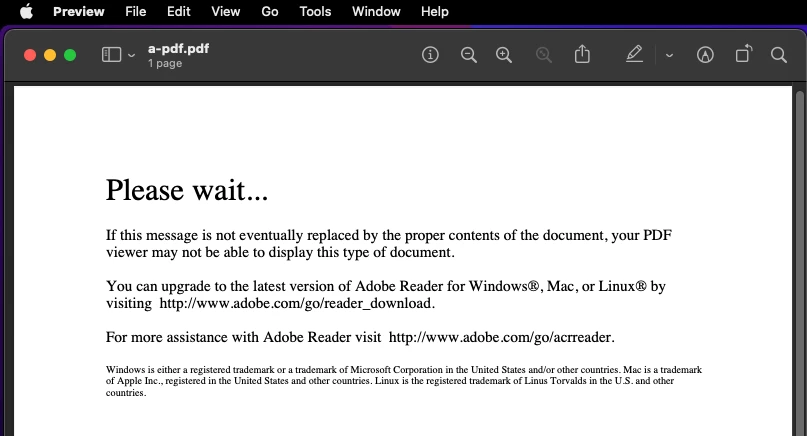
I have to fill a PDF form in Dynamic XML format, which can only be opened with Adobe Acrobat. If you open it in other apps, it will show you:
 

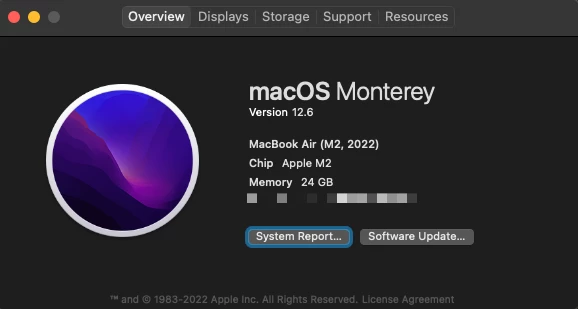
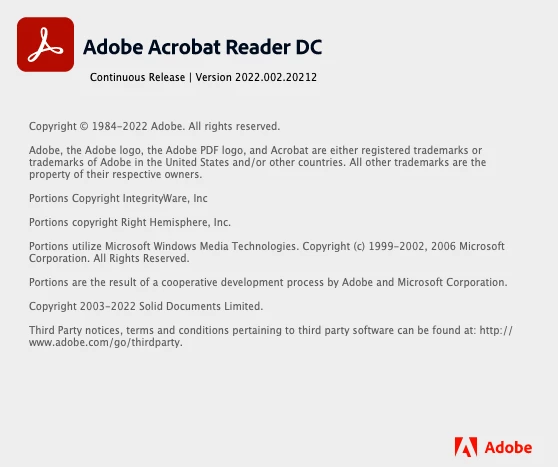
After I downloaded and finished the PDF in the free Adobe Acrobat Reader DC. I have to save a static PDF to submit it. However, I tried many different methods. Nothing works. My system and software versions are:
 

I've tried File - Print - Printer and then tried to save it as a PDF or PostScript
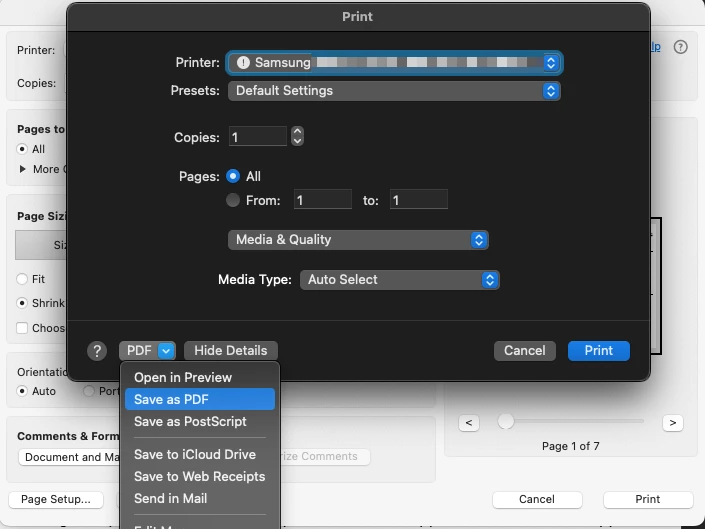
But I will always get the following message:
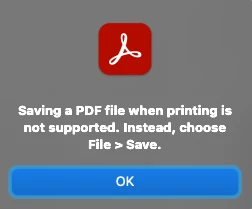
 

Could someone please help me with this? I really have to concert the dynamic PDF to a static/flatten one on Mac. Is this doable with the free version of Adobe Acrobat Reader DC?


Thanks in advance.

5 replies

JR Boulay
Community Expert
October 6, 2022

PS:

"Handle" being a big word because Preview opens them by removing all interactivity, formatting, scripting, etc. without warning the user.

Acrobate du PDF, InDesigner et Photoshopographe
JR Boulay
Community Expert
October 6, 2022

Sorry, Preview handle "static" XFA-PDF forms only, it does not handle "dynamic" XFA-PDF forms.


In a static form the form’s appearance and layout is fixed, regardless of the field content. Any unfilled fields are present in the form. By default, static forms do not require re-rendering. XFA recognises two types of static forms: "old-style static forms" (using "full XFA") and XFAF (a subset of full XFA, defined since XFA 2.5).

Dynamic forms (defined since XFA 2.1 or 2.2) can change in appearance in several ways in response to changes in the data. Dynamic form requires rendering of its content on file opening. Dynamic forms may also be designed to change structure to accommodate changes in the structure of the data supplied to the form. For example, a page of a form may be omitted if there is no data for it. Another example is a field that may occupy a variable amount of space on the page, resizing itself to efficiently hold its content. Dynamic form cannot rely on a PDF representation of its boilerplate, because the positioning and layout of the boilerplate change as the fields grow and shrink or as subforms are omitted and included.

Wikipedia

Acrobate du PDF, InDesigner et Photoshopographe
JR Boulay
Community Expert
October 5, 2022

"I really have to concert the dynamic PDF to a static/flatten one on Mac. Is this doable with the free version of Adobe Acrobat Reader DC?"

No.

But you can do it with Preview, just be sure to work on a copy since Preview (aka "the PDF killer") will break or remove most of the PDF features in the file without any warning.

Acrobate du PDF, InDesigner et Photoshopographe
New Participant
October 5, 2022

Thx. Could you please be more specific? What do you mean by "do it with Preview"? I have tried to print it with Preview before posting As you can see from the screenshot. The printed version will only include that "Please wait..." message.

Brainiac
October 5, 2022

Or on a Mac, even with paid-for Acrobat. Such files are basically stuck in their "dynamic form" world.

You say you "have to save as a static PDF in order to submit it". Are you sure? Is this really what the form's maker says you must do?

New Participant
October 5, 2022

Thx. This is so annoying as you can only open it with Acrobat. 

Brainiac
October 5, 2022

Why can't you just return the filled in form, saved in Acrobat? That's what I'd expect for a dynamic form, if I made one, I would not want anything done to the form (in fact it might invalidate it, and for a government form, could get all sorts of trouble). Have you tried just sending the filled-in PDF? (If it's appropriate you could share the link to any instructions for the form).

Bernd Alheit
Community Expert
October 5, 2022

Not possible with Acrobat Reader.

New Participant
October 5, 2022

If not, may I know if there is any solution for this on MAC?