


Participant
July 27, 2023
Answered
Converted MS Word table to Adobe and Accessibility Issues/Reading Order
- July 27, 2023
- 1 reply
- 1239 views
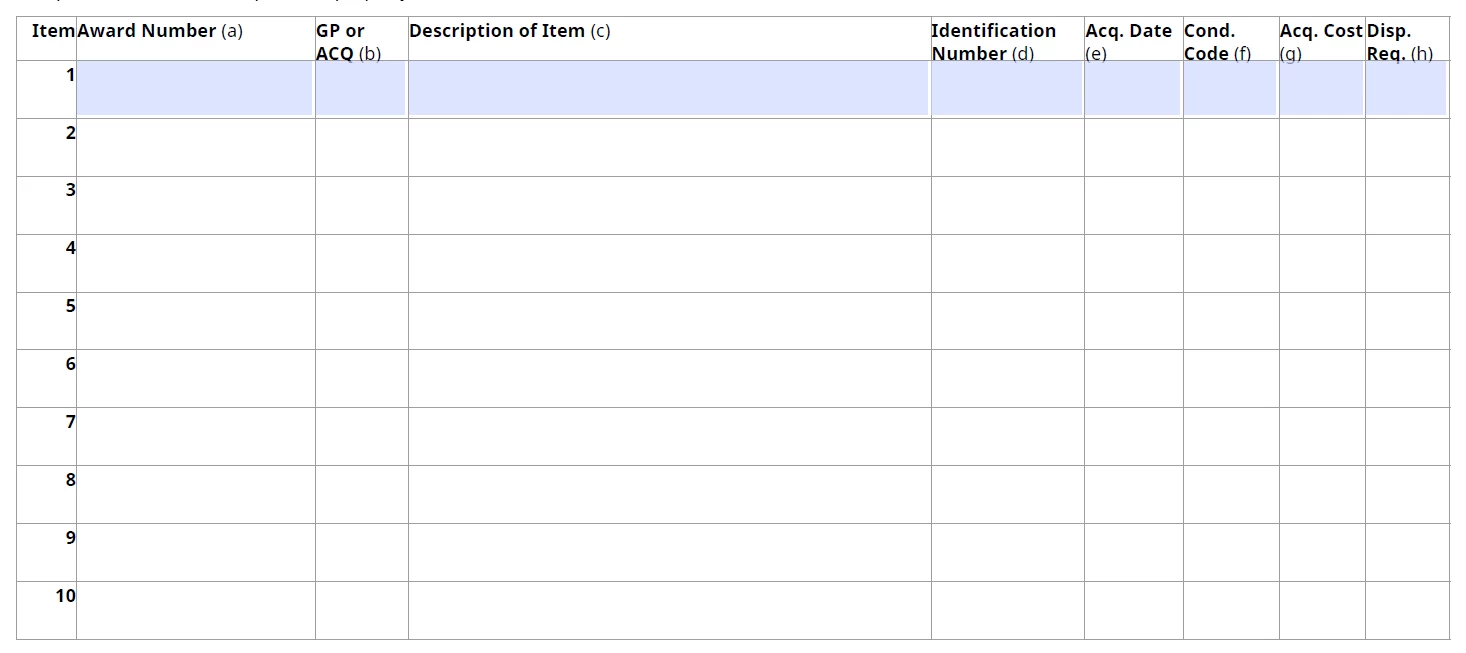
Hi. We have a large inventory of forms that were created in MS Word using Tables. They were converted to Adobe PDF and many are fillable forms. Tables were used to design the forms and we have learned that those are harder to make accessible. Reading Order presents a problem since it's a fillable form.
Is it better to remove all the tags out from under the <Table> tag, and move the <P> tags and form fields?
Or is there an easier way to tag and fix the reading order under the Table tag?
Example attached.
The first image is after the form was converted and AutoWizard, auto tagging was used.
The second image is after moving all the tags out from under the Table tag.
Thanks.
 AdChoices