


Participating Frequently
June 11, 2024
Answered

CS6 Sign in Error with Adobe Acrobat

  • June 11, 2024
  • 3 replies
  • 2870 views

Starting yesterday when I tried to open a PDF Acrobat gave me this message:
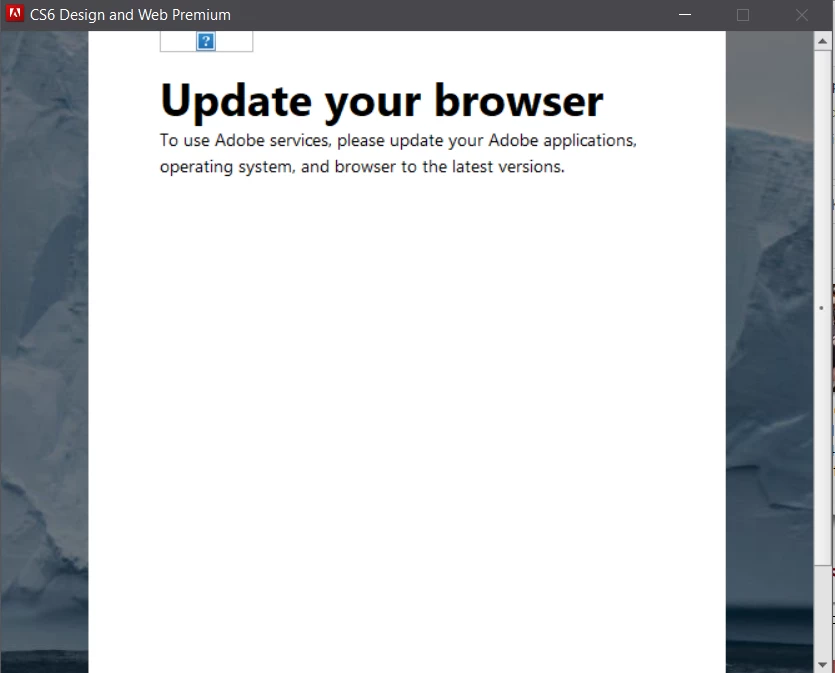


For at least a year my Acrobat has been requiring me to log in and enter my serial number in order to use Adobe Acrobat. I had tried re-installing it, that didn't fix it, but I didn't mind logging in and plugging in the serial number each time, because I use the software infrequently. Last week it started doing a QR code. Which I thought was strange, but whatever. But now it just says this. I have the latest version of Chrome, and I'm on Windows 10

This topic has been closed for replies.
Correct answer jonathans63514043

I also had the same problem launching Photoshop CS6 today but I was able to fix it by updating the Adobe Application Manager included with CS6 to Creative Cloud. I posted the details here. Maybe this will work for you too?

3 replies

jonathans63514043
jonathans63514043Correct answer
New Participant
June 12, 2024

I also had the same problem launching Photoshop CS6 today but I was able to fix it by updating the Adobe Application Manager included with CS6 to Creative Cloud. I posted the details here. Maybe this will work for you too?

ElestrialAuthor
Participating Frequently
June 13, 2024

You are a life saver - thank you so much! I followed your steps, but when Creative Cloud tried to update it got hung up and stalled so being the impatient person that I am, I xed out of that. Tried to open Adobe Acrobat just to see if removing the application manager was enough and now it works again. The application manager must have been the problem.

I still have to enter my serial number each time, so I'll try the Creative Cloud update again when my irritation for the serial number gets larger than the irritation of having to wait through that huge CC update

New Participant
June 11, 2024

Hi @Elestrial @Jeffrey_A_Wright just jumped here from the Studio Texo chat. I'm having the same issue/.message here - recently had to reset my newish desktop. Have gone to reinstall my CS6 from 2013 purchase, which has been successful twice before, and now encountering this. My browsers all seem up to date.

Any help v welcome - cheers

New Participant
June 11, 2024

I'm having the same issues. Just deactivated Photoshop CS6 on an old win10 laptop and trying to install it on a new win11 laptop. I tried to sign in but got the dreaded "Update your browser" message. I have just removed and reinstalled and proceeded without choosing the sign in option. It works but I did get warned that itbwill stop working inn 7 days if I don't sign in.

New Participant
June 11, 2024

So far so good. I'll report back in a week!

Jeffrey_A_Wright
Community Manager
Community Manager
June 11, 2024

@Elestrial thanks for starting a new discussion.


Do you know what caused you to have to enter the serial number and the Adobe Account information everytime you launched Acrobat?

Were any new system utilities or optimizers installed on the computer at the same time?

Was software installed that could be removing the licensing information, @Elestrial ?

Finally, did you need to enter the serial number and account information everytime you launched Acrobat, or just after the computer had been rebooted?

ElestrialAuthor
Participating Frequently
June 11, 2024

No, nothing had changed on my end that I'm aware of when it started doing that. I had to sign into Adobe and put in my serial number every time I launched Acrobat