I can not share the full PDF, as some pages contain customer data. I removed these pages (they only contain text and don't show any errors) and attached the document.
After removing the pages, the remaining pages now show most of the text. But especially on the second page, some of the text is replaced by black dots (screenshot attached). This also happens in several other PDF files, which have not been created by us (but by authorities of several countries).
I tried to use preflight, but when I click on it, Adobe shows a message that Preflight needs to be installed manually and directs me to the Adobe website. But the link leads to an error page (Error 404: Page not found).
Hi @raphael_2525,
Thanks for sharing the file.
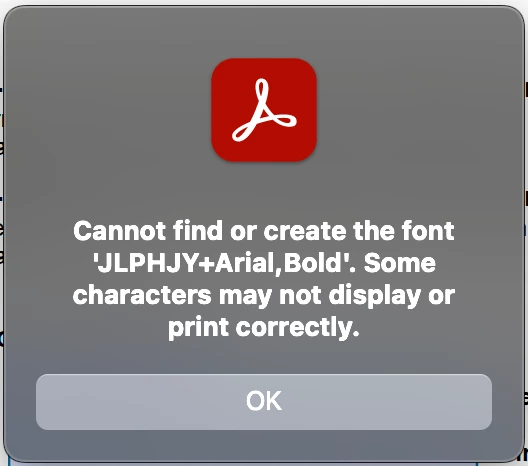
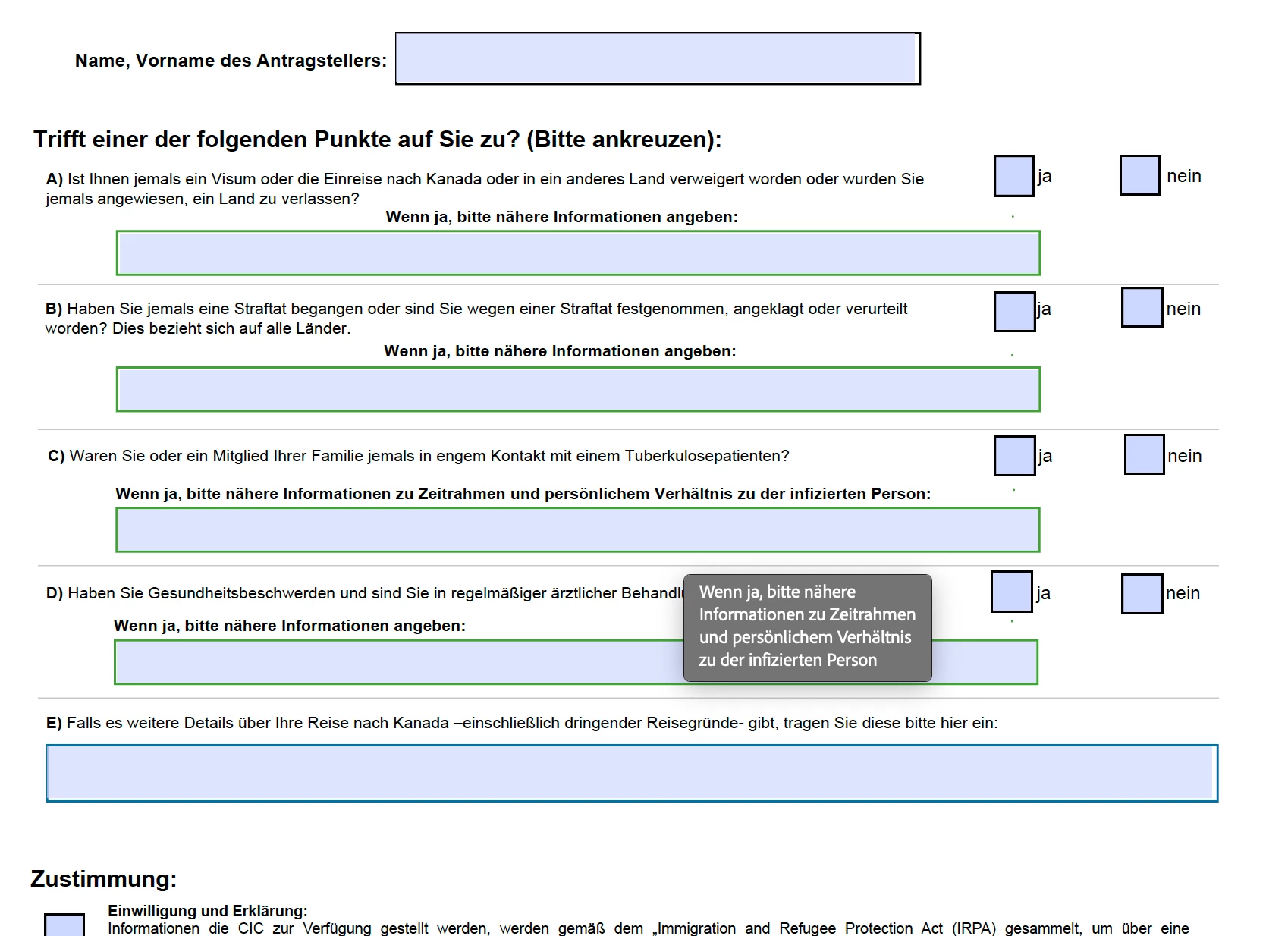
When I open the file, the error message for the font "ULPHJY +Arial, Bold" appears. Since this file was created with a third-party app, it likely used a custom font. While Acrobat attempts to render the file, the font does not seem to be properly embedded, hence the error.
After I used the Preflight font fix-up, the file opened, and those dotted lines turned into text. I know it may not fulfil your requirement that a font face be used, but now it is clear the issue is with the file, not with the app.
Please check the file attached that I fixed.
FYI... Why does Acrobat show font issues while browsers/other apps render fine
1. Acrobat is stricter about fonts
-
Acrobat and Reader strictly follow the PDF specification.
-
If a PDF doesn’t embed fonts properly, Acrobat tries to use the exact system font (or substitute one) → If a font is missing, you’ll see errors like “Cannot find or create the font.”
-
Browsers (Chrome, Edge, Firefox) or other viewers are more forgiving, and silently substitute with any available font without warning.
2. Font embedding differences
-
If the PDF creator only partially embedded fonts or didn’t embed them at all, Acrobat notices this and highlights the issue.
-
Browsers just render with a fallback font that “looks close enough.”
3. Transparency and text rendering
-
Acrobat uses a full PostScript and PDF engine to render content.
-
Many other viewers use lightweight rendering libraries (like PDFium in Chrome) that rasterize text differently, masking font issues.
4. Security / Licensing compliance



 AdChoices