


Participant
September 23, 2020
Question

Document is blanking out

  • September 23, 2020
  • 1 reply
  • 261 views

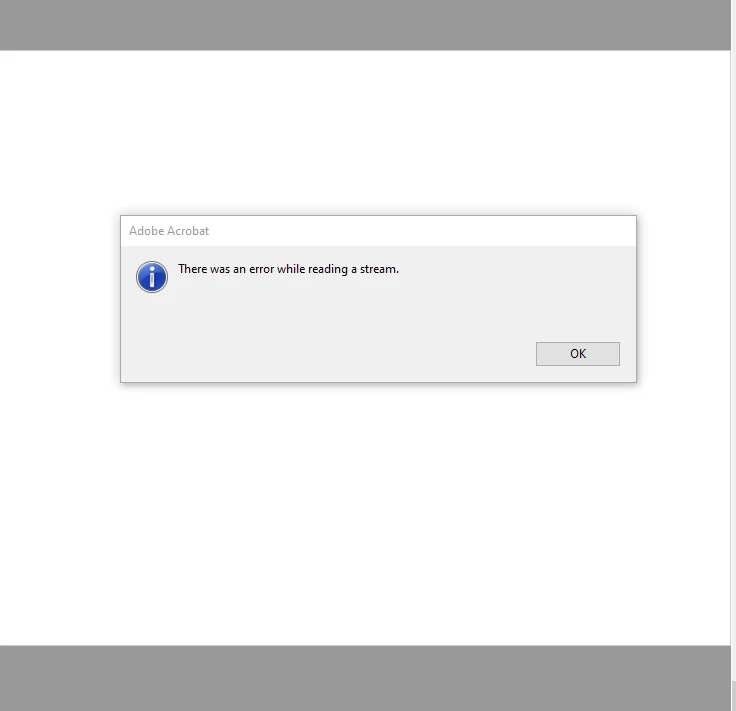
This is happening extremely frequently at this ponit.  Using Acrobat DC.  Document that is opened (seems like especialy for picture-heavy documents) results in the document completely blanking out, i.e., only showing blank pages when you scroll.  Usually happens when I switch away to work on some other application for the moment.  This is infuriating.  See below.  Anything I'm working on goes completely blank.

Any solutions to this?  It is forcing me to open the documents multiple times.
This topic has been closed for replies.

1 reply

AkanchhaS8194121
Legend
September 24, 2020

Hello,


Where exactly there documents are located? 

Is this happening with all the PDF's files? If the file is located on Shared/Network drive, try to copy them locally and try opening again.


Also, let us know the version of Acrobat and Reader installed. And name and version of operating system you are using.

Try disabling the following preferences settings and see if that makes a difference:

Win: Navigate to Acrobat>Edit>Preferences>Security (Enhanced)>disable "Protected Mode at Startup", "Protected View" and "Enhanced Security">OK>close and reopen Acrobat

Mac: Navigate to Adobe Acrobat>Preferences>Security (Enhanced)>disable "Protected View" and "Enhanced Security">OK>close and reopen Acrobat
Note: these changes are only for testing purpose. Once tested, please change it back to the previous setting. 


Thanks,

Akanchha

MSB- Esq.Author
Participant
September 24, 2020

Thank you for the suggestions.


The files are located on a shared drive as they are shared with several people.  I believe the shared drive is the issue.  I’ve already tried your suggested preferences changes, as have my IT people, and the problem still persists.  It is crippling work flow.


Is this really a problem that can’t be fixed if you use a shared drive?  I can’t view any pdf for more than ten minutes without it happening.