samm18018402
Known Participant
December 7, 2022
Question

Embed link from PDF not opening a new PDF file

  • December 7, 2022
  • 4 replies
  • 1690 views

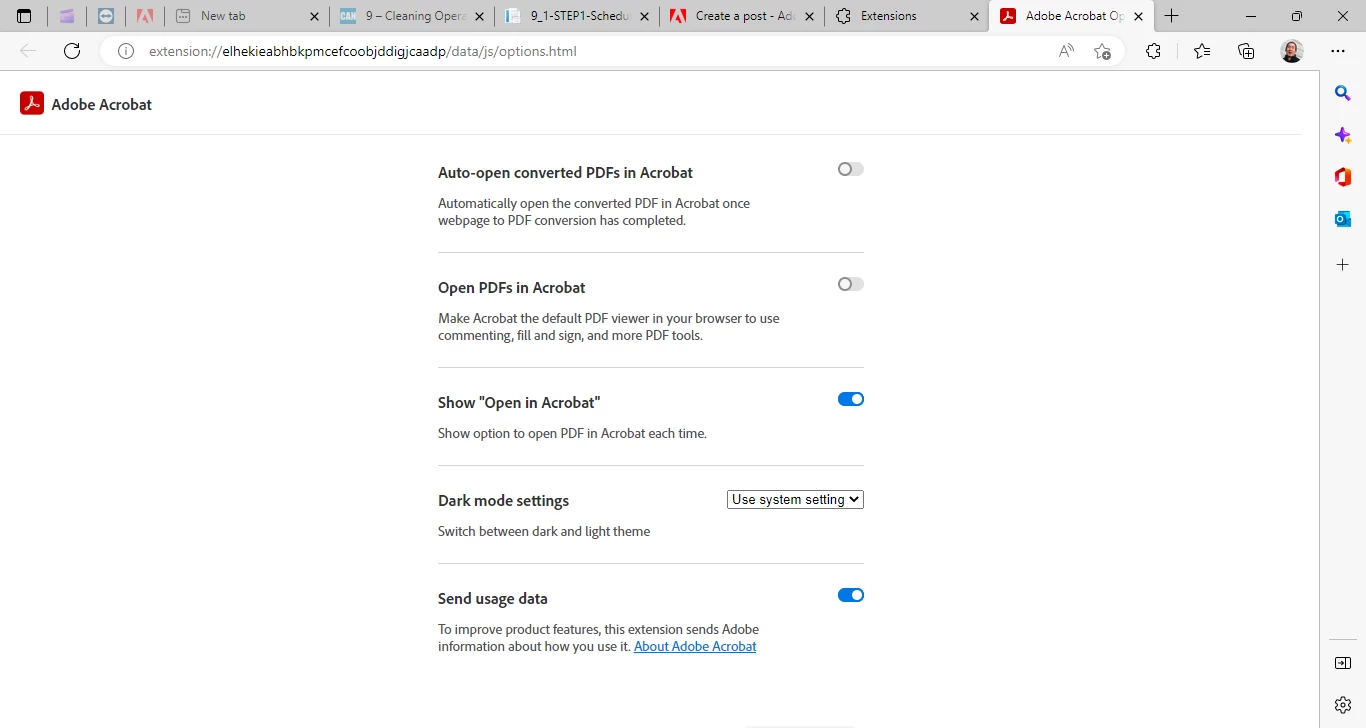
Hi,  I installed an adobe acrobat extenion in Edge browser.  I did all these:
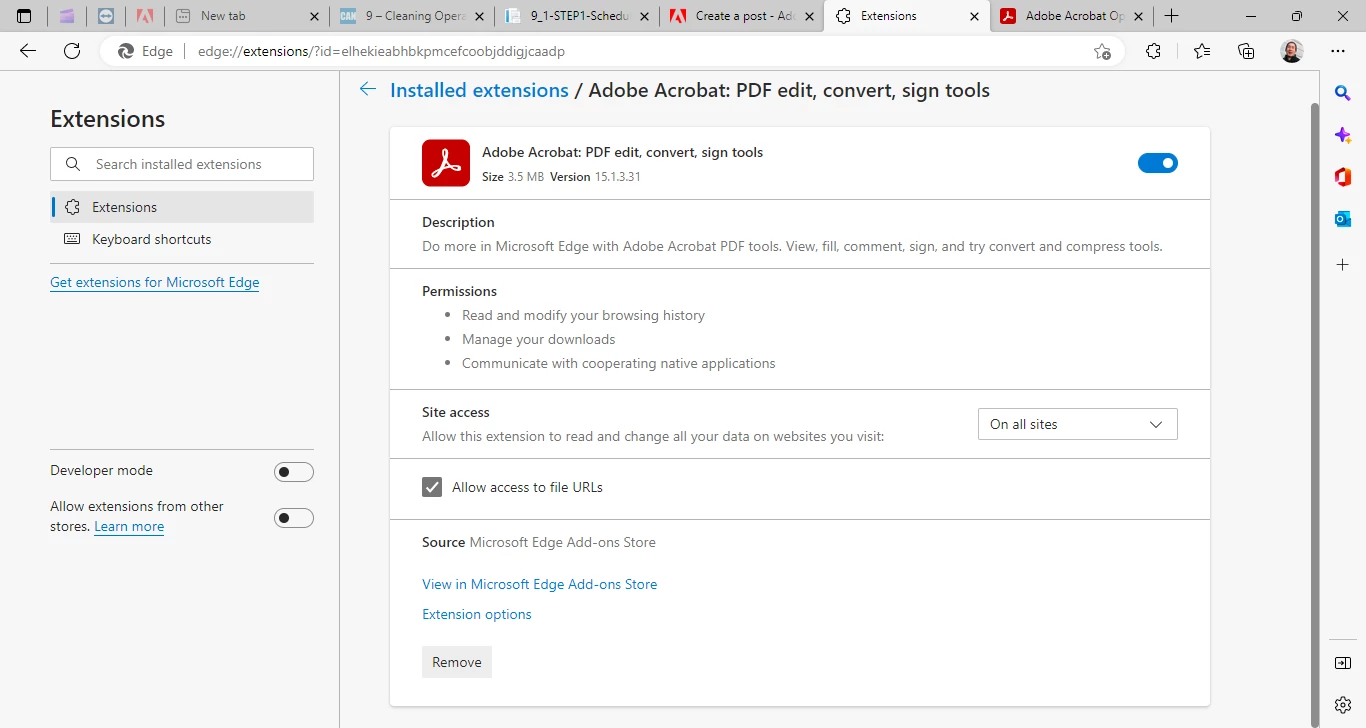


In my PDF file, the embed link is an button. After click, it did not open a PDF file. What am I missing here?



This topic has been closed for replies.

4 replies

samm18018402
Known Participant
December 8, 2022

LATEST UPDAT


(UPDATE)<br>

This is how Opera and Google Chrome show my URL after I click a button in the PDF, which opens a PDF file. <br>
//example.azurewebsites.net/CANGC/Process/off-site-facility-management/6_1-Chemistry/Step-Descriptions/6-1-1/6-1-1-1.pdf


This is how Edge shows the URL after the click, which cannot locate the file.

//example.azurewebsites.net/CANGC/Process/off-site-facility-management/6_1-Chemistry/Flow-Chart/6.1%20Ultrasonic%20Chemistry%20Management/2.%20Process%20Design/2b.%20Step%20Descriptions/1%20-%20Chemical%20Inventory/6-1-1-1.pdf

Edge rewrote the URL longer, forcing the path wrong.

What's funny is that I put the same URL into the Edge Browser, which opens that PDF file. The extensions do not solve my problem. Is there another solution out there?

samm18018402
Known Participant
December 8, 2022

(UPDATE)
OPERA, FIREFOX, CHROME display my URL path this way:
Process/environmental-health-and-safety/3_3-Safety/Step-Descriptions/1-Process-Improvements/3-3-1-6.pdf

IE EDGE
Process/environmental-health-and-safety/3_3-Safety/Flow-Chart/3.3%20Safety/2.%20Process%20Design/2b.%20Step%20Descriptions/1%20-%20Process%20Improvements/3-3-1-6.pdf

Why is IE Edge ignores hyphens?

samm18018402
Known Participant
December 7, 2022

NOTE: My PDF file can open the link in Google Chrome and Opera, not Edge. Any help is appreciated. 

samm18018402
Known Participant
December 7, 2022

My link is relative path. Do I need to put the URL like http://example.com/open-one.pdf?