


Erroneous bookmarks in PDF generated from MS Word
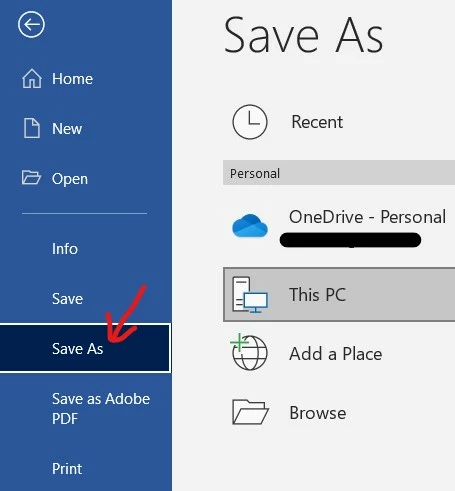
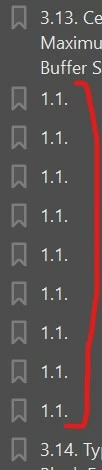
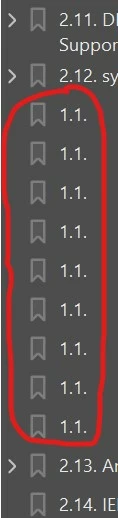
When I generate a PDF from MS Word via the "Save as" PDF method (not "Save As Adobe PDF"), I get additional erroneous bookmarks in the PDF which show up as "1.1." (as shown in the screenshots below) in some sections / chapters.
There does not seem to be a clear pattern to this occurence. There's also nothing visible in the MS Word docx that indicates a problem or errant hidden control/characters. There are internal / external hyperlinks in the content paragraph. But this problem does not show up in other sections which also have similar hyperlinks.
What could be causing this issue, and how can this be resolved? Thanks a lot.
MS Word: subscription desktop version MS 365 (version 2108, Build 14326.20404)
Adobe Acrobat Pro: subscription desktop version (latest version) 2021.007.20099
OS: Windows 10, Version 20H2, Build 19042.1348
Regards,
Friiscor
 AdChoices