



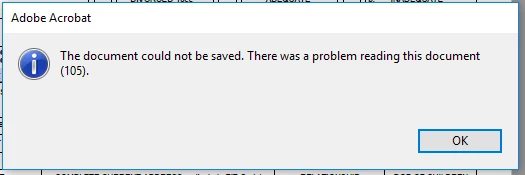
Error - The document could not be saved. There was a problem reading this document (105).
I just registered and installed Adobe Acrobat Pro DC and I cannot save PDF files.
I decided to try the trial period because I was so frustrated with the lack of functionality in Adobe Reader. I need to be able to sign documents, and even when DC reader works, it takes minutes to open a single document.
First, I uninstalled DC Reader. That took about a half hour.
Next I signed up for the trial period. I was surprised that Acrobat was so difficult to download. I had to attempt a few browser tricks before I could even start the download.
After finally installing Acrobat Pro, I was unable to save PDF files. I've tried multiple files and tried saving them to new locations, but I get the same error.
To add insult to injury, I couldn't contact tech support because I haven't registered my product. (That sounds like an error I'd get back when people bought software in a box at the local office store.)
Please either help me resolve this issue or cancel my trial period immediately. I have no desire to pay for a product that doesn't work and isn't supported.
 AdChoices