

Participant
December 12, 2019
Question

Excel to PDF Images are not included

  • December 12, 2019
  • 7 replies
  • 13487 views

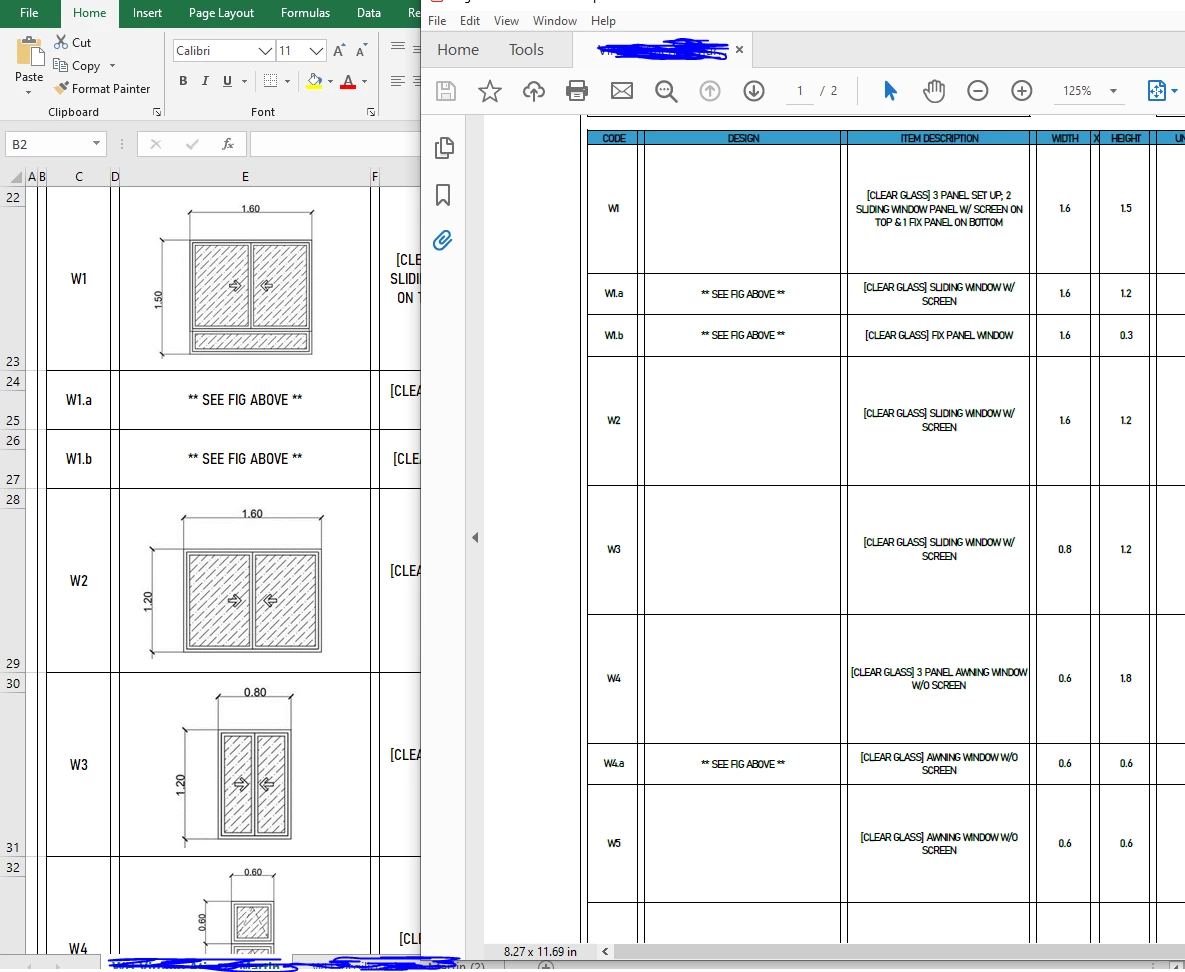
Whenever I save an excel file and convert it into PDF file the images are not being included in the final file



This topic has been closed for replies.

7 replies

Participant
December 7, 2022

click on "File", "Save As", pick a location, put a new name, select "Save as Type" and change it to "PDF", then click on "options" and mark the checkbox "Ignore print areas", click "Ok" and "Save".


There you go. Greetings.

Participant
June 27, 2024

I FKN LOVE YOU!

Amal.
Community Manager
Community Manager
February 12, 2020

Hi all,


A new update for Adobe Acrobat / Reader DC is now available addressing this ongoing issue. Please update the application to the latest version 20.006.20034. Go to Help > Check for Updates.


For more information please use the link: https://www.adobe.com/devnet-docs/acrobatetk/tools/ReleaseNotesDC/index.html


Regards

Amal

Adobe Employee
February 11, 2020

This issue was fixed with Office update Version 1912 (Build 12325.20344) onwards on monthly channel, rolled out on 22nd Jan.

Regards,

Subrato

swapnilsrivastava
Community Manager
Community Manager
December 19, 2019

Hi There,


The issue is from Microsoft's end with their latest 1911 release. They have acknowledged the issue and we can expect to hear from them soon.


Regards,

Swapnil Srivastava

Participant
January 8, 2020

Thank you for the update, it has been almost 3 weeks and there are several boards reporting this issue now.  Has MS provided a fix for this issue yet?

Adobe Employee
February 11, 2020

This issue was fixed with Office update Version 1912 (Build 12325.20344) onwards on monthly channel, rolled out on 22nd Jan.


Regards,

Subrato

swapnilsrivastava
Community Manager
Community Manager
December 12, 2019

Hi There,


Thanks for reporting the issue.

We verified using several XLS and XLSX file(s) but were not able to reproduce image disappering issue.

Acrobat version you're using is 19.21.20058 (latest DC)


Can you provide more info regarding the same : 

  1. OS on which issue is reproducible (MAC/WIN and verison as well)
  2. MS Office version on which the issue was reproducible
  3. Issue reproducible for all file(s) or for a set of file(s)
  4. Can you share any file, on which the issue is reproducible? 


Regards,

Swapnil Srivastava

JJLIMAuthor
Participant
December 12, 2019


Here is my MS excel version and the current OS version im using
for the file i'll include an external link, I dont know how to attach file in here.
EXCELtoPDF.xlsx 

VirusTotal Scan 


Participating Frequently
December 12, 2019

We are using the current updated Adobe Acrobat 11 version 110.23   I updated it last night again to make sure.    We do use macro-enabled Visual Basic excel files for our reports.    But this time I just created a basic file from Excel, no macros, and inserted 2 pictures.  When I did the "Save to PDF" file (Book 1) only 1 picture shows up.   When I did the "Print" to PDF, both photos show up (Book 2).  The Print Preview shows both photos for both options, but "Save to PDF" still doesn't work properly.   

Amal.
Community Manager
Community Manager
December 12, 2019

Hi there 


We are sorry for the trouble. As described, images are not included when creating PDFs from Excel 


Is this a behavior with a particular file or with all the PDF files that you create? Please try to create a new PDF file from Excel and check.


What is the workflow or steps you are doing to create the PDF from MS Excel?


What is the version of the Adobe Acrobat DC installed? To check the version of the application please use the link  - https://helpx.adobe.com/acrobat/kb/identify-product-version.html


A new version of Adobe Acrobat / Reader DC is now available, version 19.21.20058. Make sure you have the latest version. Go to Help > Check for Updates. For more information about the new release please use the link  - https://www.adobe.com/devnet-docs/acrobatetk/tools/ReleaseNotesDC/index.html


Let us know how it goes


Regards

Amal

JJLIMAuthor
Participant
December 12, 2019

Thank you @Amal , but before anything else I just want to post this here so that everyone else would be aware. Be careful when dealing with people in this community always make sure you are talking to an official representative of Adobe, as these kind of people would normaly offer help to you but either later extort your files from you. I'm not sure if this person really is a representative of Adobe, but the fact that his profile is new and he is using a 3rd party email provider with a different domain that from Adobe is a BIG RED FLAG.

Going back to my concern, I'm using the latest version of Acrobat DC version 19.21.20058

I received the update last week if I remember it right, but prior to that I have no problem or what so ever when making PDF file from EXCEL. my usually process is to highlight/select the sheet/cells I want to convert into PDF which is these case includes the images and then hit the CTRL+S and choose the "save as Adobe PDF" just below the "Save As" option in excel and then from the PDF creation option I choose the following:
1. Conversion Range: Selection
2. Conversion Options: Fit to paper width
that is my normal process that I have been doing from almost a year or two now without any problem.

It should also be noted that I received my monthly update from microsoft yesterday or the other day I think. I dont know if it has to do with that update, though I already tried contacting their support as well and with all the possible solutions they've given me reinstalling Microsoft Office is the most pain staking task I can not afford to do right now.

ls_rbls
Community Expert
Community Expert
December 12, 2019

++ Adding to the discussion, did you try and see if you get the same issue if you print to PDF directly from the MS Office application instead instead of the "Save As" method?

Participating Frequently
December 12, 2019

Yes, having same problem.  Photo images dissappearing when saving to PDF using excel add-in "Save to PDF".  However, if we Print to a PDF they are still there?  However, we save multiple excel sheets per report we produce so doing this individually is really slow.   This is now happened on 4 computers in our office so it must be due to the update?  Or did Microsoft due an update in the last day or so?   See photos below.  Top is what it should look like.