Known Participant
June 30, 2020
Answered

Export Powerpoint to PDF preferences not available

  • June 30, 2020
  • 3 replies
  • 2374 views

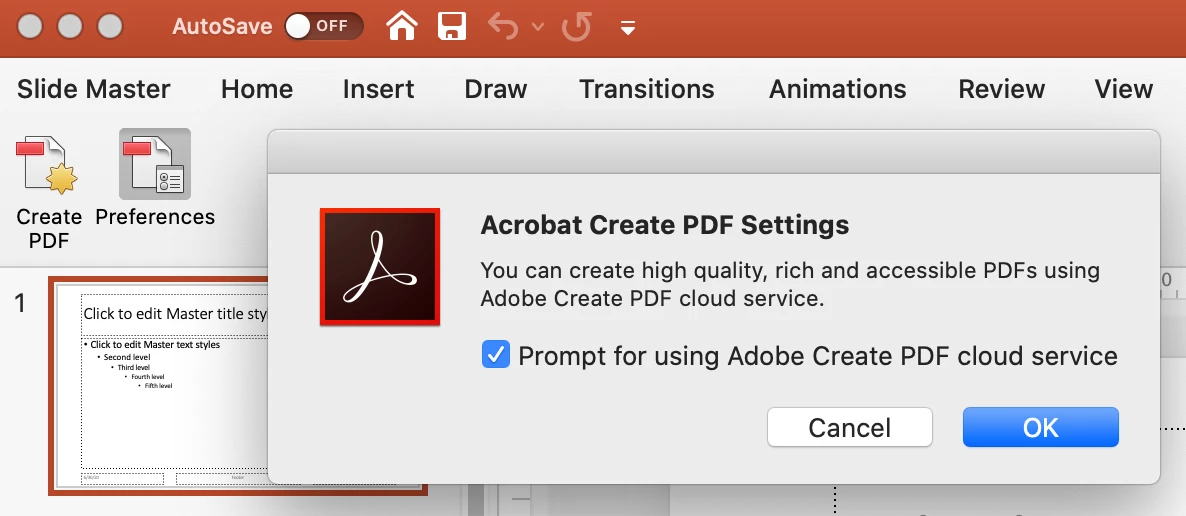
I'm trying to access the preferences in ppt for exporting to acrobat but I get a pop up and it doesn't give me any options to change the settings, has anyone come across this before? I just want to be able to export a powerpoint to pdf but keep the actions/link settings but the conversion settings aren't available in the tab, when i press ok it just closes the pop up


Thanks
 

This topic has been closed for replies.
Correct answer jane-e

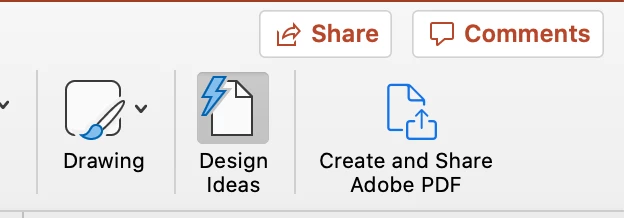
Yes, it's because you and I are on Macs. If you have Acrobat installed, you should have a Create and Share button on the Home tab.

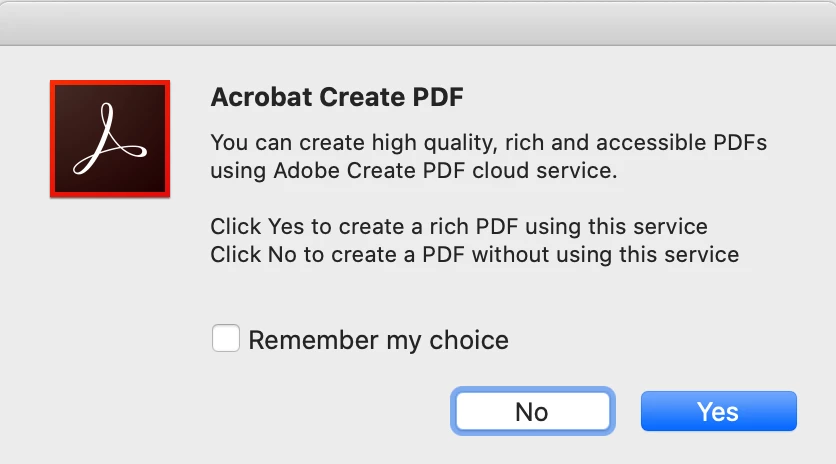
When you click it you will get this message box:


But unfortunately, we don't get to set Preferences like Windows users do.


~ Jane


3 replies

Known Participant
June 30, 2020

Thanks Jane, is there an alternative way to export ppts to pdf but keep the action buttons and links interactivity, if I do save as it loses all the interactivity

Bevi Chagnon - PubCom.com
Brainiac
June 30, 2020

Unfortunately, the Apple jauggernaut affects all Mac users who want to make interactive or accessible PDFs from any Office program on Macs.


The screen shot above from JR_Boulay is of PDF Maker on Windows, an Acrobat plug-in that Adobe installs into MS Office/Windows. You see the extensive controls Windows users have. Since PDF Maker isn't available on Macs, nor is there anything else like it, most Mac designers port their MS Office projects to Windows and export interactive PDFs from there.


Also, you can use Adobe's cloud converter, which you see in jane-e's reply above.


|    Bevi Chagnon   |  Designer, Trainer, & Technologist for Accessible Documents ||    PubCom |    Classes & Books for Accessible InDesign, PDFs & MS Office |
Known Participant
June 30, 2020

Thanks Bevi, I do have acrobat installed but the create and share pdf button doesn't seem to show on my home tab? any idea on why or how i get this up?

JR Boulay
Adobe Expert
June 30, 2020

Do not blame Adobe, it is the responsibility of Apple which has locked its "PDF Services".

Preferences on Windows:


Acrobate du PDF, InDesigner et Photoshopographe
jane-e
jane-eCorrect answer
Adobe Expert
June 30, 2020

Yes, it's because you and I are on Macs. If you have Acrobat installed, you should have a Create and Share button on the Home tab.

When you click it you will get this message box:


But unfortunately, we don't get to set Preferences like Windows users do.


~ Jane