


Fillable Form Dropdown list requires two clicks to open
I have found numerous instances of people having the problem that the user trying to fill out a PDF form must click the dropdown box twice to make a selection.
I am using Acrobat Pro with a current license and I too am experiencing this issue and have never seen a resolution. Here is my experience with this situation.
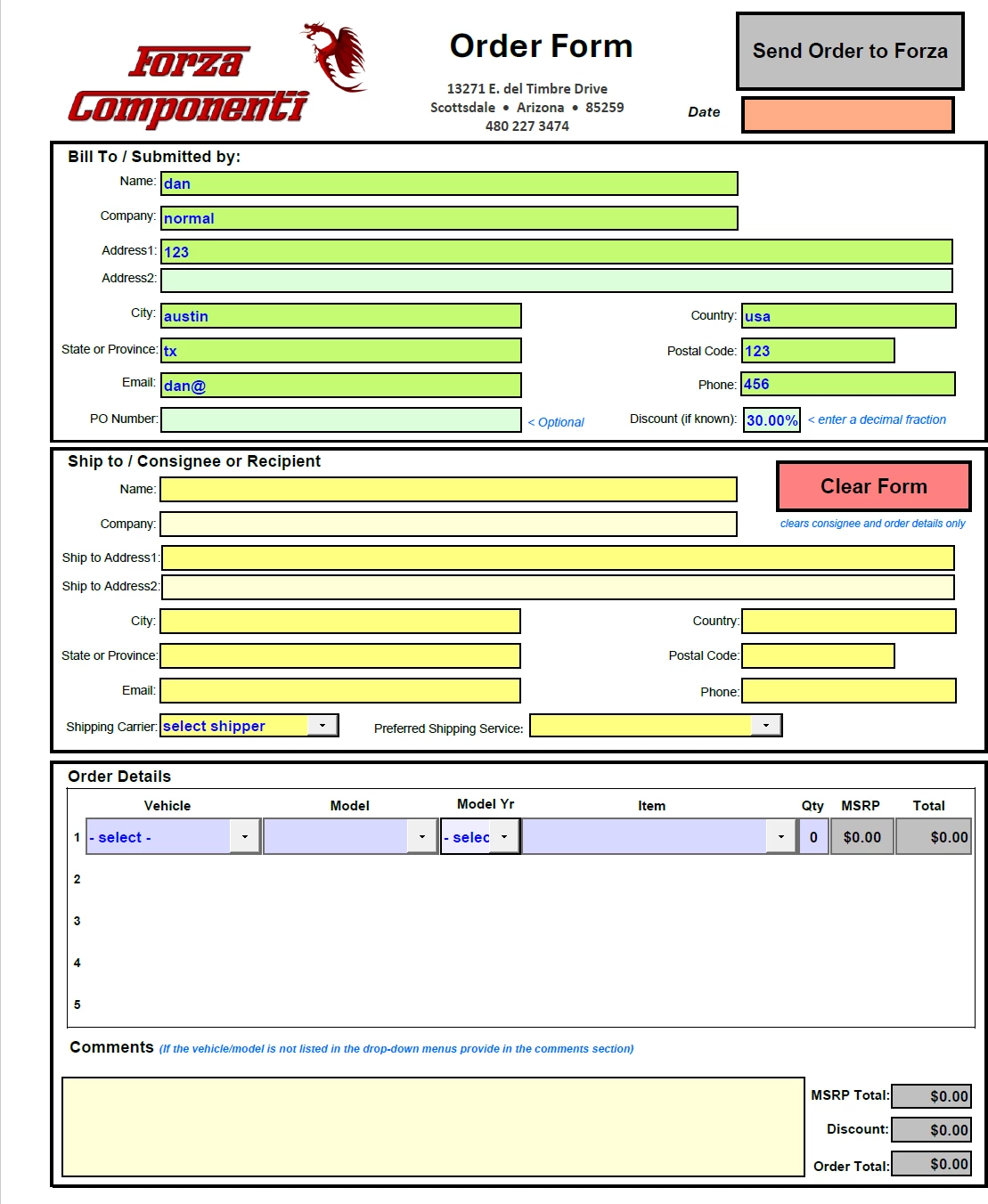
Upon first opening a fillable form, all the fields appear as originally intended. Here is an image of my form.
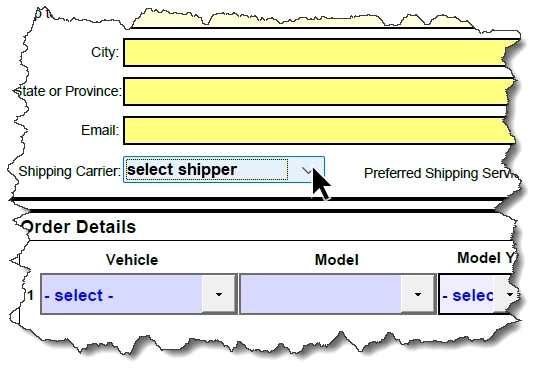
But when the user clicks on a dropdown box, the options appear momentarily and then disappear leaving the dropdown box with a change in appearance ...
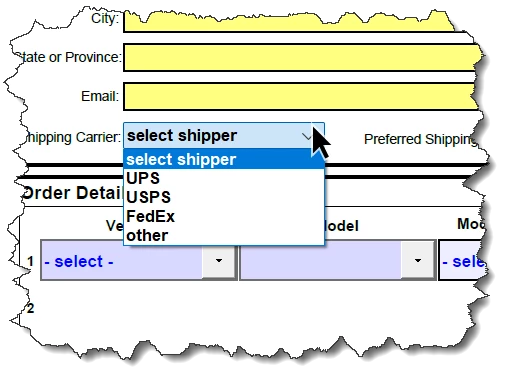
... but when clicking the dropdown a second time, the options list remains so the user can make a selection ...
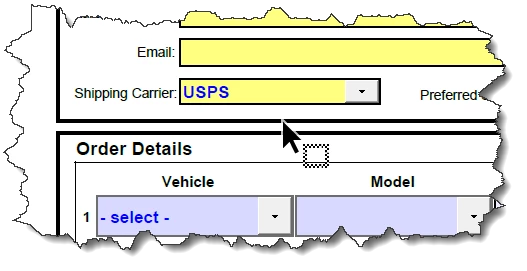
... once the selection is chosen, the field return to the correct appearance intended.
Is there a resolution for this issue? From various searches I have seen that this problem has been going on for a few years now. What is the problem? Why hasn't Adobe been able to determine why this occurs?
Best regards,
Steve
 AdChoices