


Participant
January 18, 2024
Question

Freezing error after update

  • January 18, 2024
  • 1 reply
  • 686 views

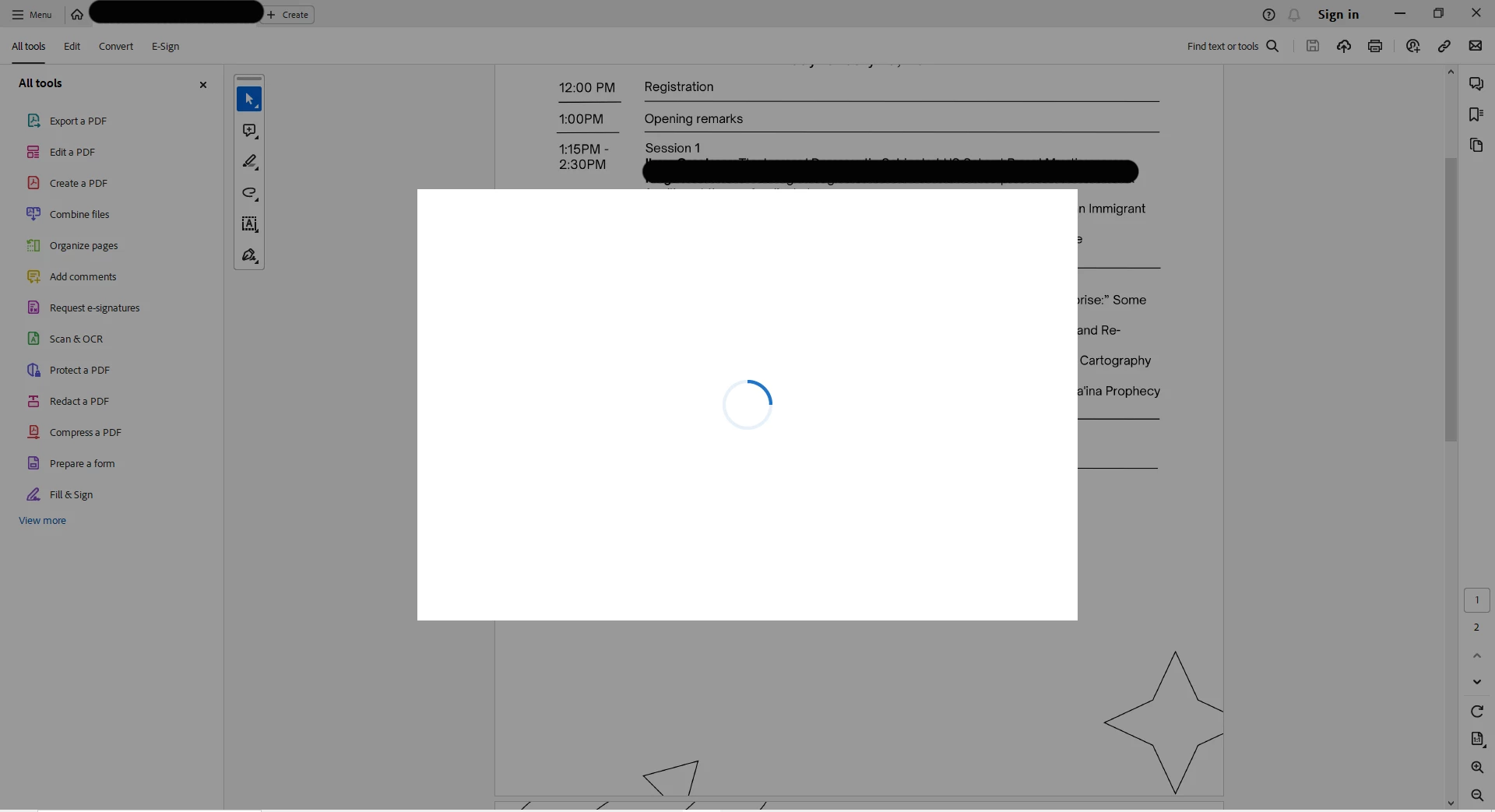
I've noticed that since yesterday the adobe app looks different when I open it, so I assume it's been updated. Whenever I open a PDF now, after about 10 seconds, a blank pop-up with a frozen loading symol appears, and the document is completely frozen. Screenshot attached. What's up here? 
This topic has been closed for replies.

1 reply

Amal.
Community Manager
Community Manager
January 19, 2024

Hi @Drew34888224gzpt


Hope you are doing well and thanks for reaching out.


What is the version of the Acrobat DC you are using? To check the version go to Help > About Acrobat and make sure you have the recent version 23.08.20470 installed. Go to Help > Check for updates and reboot the computer once.
 
Also try to repair the installation from the help menu (Win Only) and see if that works.
 
Please try to reset the Acrobat preferences as described here https://adobe.ly/3O8DVya and check.


~Amal

Participant
January 23, 2024

Thank you, Amal! I have version 23.008.20470. Is that different than the one you specify, or did you accidentally leave off a 0? 

I double-checked updates, repaired the installation, and reset the preferences as described, but still am having the issue. 

However, I realized I haven't updated to Windows 11. Is that the problem? 

Amal.
Community Manager
Community Manager
January 23, 2024

Hi there,


Please check for any missing/pending updates for Windows OS and try updating it and check.


Also, would you mind collecting the Adobe CC logs https://helpx.adobe.com/creative-cloud/kb/cc-log-collector.html ,Procmon logs (Win Only) https://www.adobe.com/devnet-docs/acrobatetk/tools/Labs/acromonitor.html and Crash/freeze logs https://helpx.adobe.com/acrobat/kb/collect-logs-crash-freeze.html share them via any cloud storage. Just upload the log file to the cloud and generate the link and share that link with us for further investigation.

Regards
Amal