


New Participant
March 4, 2024
Answered

Help in autocompleting a sentence in a text field

  • March 4, 2024
  • 1 reply
  • 873 views

I'm trying to make a piece of javascript code that can read what's on the text field, and then auto complete to a much longer sentence.
So instead of typing in "Delivery Service, #555-6295" I would type in "D" and it would change itself to the full sentence but I'm having trouble figuring out how to do this.
Currently this is my code
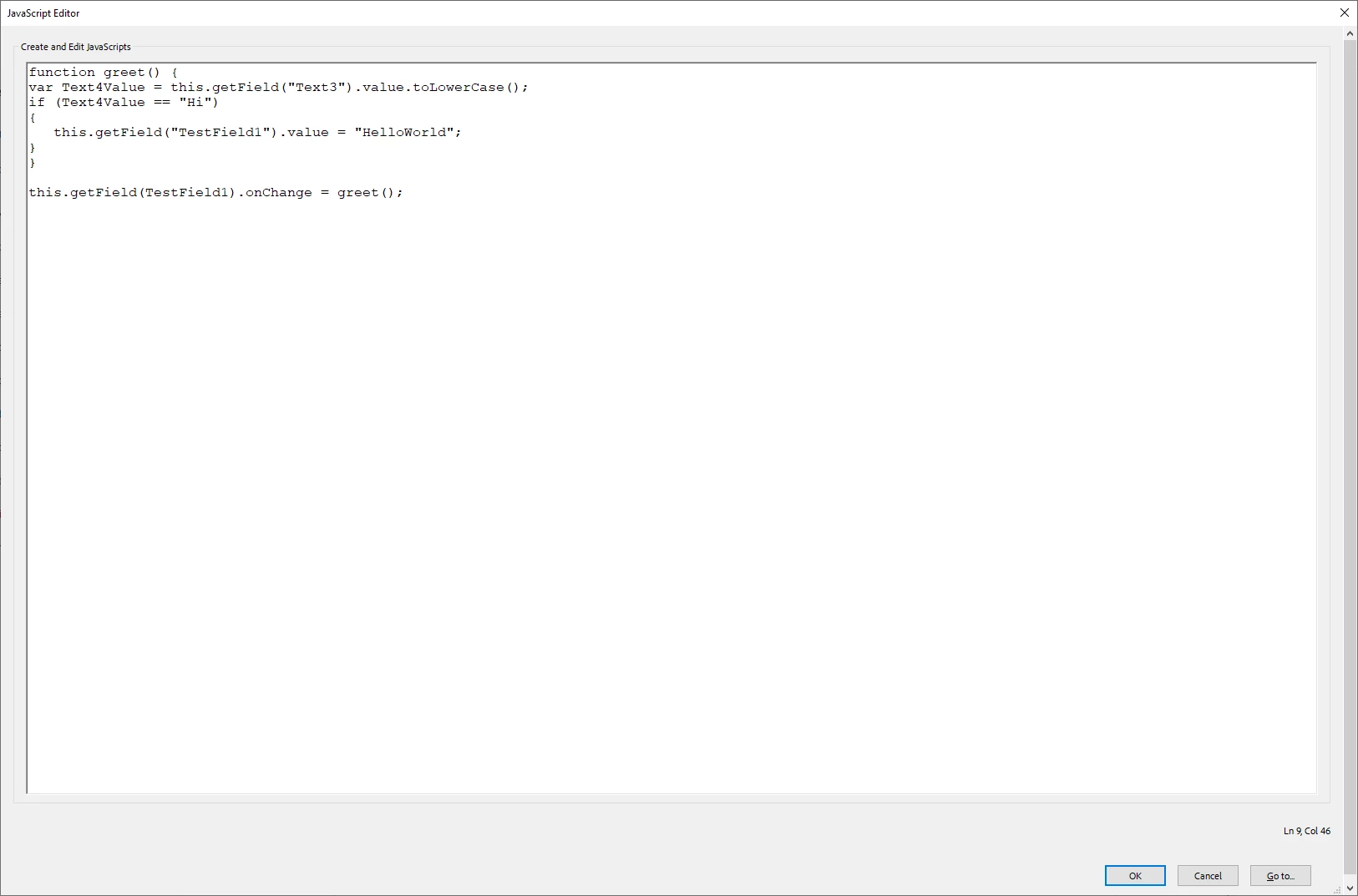
Would anybody be able to help?
Thank you

This topic has been closed for replies.
Correct answer Nesa Nurani

Is it only "D" or it can be "d" too?

Try this as custom keystroke script:

if(event.change == "D")
event.change = "Delivery Service, #555-6295";

1 reply

Nesa Nurani
Community Expert
Nesa NuraniCommunity ExpertCorrect answer
Community Expert
March 4, 2024

Is it only "D" or it can be "d" too?

Try this as custom keystroke script:

if(event.change == "D")
event.change = "Delivery Service, #555-6295";

RatMommaAuthor
New Participant
March 4, 2024

That works beautifully! Thank you!
This should work fine, but would it be possible to make it a 2 letter keystroke?
I.E.
if(event.change == "DS")
event.change = "Delivery Service, #555-6295";
?
That way if something else needs to be entered starting with the letter D it won't autofill it?

RatMommaAuthor
New Participant
March 4, 2024

No. The change is usually only one letter, unless you paste "DS" into the field, or type very quickly.


Thank you very much!