jdavis01
New Participant
January 30, 2018
Answered

Hiding Both Left and Right Panes by Default

  • January 30, 2018
  • 1 reply
  • 12275 views

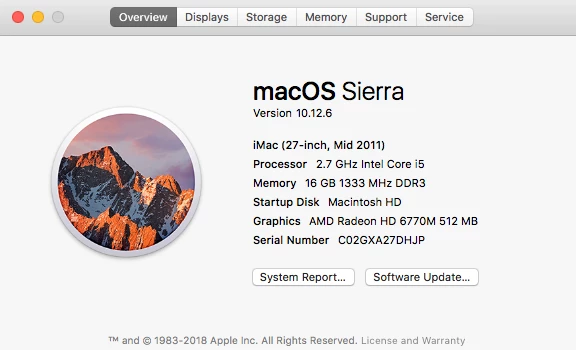
Running macOS Sierra version 10.12.6 with Adobe Acrobat Pro DC version 2018.009.20050

I need a default option to hide all panels upon opening ALL pdfs to a page-only view. I do not want to have a bookmarks panel, attachments panel, etc. open by default.

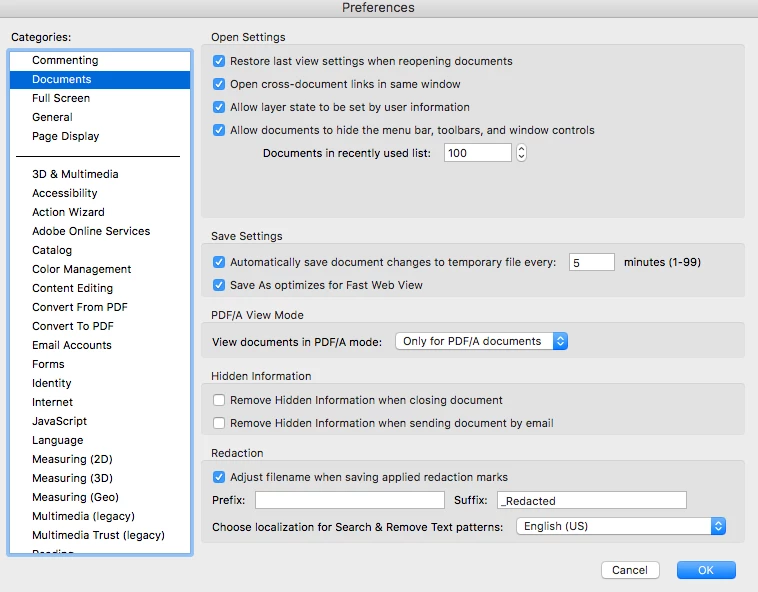
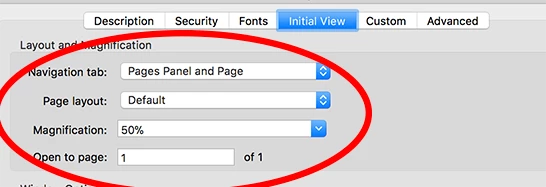
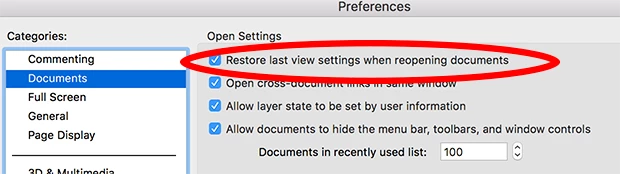
I know that I can open a document, go to File-Properties- and change the Navigation tab drop-down menu to "Page Only," but I do not want to have to do that for each document that I may only open one time. I have gone into Preferences and have the "Restore last view settings when reopening documents" setting checked. This does not work.

What do I have to do to get a page-only view by default????
Despite the settings I have selected, pdfs still open like this:
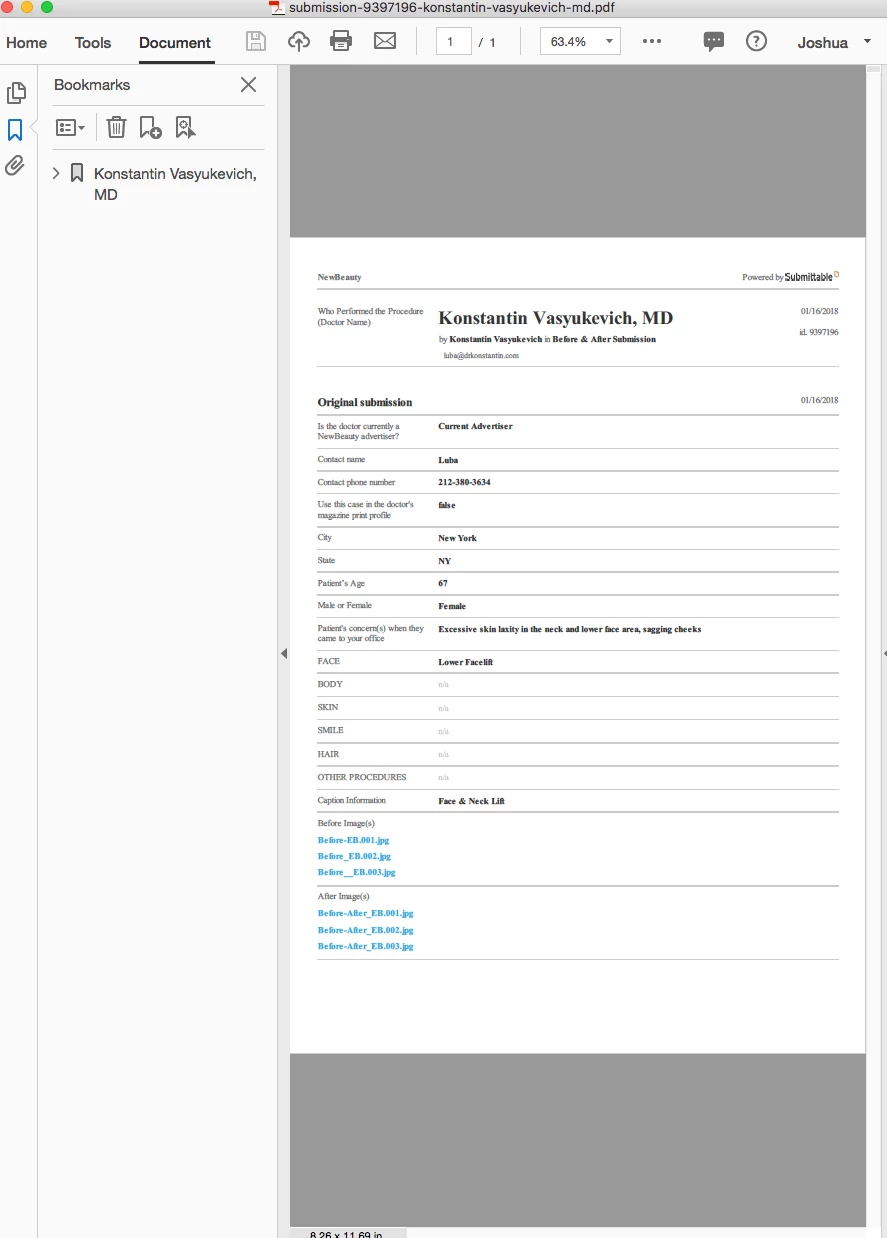
I do not want the bookmarks panel to automatically open!!!
This topic has been closed for replies.
Correct answer Katie Houghton

It is set to the individual document. That is so the creator can set up how they want the user to use it. As you know File> Properties will let you set this up.

I see you are trying to override the the Property setting with the Preferences. You are correct by "Restoring last view settings when reopening document" What this does is remember the last view it saw (setting in Properties under Layout and Magnification). So if you open a file and set it up they way you want then close it. All other items will open will open in the same view. It remembers the last view it closes. If you turn off the preference then it reads the Document settings again.

So maybe you just need to open a file... set it up as you like then close it. After that all files should open in the view you like.

1 reply

Katie HoughtonCorrect answer
Inspiring
January 30, 2018

It is set to the individual document. That is so the creator can set up how they want the user to use it. As you know File> Properties will let you set this up.

I see you are trying to override the the Property setting with the Preferences. You are correct by "Restoring last view settings when reopening document" What this does is remember the last view it saw (setting in Properties under Layout and Magnification). So if you open a file and set it up they way you want then close it. All other items will open will open in the same view. It remembers the last view it closes. If you turn off the preference then it reads the Document settings again.

So maybe you just need to open a file... set it up as you like then close it. After that all files should open in the view you like.

New Participant
April 14, 2023

I have the same complaint,  changing settings and saving the file only applies to that specific file.  all new files still open with bookmarks pane open.  How is it not possible to turn this off by default, instead of needing to do it with every file opened.  Major failure here.