


Question
How do I fix error message when trying to create a pdf from word office 365
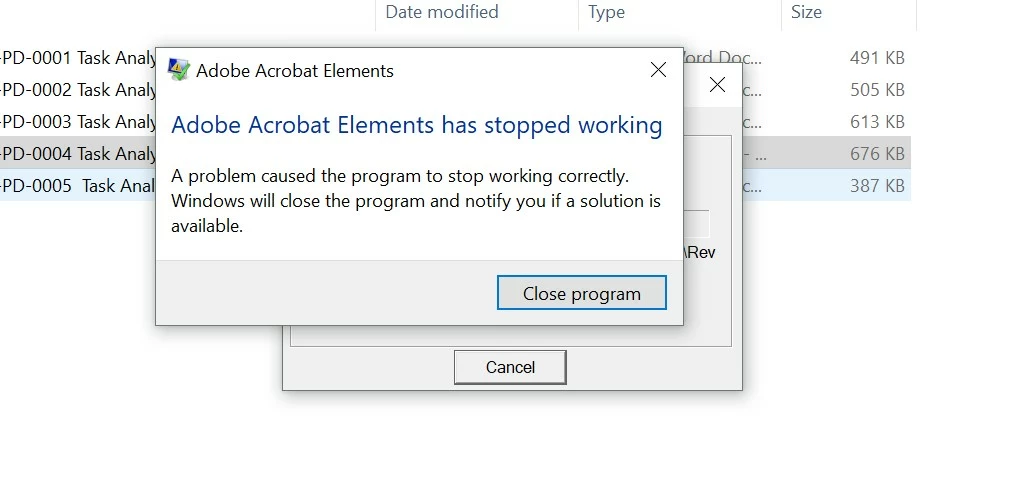
From file explorer, I right click on a document and try to create a pdf by clicking "covert to adobe pdf" and I get the following error "Adobe Acrobat Elements has stopped working". If I have an Adobe subscription, why should this be happening. It is very annoying. And I've tried to contact Adobe and of course, I have no option available to contact them other than asking the forum. I am running Windows 10. Thank you in advance for your help!!
 AdChoices