


New Participant
June 14, 2021
Question

How do I use this guide to create a signature?

  • June 14, 2021
  • 2 replies
  • 751 views

So I was looking at this guide to create a signature, however I could not find it in Acrobat Pro. Coul someone point me in where I could utilize this guide?

https://helpx.adobe.com/sign/using/create-electronic-signature.html


Also: A user was having issues signing stuff and I tried to utilize this guide: 

https://www.wcupa.edu/education-socialWork/technologyCenter/documents/AdobeAcrobatProDigitalSignatures.pdf

However, I am not seeing any of the options next to the sign button. This is a picture of what we are seeing:
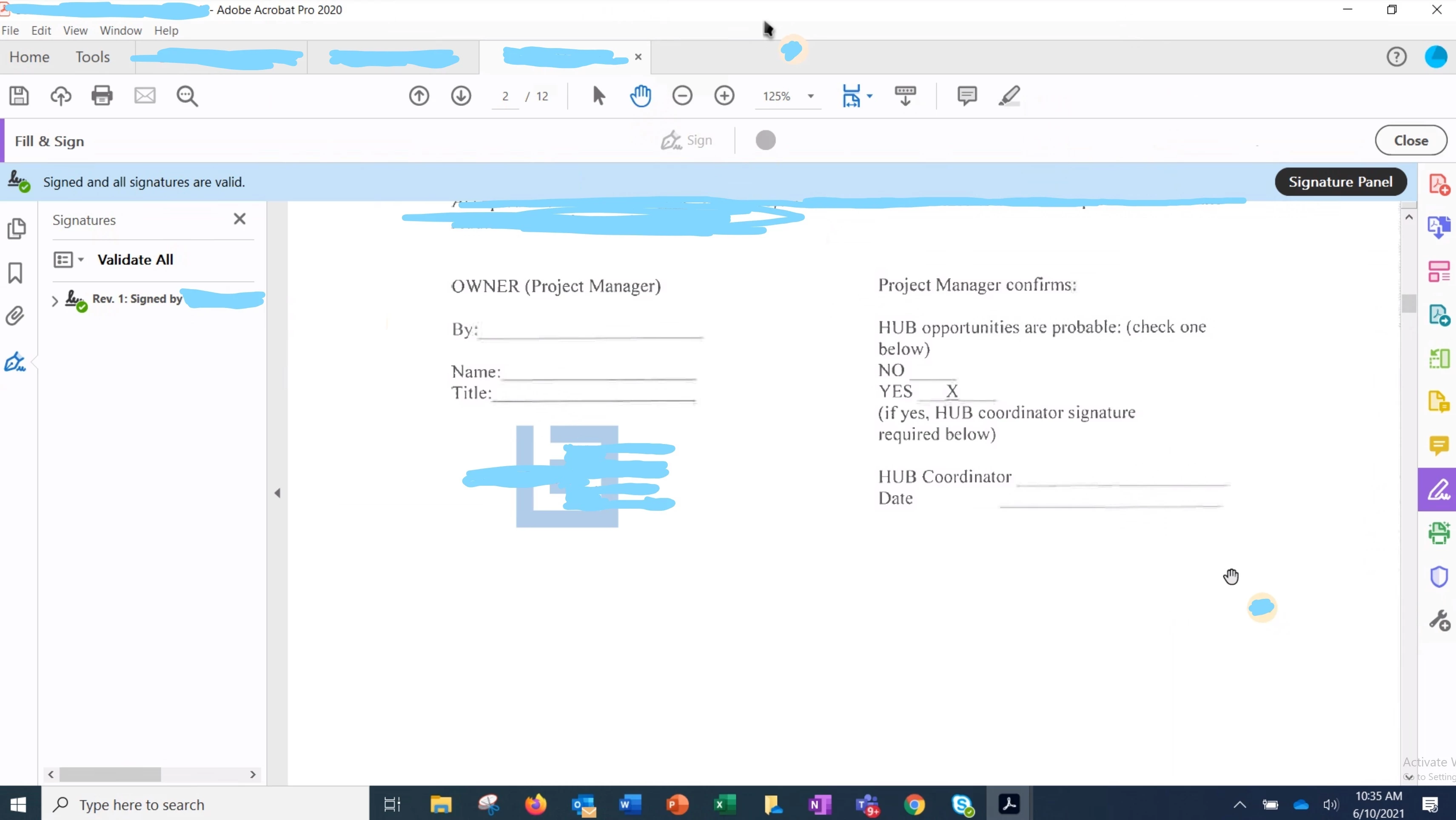
 

 I still cannot figure out how we can sign documents nad create a signature. Any help would be appreciated.

This topic has been closed for replies.

2 replies

Thom Parker
Community Expert
June 15, 2021

Why do you want to use a digital certificate?  This is not the same as a persons ink signature on a document. 

If you don't already understand how digital certificates work, then I would suggest using the "Fill & Sign > Self Sign" tool.  This tool provides a wet signature, which is more or less the same as an ink signature on paper.


Thom Parker - Software Developer at PDFScriptingUse the Acrobat JavaScript Reference early and often
Bernd Alheit
Community Expert
June 14, 2021

You can use Tools > Certificates > Sign