


Question
How do you get rid of this error message
I keep getting the following Application error message:
The instruction at 0x00007FF82D73D24D referenced memory at 0x00000000000000018. The memory could not be read.
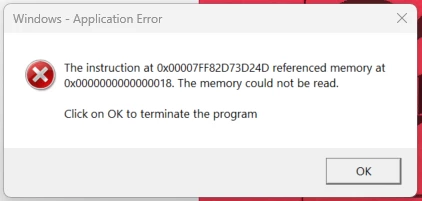
How do you stop this from popping. I have done the repair option. Uninstalled and re-installed. Uninstalled>deleted all things Adobe, and reinstalled with no change in the situation. Seems to pop when opening a PDF from Outlook. Running Windows 11, New Outlook, and latest version of Adobe.
 AdChoices