Inspiring
January 22, 2022
Answered

How to add a link to a PDF

  • January 22, 2022
  • 3 replies
  • 3156 views

 I am trying to create a link in a PDF with Acrobat DC. I have made the box around the text for the link, but I don't know how to add the URL I want to link the text box.  I have clicked on the link in Edit PDF,  Added a box around the text for the link. In step 4, I opened a Web Page in another tab and copied the URL.  I don't know where to paste this URL.
Correct answer Mike Bro

Hello @Jim04,


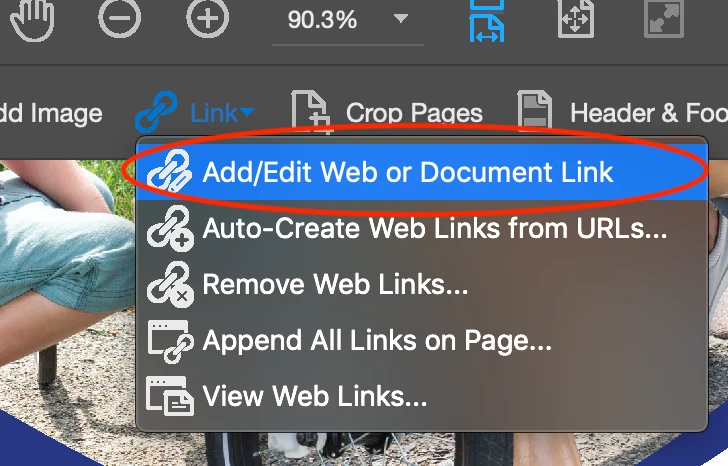
Go under Edit PDF, select the Link tool > Add/Edit Web or Document Link, then marquee over the type where you want to create the link

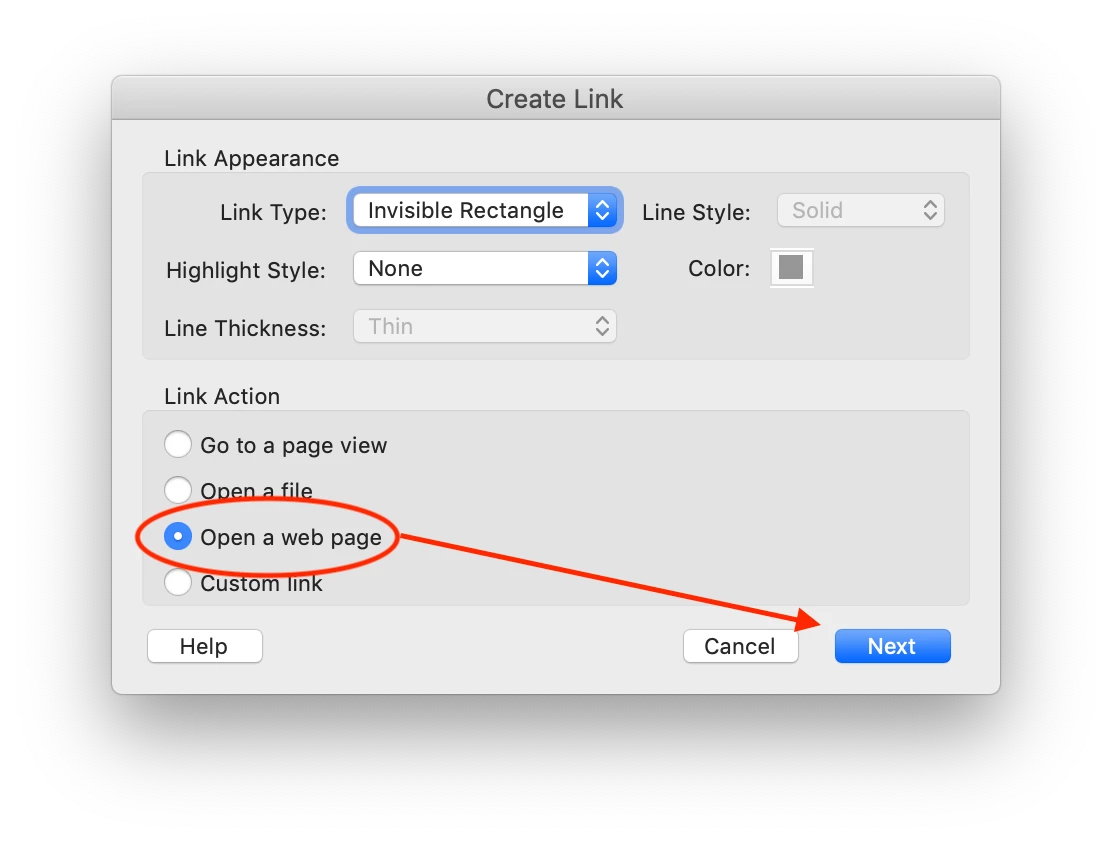
 I the popup window, select Open a Web page and click Next..

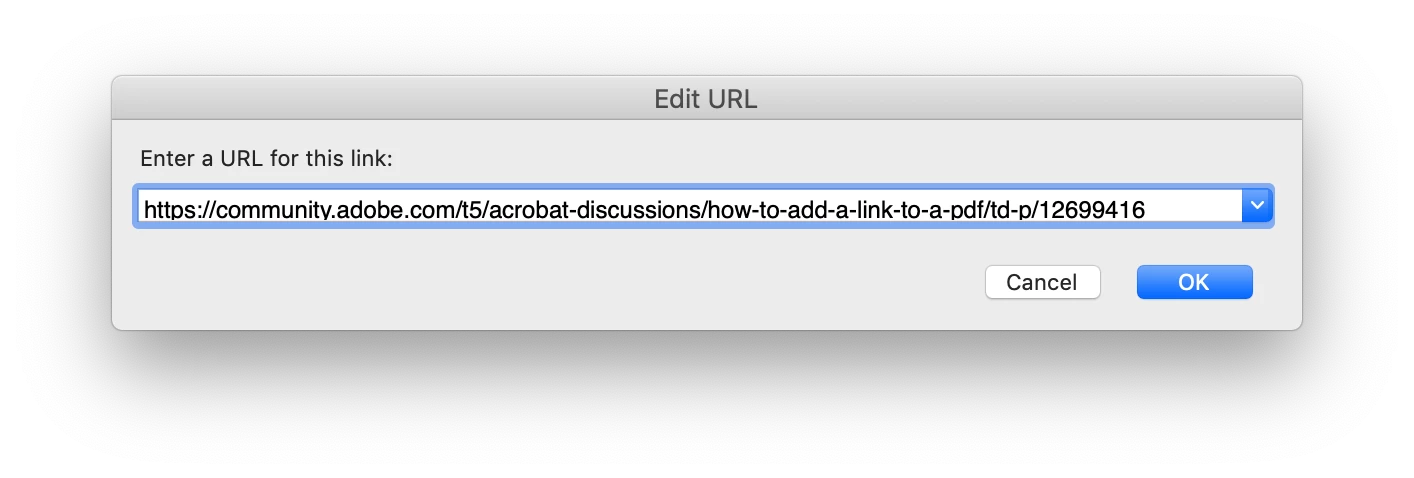
Past in the URL and click OK.

Regards,

Mike

3 replies

Known Participant
June 13, 2025

Until this week, I have always been able to create a link in a PDF by highlighting the ("hot spot") text, right-click and choosing Create Link. You could then choose from a list of options. I can still do the same steps to add a link (or so it seems), but the links are not working. (I've been using Acrobat since version 1, and creating links in this manner for probably 20 years).

@Adobe, have you dropped yet another feature from an application? (Ask me about the Info panel in Illustrator...)

Community Manager
June 16, 2025

Hi @EsJayKayToo


Sorry for the troubled experience. I can confirm that the feature is still intact and that there have been no changes in this area. 

Please ensure your copy of Adobe Acrobat is updated. To check for any pending updates, launch Acrobat > Help > Check For Updates.


Please share the following:

  1. Acrobat version installed:   https://adobe.ly/3PQQ7nE
  2. OS name and version.
  3. Screen recording showing the problem. 


~Tariq

Known Participant
July 8, 2025

Acrobat version 25.1.20435.0 on Microsoft Windows 10

The error is not present if the link added in Acrobat has an address starting with "http." The error occurs in most links to secure servers: "https" addresses. In the attached files, there's an InDesign file that was used to create the PDF, the PDF where links are needed, and a video showing the steps to create the link. Alas, it only works in 1 out of the 3 examples.

So why not just create the links in InDesign? We do. However, in this example, the links were created in a separate InDesign file. That file was placed into the "main" InDesign file (that's exported to PDF).

Jim04Author
Inspiring
January 22, 2022
I added the marque but no popup window appears.

Jim Haynes • President
National Continuing Care Residents Association


46856 Grissom St.
Potomac Falls, VA 20165
703.966.5996 • Map • Email • NaCCRA.com
Mike BroCorrect answer
Legend
January 22, 2022

Hello @Jim04,


Go under Edit PDF, select the Link tool > Add/Edit Web or Document Link, then marquee over the type where you want to create the link

 I the popup window, select Open a Web page and click Next..

Past in the URL and click OK.

Regards,

Mike

Jim04Author
Inspiring
January 22, 2022

Many thanks, this worked, except I tried to make the highlight color Blue with a Blue underline, the standard to a link in a document.  I then went back to edit the pdf and it to underline with a blue line