


Inspiring
August 31, 2023
Question

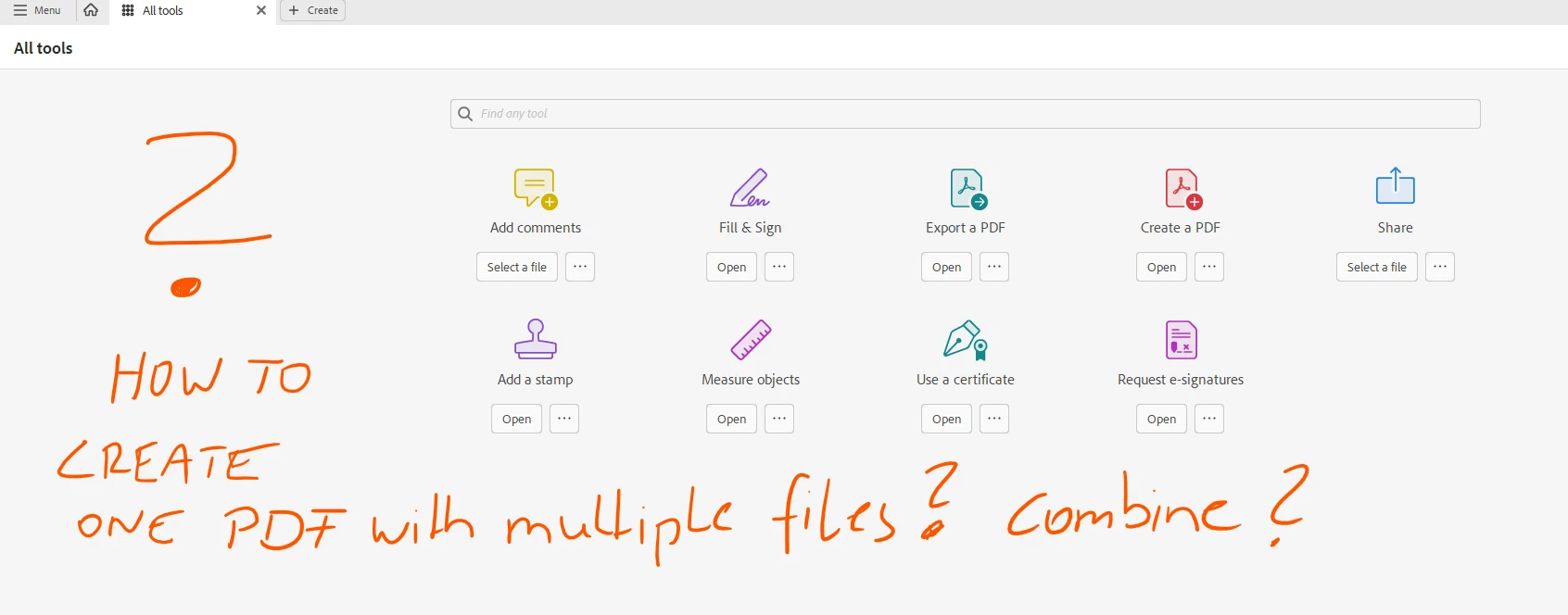
How To Create a new .pdf with multiple files?

  • August 31, 2023
  • 4 replies
  • 2127 views

with the latest update.. I am not able to find a way to create a simple .pdf with multiple files selected.
If I create a new .pdf and select multiple files, it creates for each image it's own .pdf file.
And then, I am missing the option to combine the selected files to one .pdf.

I am using the Windows Desktop App.
thanks for a link to a tutorial, how to get this done.
 

This topic has been closed for replies.

4 replies

Amal.
Community Manager
Community Manager
September 7, 2023

Hi @PixelFun 


Hope you are doing well.

When you hover your mouse pointer on the +Create button on the menu bar, you can combine the PDF, as shown in the screenshot below. You can also get the 'Combine files' from the All Tools available on the left-hand side of the app.


As you get more comfortable with the new interface, please contact us with specific questions on tools, features, or functionalities. We’re happy to provide helpful resources and answers to your questions.


We will follow up with a detailed community-featured post, guiding you to familiarise yourself with the new interface and regular updates on upcoming changes.


Regards

Amal


Giddy_personality5D25
Adobe Employee
Adobe Employee
September 5, 2023

Once you rollover the +create option on the left top corner, you will get the option to select "comine files" option. 

gary_sc
Community Expert
Community Expert
September 1, 2023
Participant
August 31, 2023