Known Participant
July 6, 2021
Question

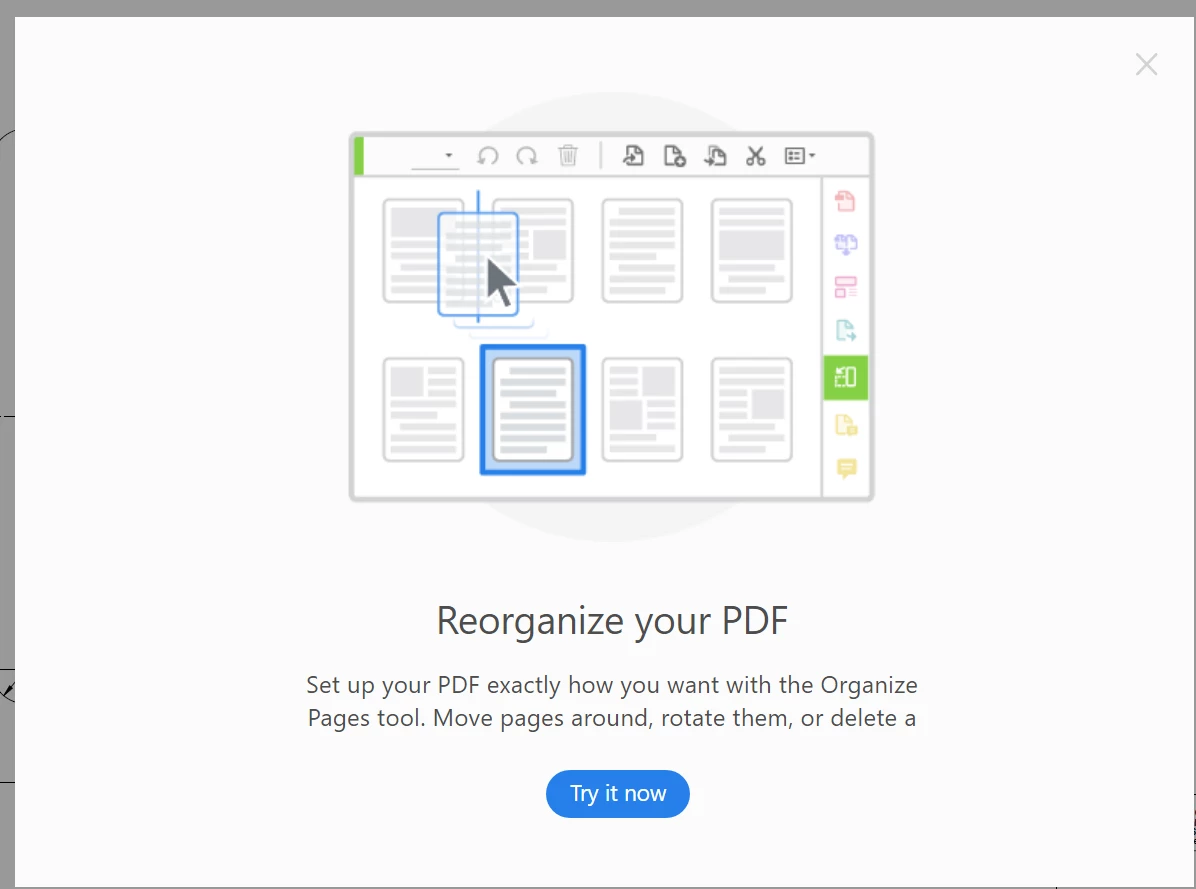
How to disable daily popup "Reorganize your PDF"

  • July 6, 2021
  • 2 replies
  • 3433 views

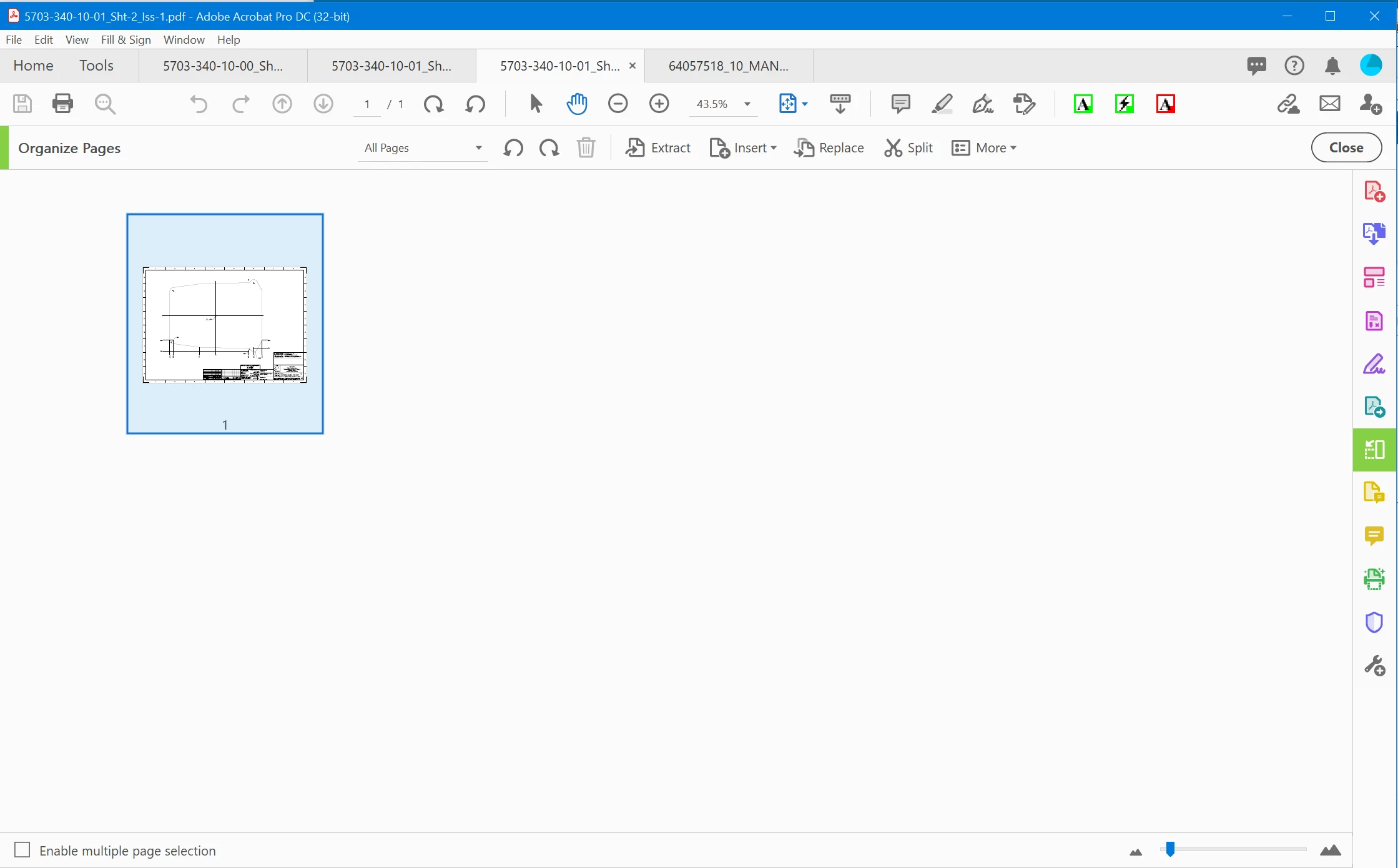
Well I have purchased subscription for Acrobat DC Pro and I get a daily popup to try organizing my pages. I will absolutely cancel this subscription if there is no way to turn this off. I sign multiple pdf's every day and this continuously interrupts my workflow. In addition to the annoyance it offers to reoganize one page. One @#$#@ page! Most of my pdf's are drawings that I need to sign.

I know how to reorganize pages so how do I turn it off. And yes I have turned off Adobe messages etc in the preferences. I have even tried some registry settings but nothing gets rid of this Herpes of a message.


Attached is the popup that opened for a single page pdf this morning. (Happens every day).
 

2 replies

SoldierSeraph
Participant
August 24, 2021

I got mine to stop by following the steps it was asking to take (kind of like a tutorial). If you click the "x" to close the pop-up, then click on the green "organize pages" tool icon on the right, you should see a mini-popup guiding you through organizing your pdf. Once you get through that and close out of adobe, then reopen, the initial popup no longer comes up. I agree it's dumb you can't just, not do what it's asking, but this way sounds a lot easier than editing registry files. Hope it helps someone. 

Participant
December 11, 2024

The X to close the popup is not enabled you have to go thru the process and then close the screen.  it does this for every document.  wish i could bill adobe for my time they waste.  btw just started this today

Community Manager
January 29, 2025

Hi @michael28944005f0nu,

Sorry for the frustrating experience, and for the delayed response.

I understand how frustrating it can be to receive recurring pop-ups when using Acrobat, especially when they interrupt your workflow. Thank you for bringing this to our attention!

Currently, Acrobat may display feature suggestions based on usage patterns. While some pop-ups can be managed through the app preferences, others may not have a direct toggle to disable them. However, we’d love to better understand your situation to explore potential solutions.

Could you please confirm the following details?

  • Which version of Acrobat (or Acrobat Reader) you’re using (e.g., Standard, Pro, Reader, and version number)?
  • Whether you’re using a personal or enterprise-managed version?
  • If you’ve checked the Acrobat > Edit > Preferences > General > "Show me messages from Adobe" section to see if any options help reduce these pop-ups?
  • If this occurs after specific actions (e.g., opening a file, closing a document, etc.)?

With this information, we can look into potential workarounds or escalate this concern to the appropriate teams for review. Your feedback is invaluable in helping improve the user experience!

Looking forward to your response.


~Tariq

Bernd Alheit
Community Expert
Community Expert
July 6, 2021

Mouse click on X at upper right corner.

JC_LAAuthor
Known Participant
July 6, 2021

I do that once per day.


How do I stop the next one?

Bernd Alheit
Community Expert
Community Expert
July 6, 2021

May be that your Acrobat installation doesn't remember this.