

Answered
How to disable floating toolbar in the new update of acrobat
Is there a way to move and fix this toolbar in the right side ? It's really annoying having floating panels. I usually have it in the top part fix in the last version
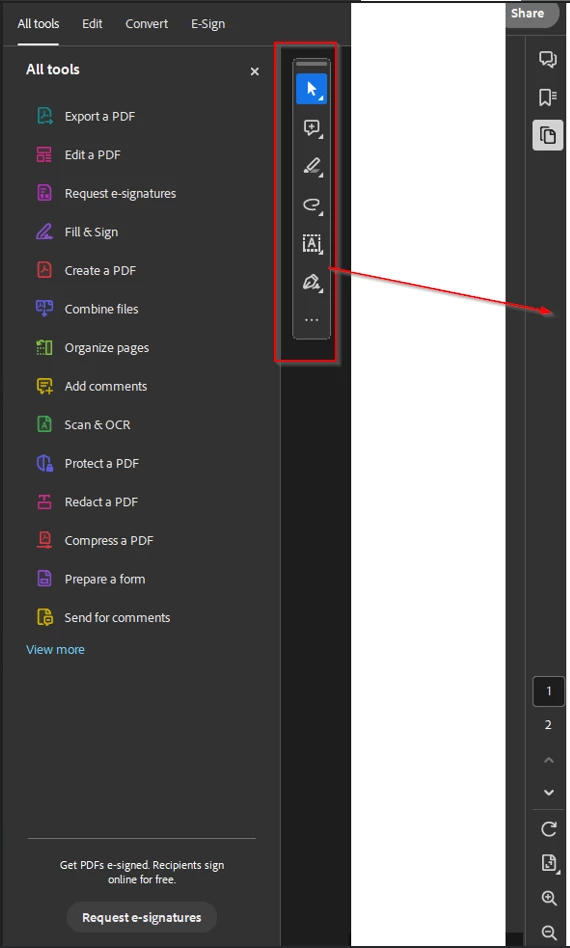

Is there a way to move and fix this toolbar in the right side ? It's really annoying having floating panels. I usually have it in the top part fix in the last version
Hi,
Currently, there is no option to disable the floating toolbar.
~Tariq
Already have an account? Login
Enter your E-mail address. We'll send you an e-mail with instructions to reset your password.
 AdChoices