


Answered
How to download all my files?
I tried selecting folders in the Creative Cloud app and adobe.com/files but there's no option to download them.
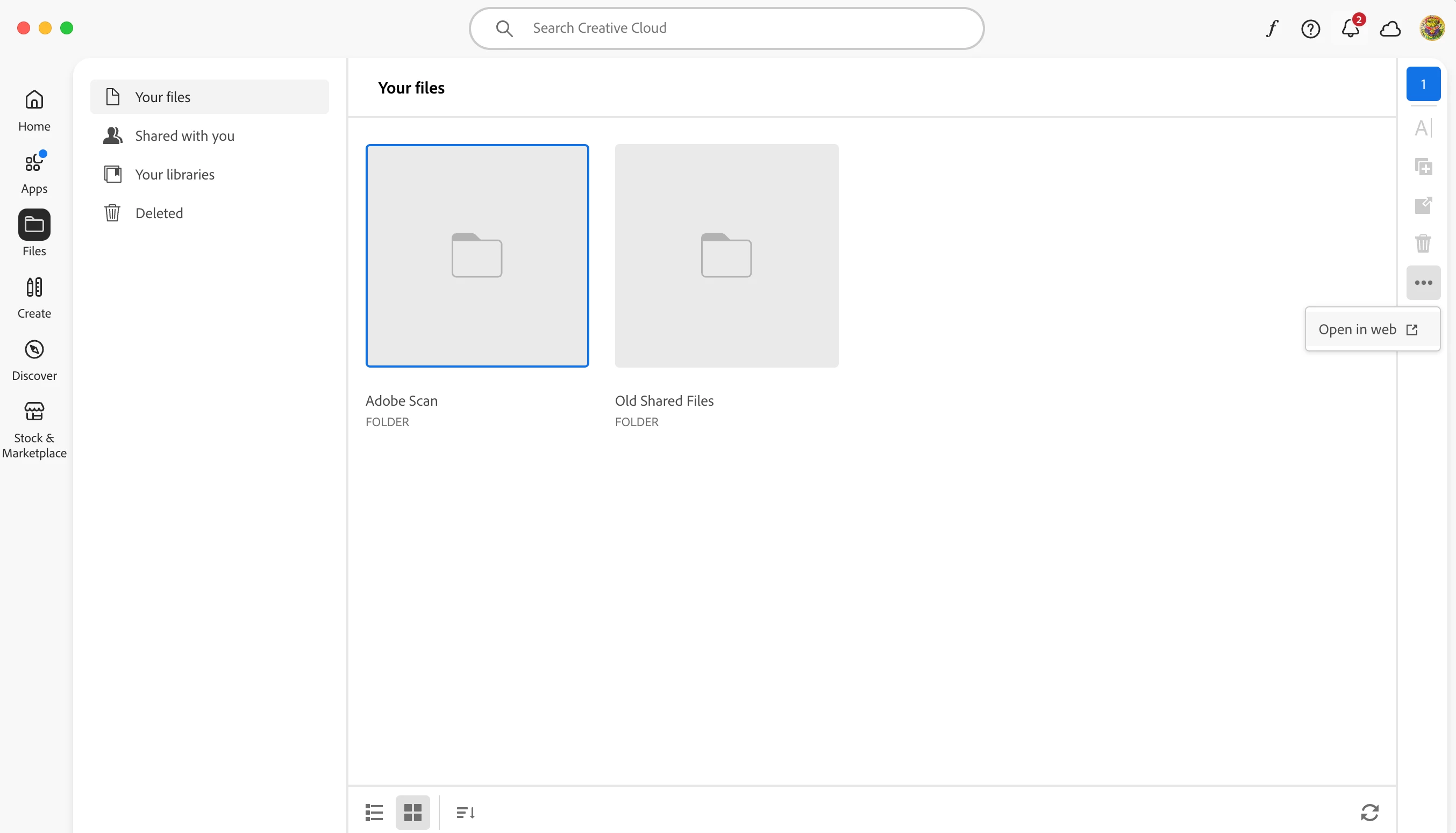

I tried selecting folders in the Creative Cloud app and adobe.com/files but there's no option to download them.
Hello,
I hope you're doing well.
As correctly suggested by our Product experts, Select the files in the folder, and you will be able to download the files. To learn more, please see these Adobe articles: https://adobe.ly/41zoZ2a
Thanks,
Anand Sri.
Already have an account? Login
Enter your E-mail address. We'll send you an e-mail with instructions to reset your password.
 AdChoices