


Answered
how to draw a line on pdf in acrobat pro?
Sorry but complete newbie here and after looking at very slow help section Adobe am close to giving up.
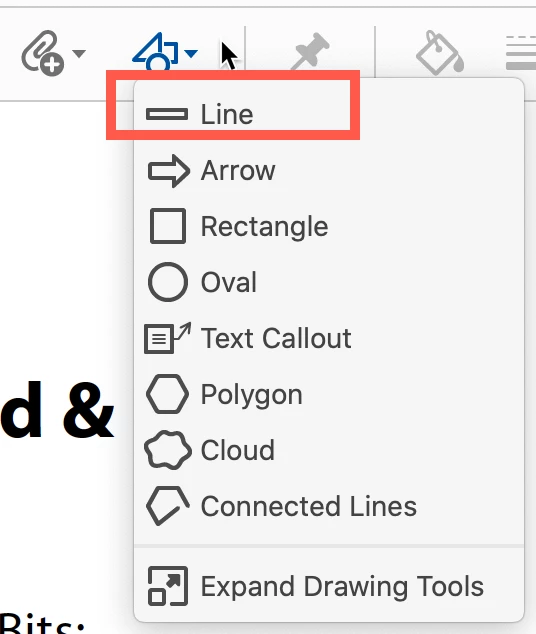
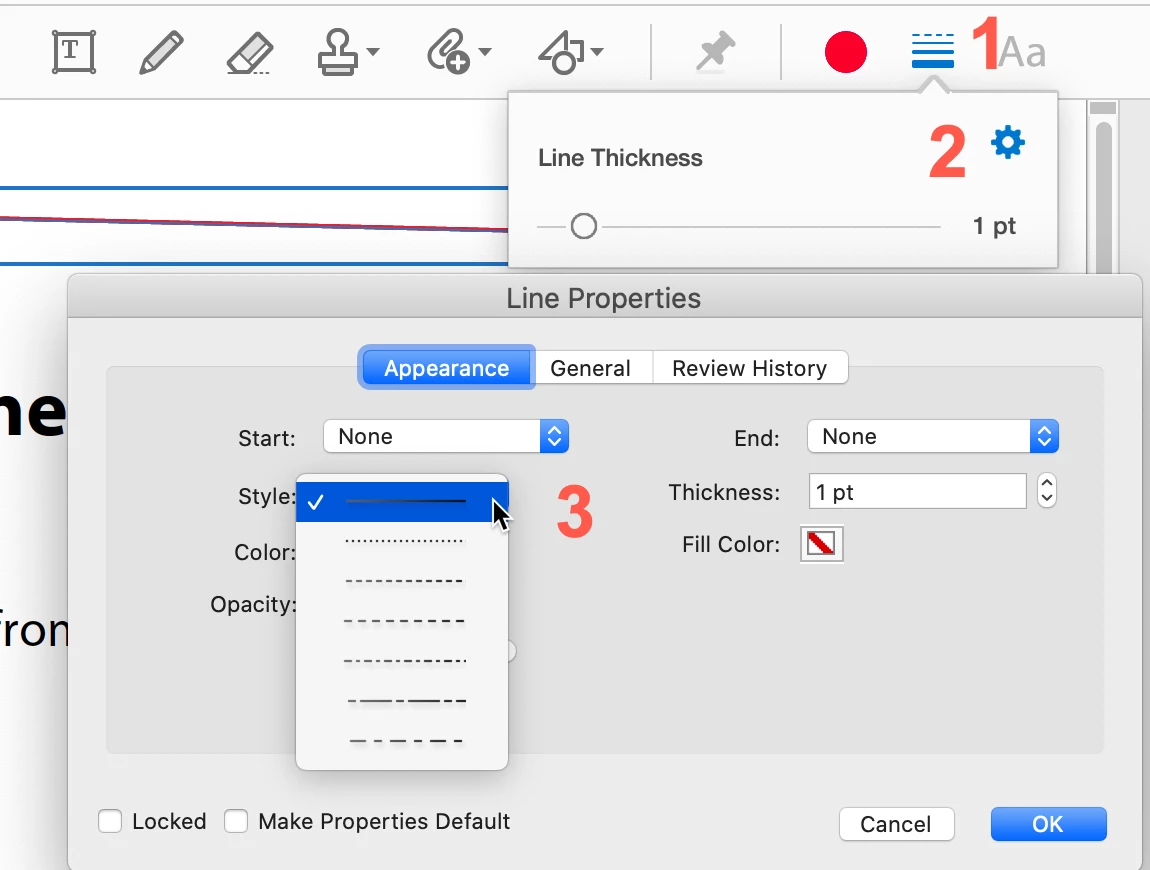
How can i draw a line (of dots and dashes preferrably) on a pdf plan drawing of a building plan. I have imported the pdf (a plan view of a building plot with house and fencing etc.). I would like to add a line (both straight and shaped) where there isn't one and erase a part of a line where there is. I can add text and all of the other things (but i don't want to) but can't find the "line drawing tool" I am using Continous Release Version 2020.012.20041 downloaded yesterday on Windows 10 Entreprise . I have the "edit and test tool" but all of the options are grayed out and I can't no "line" there anyway. Please help - anyone. Thanks
 AdChoices