


Known Participant
April 20, 2023
Question

How to get Page Thumbnails (Navigation Pane) to show 32 items without scrolling?

  • April 20, 2023
  • 5 replies
  • 2726 views

Is it possible to show more than 32 Page Thumbnails at a time?

I need to provide one view of numerous pages.My use case of this vey compressed view is to show custom scaling.

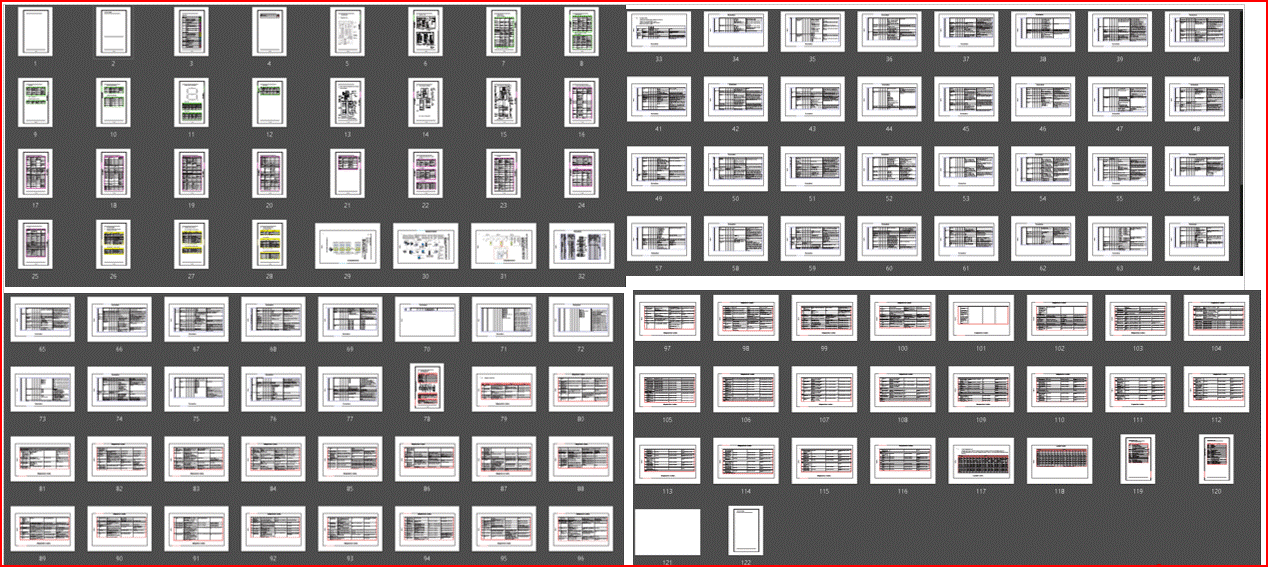
As-Is, with 122 pages, I need to screen capture four times and stich them together into one view.
This topic has been closed for replies.

5 replies

JR Boulay
Community Expert
Community Expert
April 23, 2023

I pull the thumbnail panel to the right of the screen (19").


Acrobate du PDF, InDesigner et Photoshopographe
Known Participant
April 24, 2023

My use case is, for multi-pages and picture-heavy documents, inability of conversion to PDF or custom scaling to Fit-To-Page. Trial and error is needed to try different setting(s); my wish is ability to quick check if changed setting yields Fit-To-Page; in other words, whether Fit-To-Page is more important than legibility for Page Thumbnails.


As-Is, I am finding following after conversion or custom scaling:

  1. Picture is shown partially in a page 
  2. A page is converted to two pages (because of text overflow)


IMHO,  either one or all of following for single view to show more Page Thumbnails helps

  1. narrow spacing (between ThumbNails); it occupy 32% footprint (relative to PageThumbnails)
  2. Page Thumbnail size be reduced
JR Boulay
Community Expert
Community Expert
April 20, 2023

"Reduce page thumbnails" may help you:


Acrobate du PDF, InDesigner et Photoshopographe
Known Participant
April 21, 2023

Thanks, I have reduced to its limit;  "Reduce Page Thumbnails" is now greyed out and cannot be reduce any more.

How did you get a view of page thumbnails of PDF containing more than 32 pages of A4 Portrait?

try67
Community Expert
Community Expert
April 20, 2023

I'm able to show 72 pages at once:


It probably also depends on the screen's resolution.

Known Participant
April 21, 2023

Thanks, I have maxed out screen resolution; Can spacing between Page Thumbnails be reduced?

try67
Community Expert
Community Expert
April 21, 2023

No, just their size. I also maximized the window's size by hiding the menu bar and toolbar (F8 and F9).

Bernd Alheit
Community Expert
Community Expert
April 20, 2023

Export the pages as images and stitch the images together in Photoshop.

Known Participant
April 20, 2023

I meant more than 32 page thumbnails in one view. Thanks and Kind Regards