


Answered
How to inserting blank pages in large multiple page pdfs?
I have 7 different pdfs of differing file page lengths (up to of 13700 pages) in one, i need to add 2 landscape 11"x 8.5"blanks (1 after page 1 and 1 after page 5) and then repeat throughout the document. I found a Java script someone had created for adding 1 blank after every third page, and I tried to edit it but my edits don't seem to be working. I know very little in JavaScript. I am using Acrobat Pro XI. Can anyone help me, please? Thanks,
Steve @ Daily
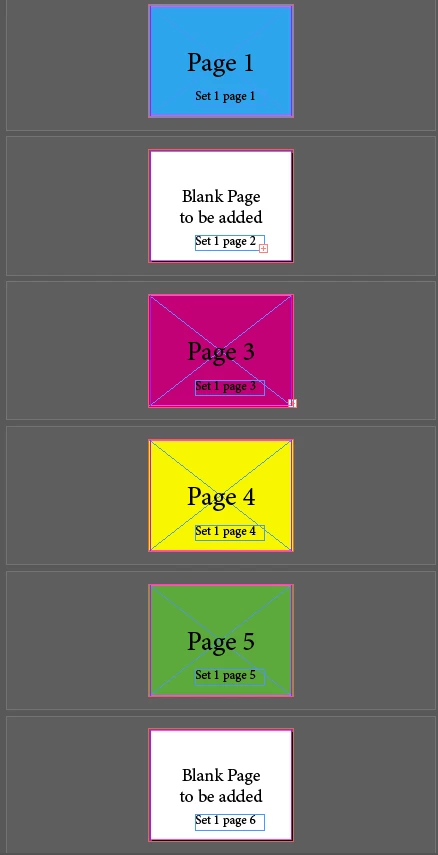
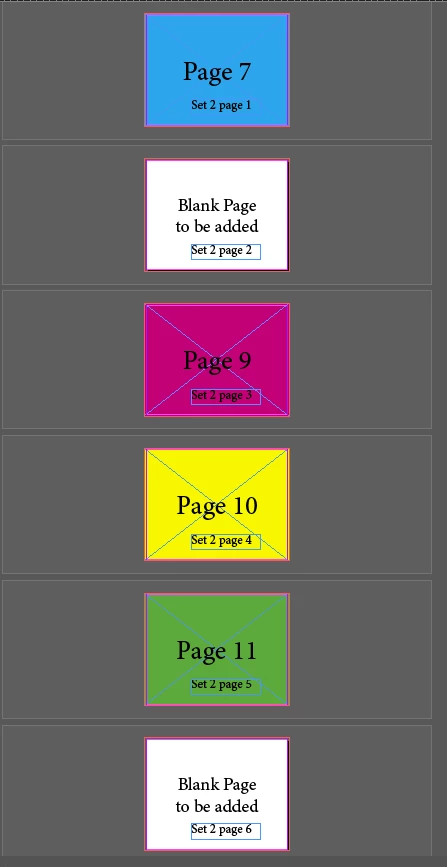
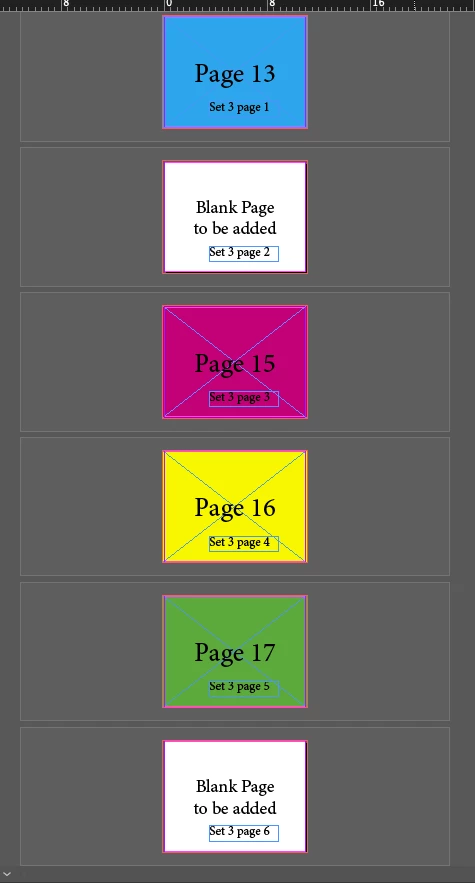 This is what I'm shooting for, I don't understand JavaScript enough to make the edits to make it work.
 AdChoices