


New Participant
December 19, 2024
Question

How to make an interactive pdf with fillable text boxes within the text

  • December 19, 2024
  • 3 replies
  • 570 views

Hi there,


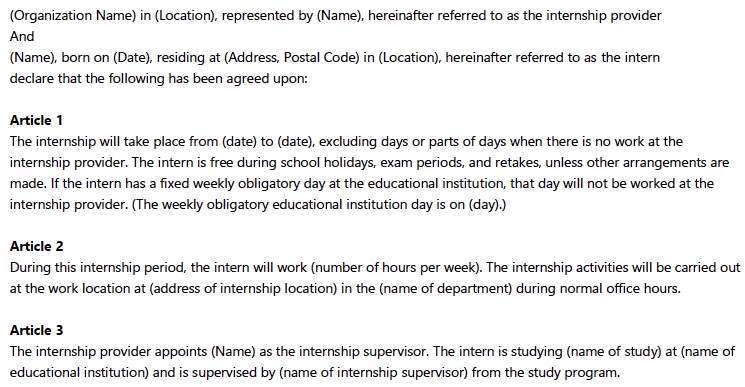
I need some interactive PDF advice. I want to make the text between brackets into fillable text fields. The text fields need to adjust to the width of the typed-in words. The rest of the text has to move accordingly, so the result will still be a readable full text, like a contract. Is that possible in Indesign/Acrobat Pro?

See below...


This topic has been closed for replies.

3 replies

try67
Community Expert
December 19, 2024

The only way to make the text re-flow is if it's all the value of a single text field, but then the user will be able to edit all of it, not just the parts you want them to edit. A possible solution could be to have them enter those values in another text field, and then use a script to populate the main field with the static text plus their input.

Thom Parker
Community Expert
December 19, 2024

Text on a PDF page is fixed, just like a piece of paper. So, while it is possible to create a tool that will convert the text in parentheses (not brackets) in to fields, it is not possible to re-flow text on the page. 


If you really want a form that does re-flow text, then take a look at AEM forms. 

https://business.adobe.com/products/experience-manager/forms/aem-forms.html


Thom Parker - Software Developer at PDFScriptingUse the Acrobat JavaScript Reference early and often
Nesa Nurani
Community Expert
December 19, 2024

Don't think that's possible with Acrobat.