


Inspiring
May 20, 2025
Answered

How to make the scrollbar thumb always appear

  • May 20, 2025
  • 2 replies
  • 2754 views

Apologies if this has been posted before, I tried looking for similar issues but couldn't find this exact issue*.


How do I make the scrollbar thumb (the bit you click on the drag the scrollbar around) always appear in Adobe Acrobat on Windows 11?


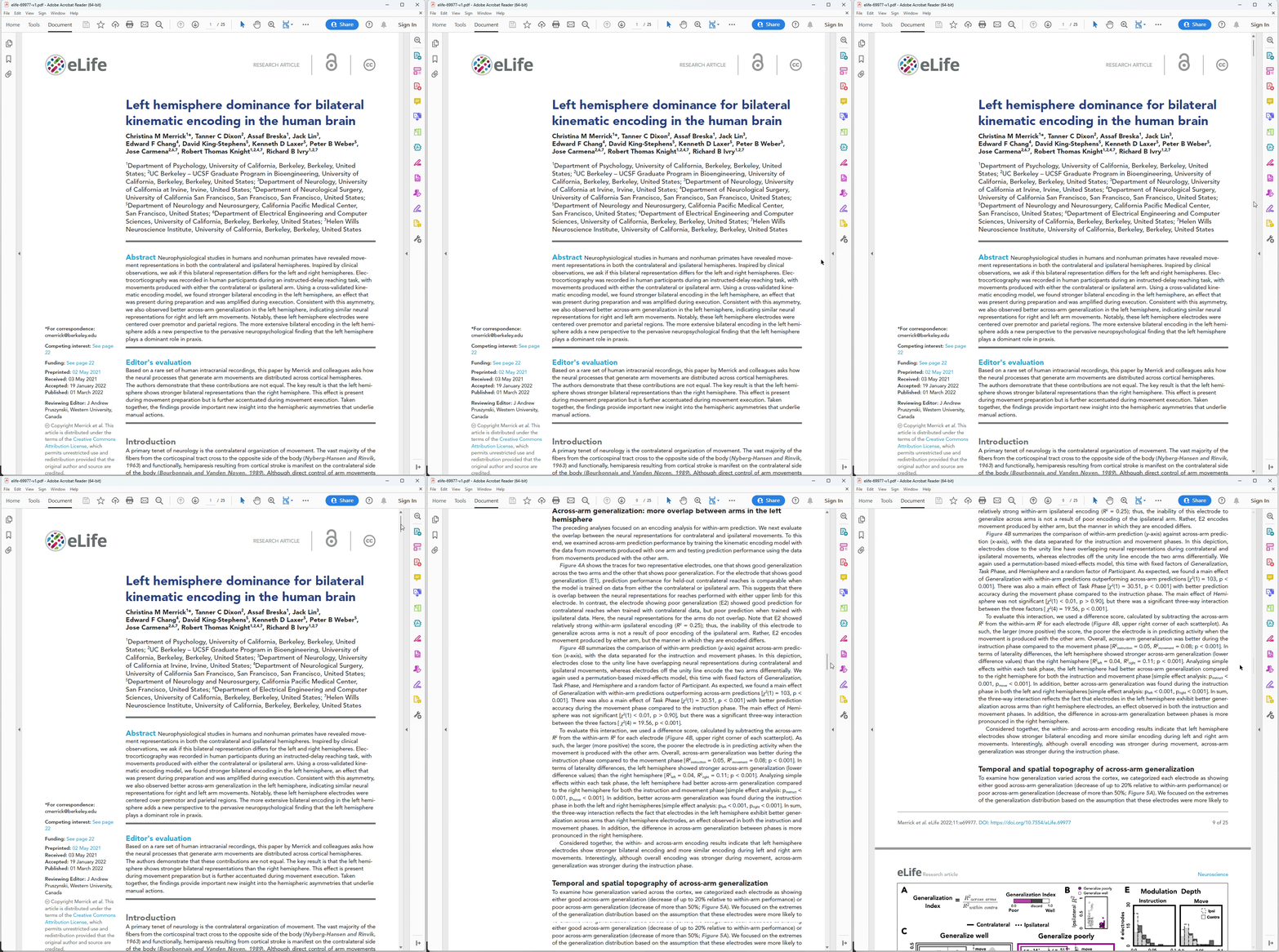
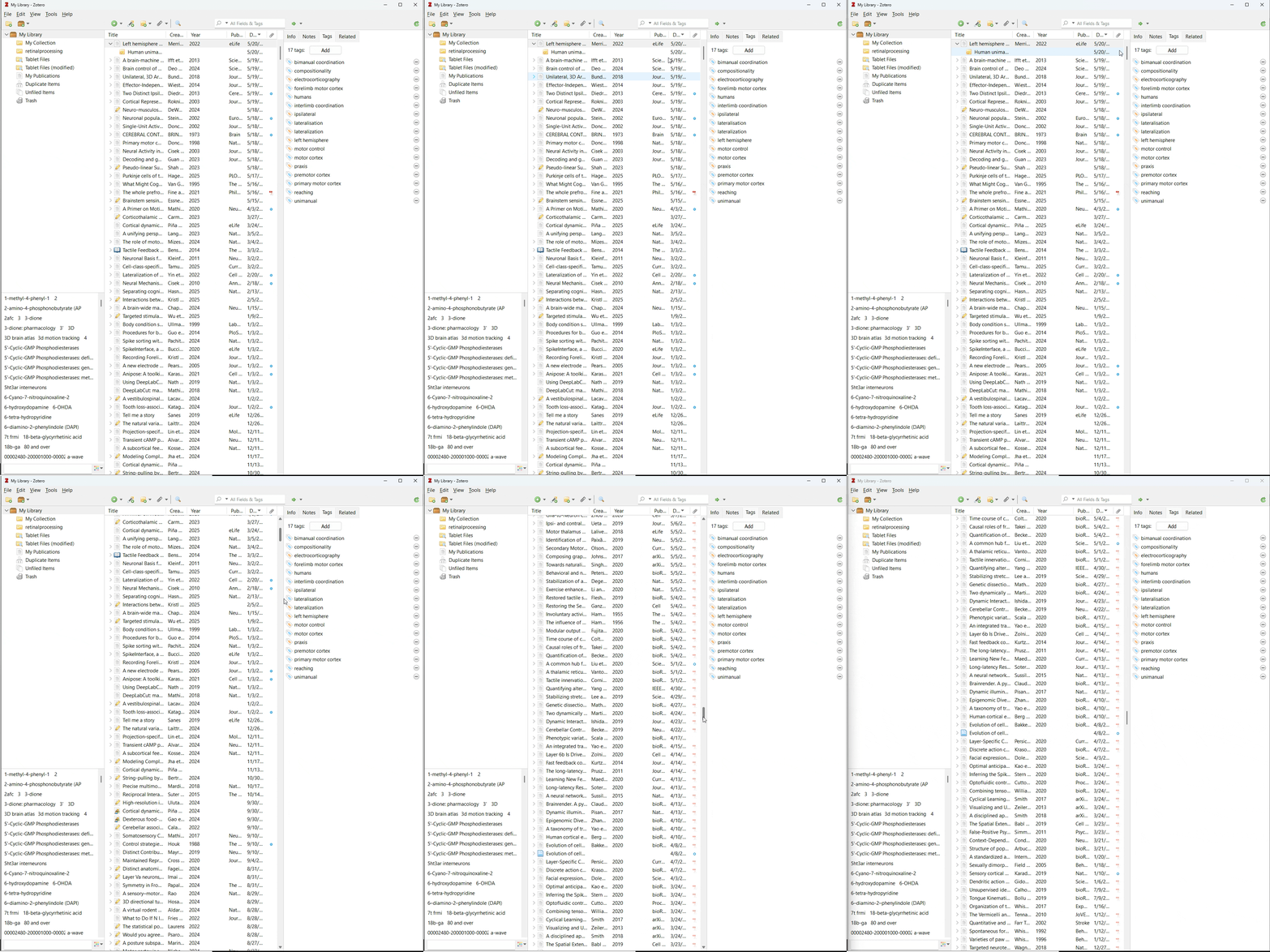
Right now the thumb only appears when you mouse over the scrollbar. This is a major usability issue, especially for long documents, as I have to guess where the thumb is and then make a corrective mouse movement when I inevitably get it wrong. In Acrobat on previous Windows versions and in every other app on Windows 11, a skinny scollbar thumb is always shown so that I can mouse directly to it and the thumb gets big when you mouse over it. In Adobe Acrobat on Windows 11, no thumb is shown by default and the skinny thumb only appears when you mouse over the scrollbar.


The following screen captures demonstrate the issue.


In the first screen capture, I am attempting to scroll a long document in Adobe Acrobat. Notice how the scrollbar thumb is not visible, and I have to make two mouse movements to grab it to scroll:


In the second, I am attempting to scroll a different application. Notice how the scrollbar thumb is always visible so I am able to mouse directly to it:


Like I say, this appears to be a Windows 11 specific issue as I only noticed it after upgrading from Windows 10. Other apps don't have the issue, so it appears to be Acrobat specific thing.


How do I make the scrollbar thumb always appear?


*I found a lot to do with the scrollbar not appearing at all, but that's not the issue I'm having, those issues appear to be Mac specific, and the suggested resolutions refer to options that don't exist on my Acrobat.

Correct answer no352959818vt6

BTW, AFAIK, the OS build and update version (KB....) are the same thing. I could be wrong, however but it appears that way.

https://support.microsoft.com/en-us/topic/windows-11-version-24h2-update-history-0929c747-1815-4543-8461-0160d16f15e5


If that's the case, then that makes things less clear because I'm still at KB5058411, so if you were at KB5058411 on 5/28 and not seeing the issue then that's not the culprit.


In any case, the issue appears to be resolved (for me at least) in Acrobat Reader 2025.001.20531. Thanks devs for your attention to this matter.

2 replies

New Participant
July 1, 2025

MG1967de on the following thread found a bit of a work around by changing the Display Size (under the View menu) from Small to Standard. For me, it was already standard (and small not selectable) so I tried going to Large, which does now show the thumb at all times..

https://community.adobe.com/t5/acrobat-discussions/i-want-my-scrollbar-to-be-visible-all-the-time/m-p/15384306#M512173

Dave Creamer of IDEAS
Community Expert
July 1, 2025

More weirdness... Mine is at Standard and I have scroll bars all the time. 

I am on a 4K monitor, however. 


David Creamer: Community Expert (ACI and ACE 1995-2023)
S_S
Community Manager
Community Manager
May 20, 2025

Hi @no352959818vt6,


Hope you are doing well. Sorry for the issue with scrollbar thumb not appearing on Acrobat.


Here are a few steps for you to try:


  • Go to Settings(System Settings)> Accessibility > Visual effects

  • Turn "Always show scrollbars" to ON


Next, would you mind trying out the New UI for Acrobat? To do so, go to View > Enable New Acrobat.

This will help us understand if the issue is limited to the Classic UI or for Acrobat in general.


Also, please ensure that you are on the latest version of Acrobat (2025.001.2047x) for the best experience.

To do so, go to Help > Check for Updates.


Looking forward to hear about your findings.


Regards,
Souvik.

Participating Frequently
May 28, 2025

I am having this same issue since the Windows 11 upgrade.  Newest version of Adobe, both on Classic and New versions.  Please let me know if there is a solution to this.  I want to see the thumb when I am scrolling with my mouse wheel, not just when I am hovering over the scroll bar.

Dave Creamer of IDEAS
Community Expert
June 14, 2025

If that's the case, then that makes things less clear because I'm still at KB5058411, so if you were at KB5058411 on 5/28 and not seeing the issue then that's not the culprit.


In any case, the issue appears to be resolved (for me at least) in Acrobat Reader 2025.001.20531. Thanks devs for your attention to this matter.


Of course, I'm now at KB5063060. Same Acrobat version as you but with Pro.


David Creamer: Community Expert (ACI and ACE 1995-2023)