


Question
How to move navigation pane back to the lefthand side? (Mac)
My boss updated Adobe and noticed that his navigation pane was moved to the righthand side. He needs this moved back to the lefthand side so that he can more easily access bookmarks, pages, etc. in the way that he is used to doing. How can I help him switch this back to the left?
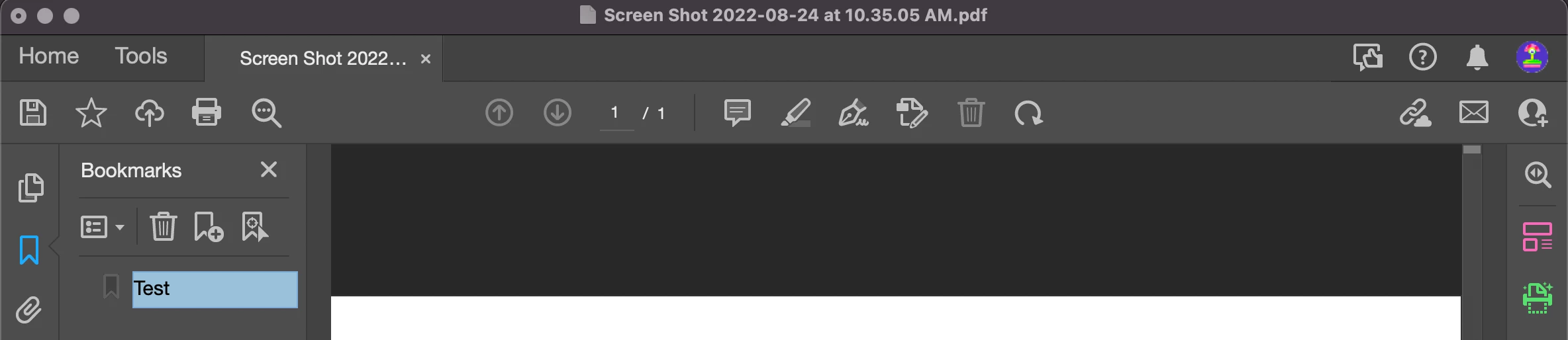
^This is a screenshot of my Adobe - As you can see, my navigation pane is on the lefthand side.
 AdChoices