


How to move text in acrobat pro
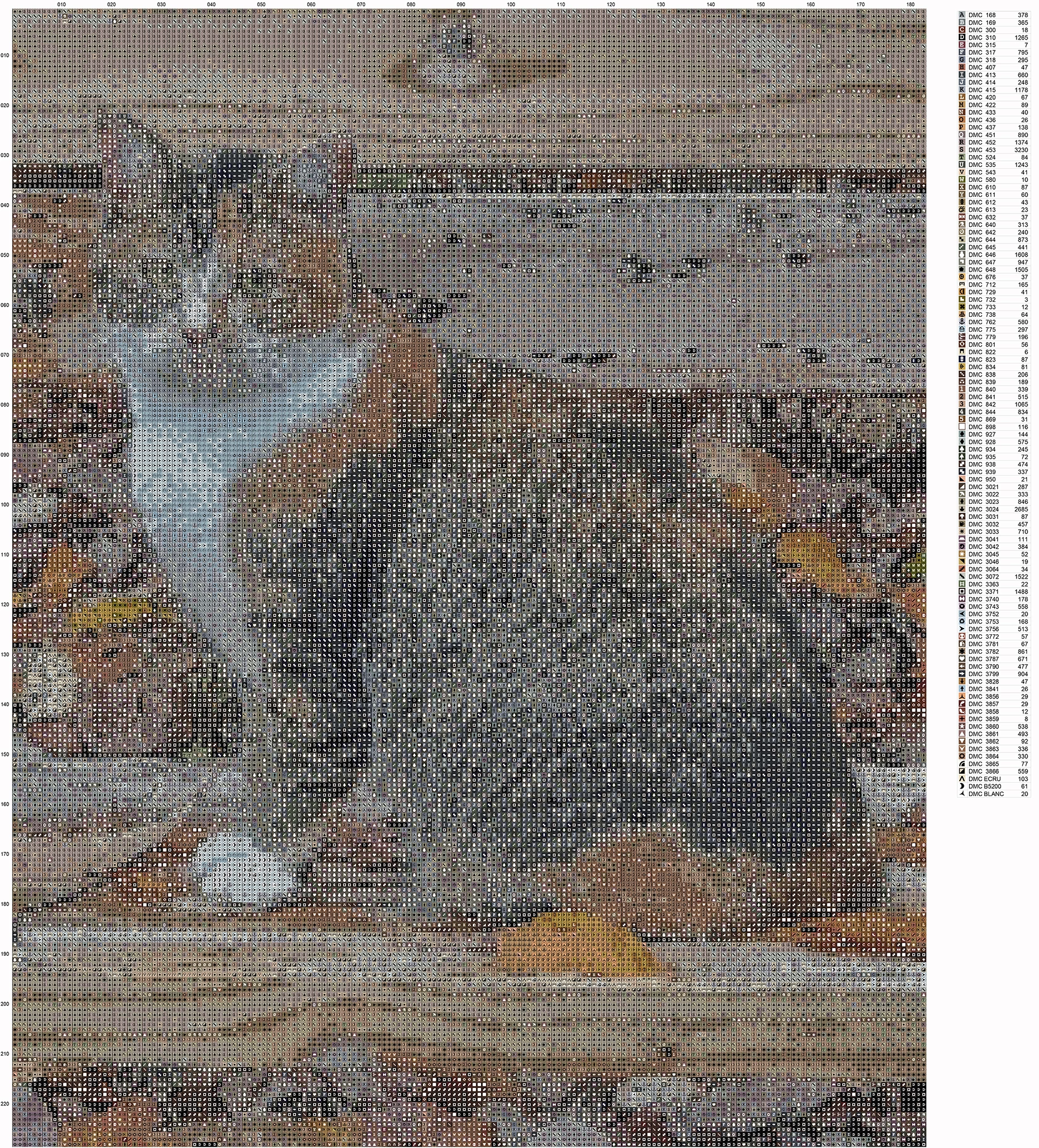
I am new to Acrobat Pro, but am a long time Photoshop user and I'm trying to move some text around and add more in a file that was produced in another program, I don't know if that matters, and I can't figure out how to do it. I've looked on the internet and on here and am not seeing an answer, although it's possible I'm not sure what to look for. I've included two examples of the same file. The first is what I want to do. and the second is the original file that I would like to edit in Acrobat to resemble the oneedited in Photoshop. The first is the PDF file that was produced in another program and edited in Photoshop and then saved as a PDF file again. This made a huge file. On the second image, I wuld like to lower the "Color Key" , that runs along the right side of the main image and them add my logo, a small thimbnail of the picture and text of the information regarding the chart. Is there any way I can do this in Acrobat and avoid the extra step in Photoshop and winding up with a hugh PDF file? Thanks for any help anyone can give. 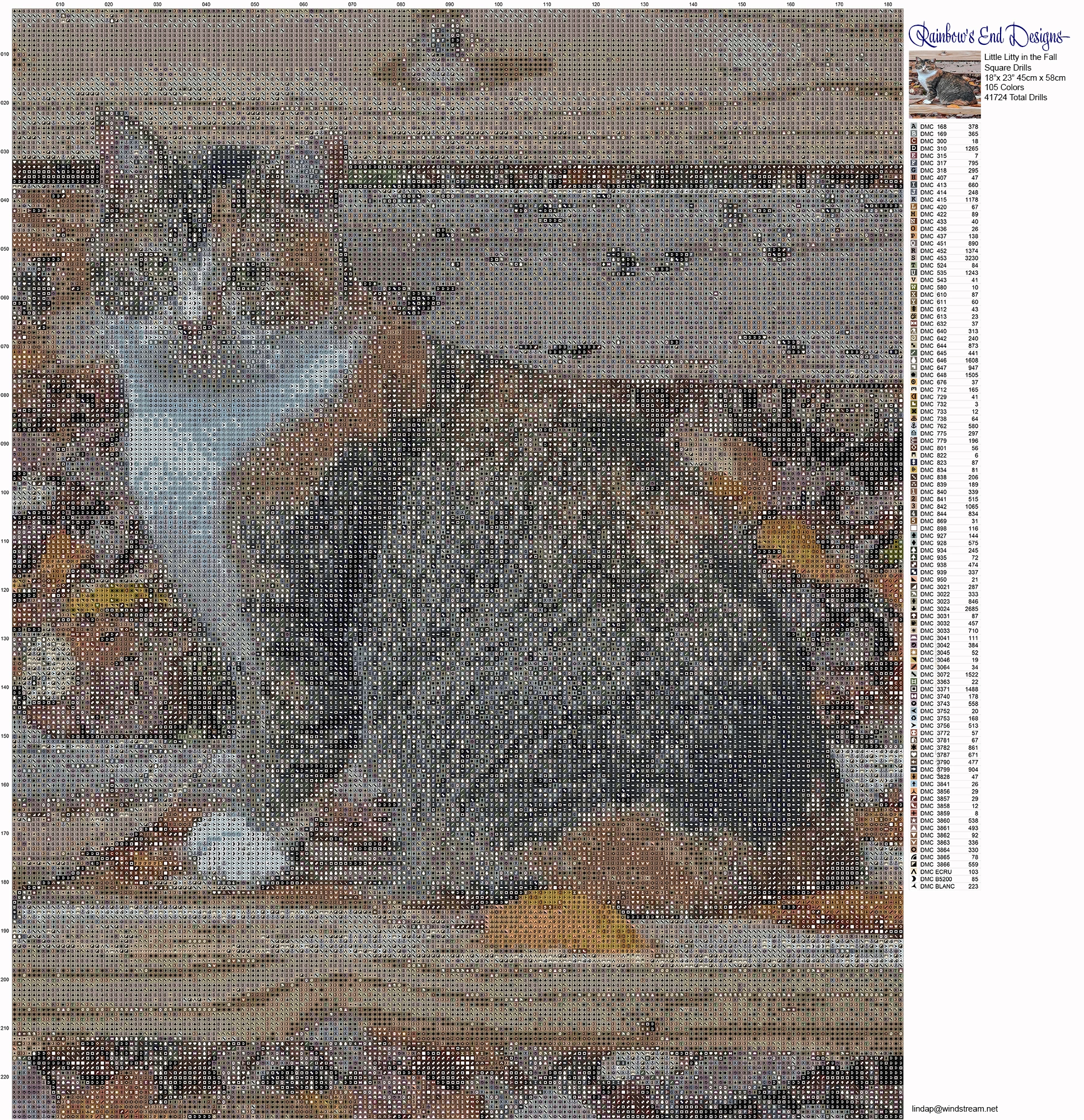
 AdChoices