
How to remove a step from a Preflight profile?
Question
Is there a way to remove a step from a Preflight profile if the step doesn't show up in the "Custom fixups" nor in the Summary of the profile?
Context of my problem (Skip if not interested)
I've created a book layout with a program that can't flatten transparencies (Scribus) and I'm faced with a requirement from Lightning Source (Ingram) to submit an X-3 compliant PDF without transparencies. (Lightning Source is the only print-on-demand service partner of DriveThruRPG.com where I've decided to publish my book, so sadly switching printing services is off the table as a solution).
Scribus developer recommends two workarounds - Either use GhostScript CLI or Acrobat Pro DC to flatten the transparencies of the PDF exported from Scribus. I didn't find a way to stop GhostScript from rasterizing all text in the output PDF, gave up on GhostScript and signed up to Acrobat Pro.
Now I've successfully used Acrobat's Print Production tool called "Flattener Preview" to flatten all transparencies in my PDF - Something that the Preflight fix step named "Flatten transparency (high resolution)" under the "Convert to PDF/X-3 (2002) activated via "apply fixups"" category failed to do.
Why I want to remove a step from Preflight?
Now I have an X-4 compliant PDF with flattened transparencies that I want to downgrade to be X-3 compliant. None of the preflight profiles in Acrobat Pro had the required color profile, so I copied the profile named "Convert to PDF/X-3 (SWOP)" and changed its color profile to the one provided by the printing partner (which I installed on my computer previously, so I was able to select it from the list in Acrobat). Then I ran the new profile using "Analyze and fix" and it downgraded the PDF to X-3 with no errors, but among the fix steps in the report there was this step:
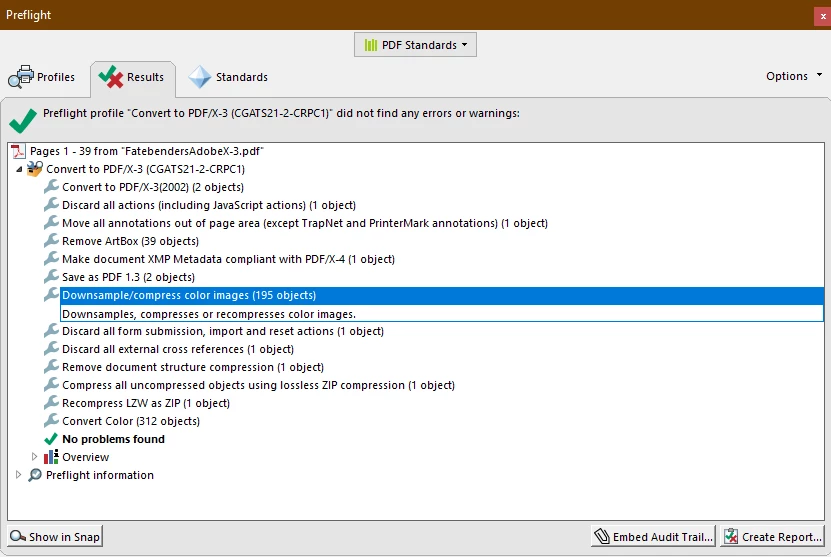
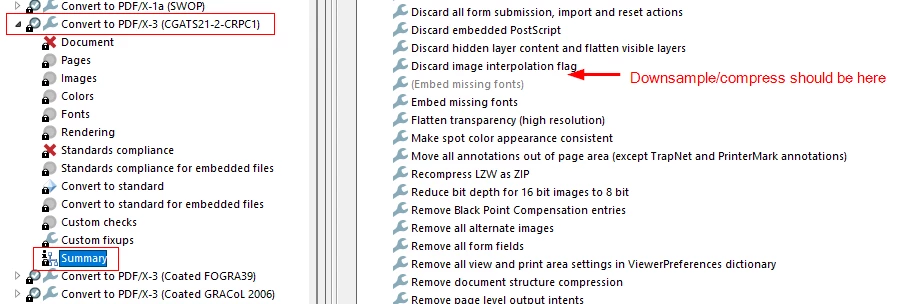
There is no such step in the Preflight profile summary:
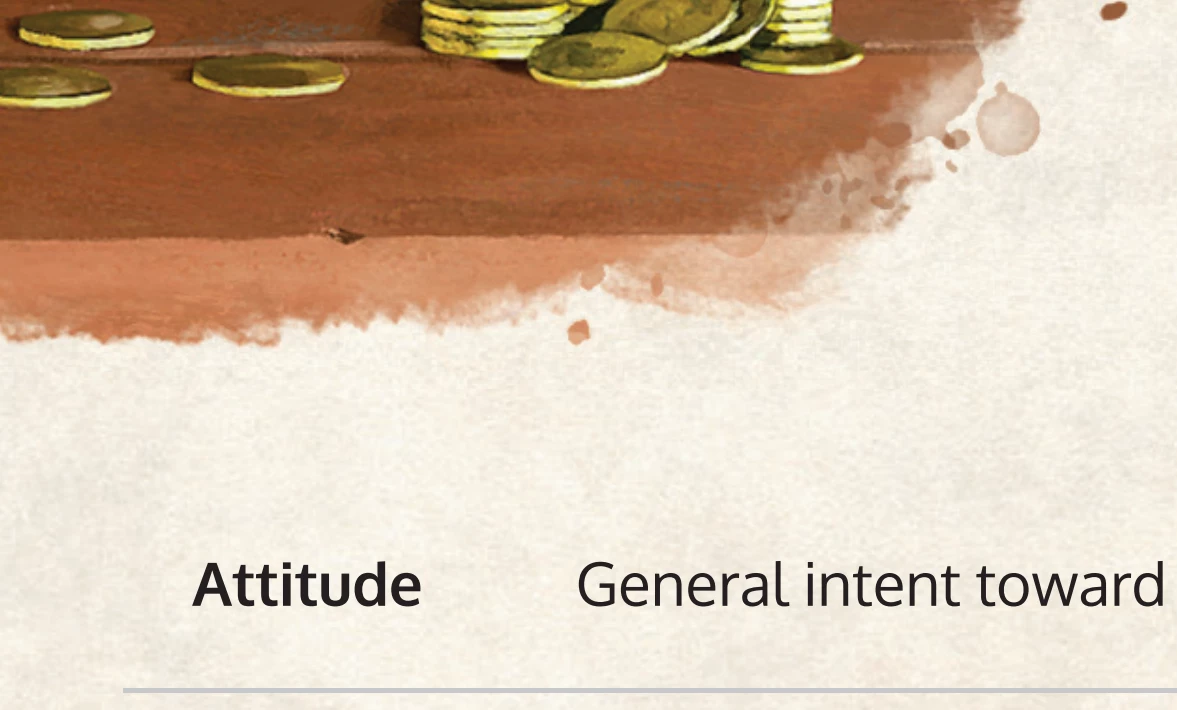
And the result is, that after flattening, but before conversion the PDF background parchment looks nice (even at only 179 DPI):
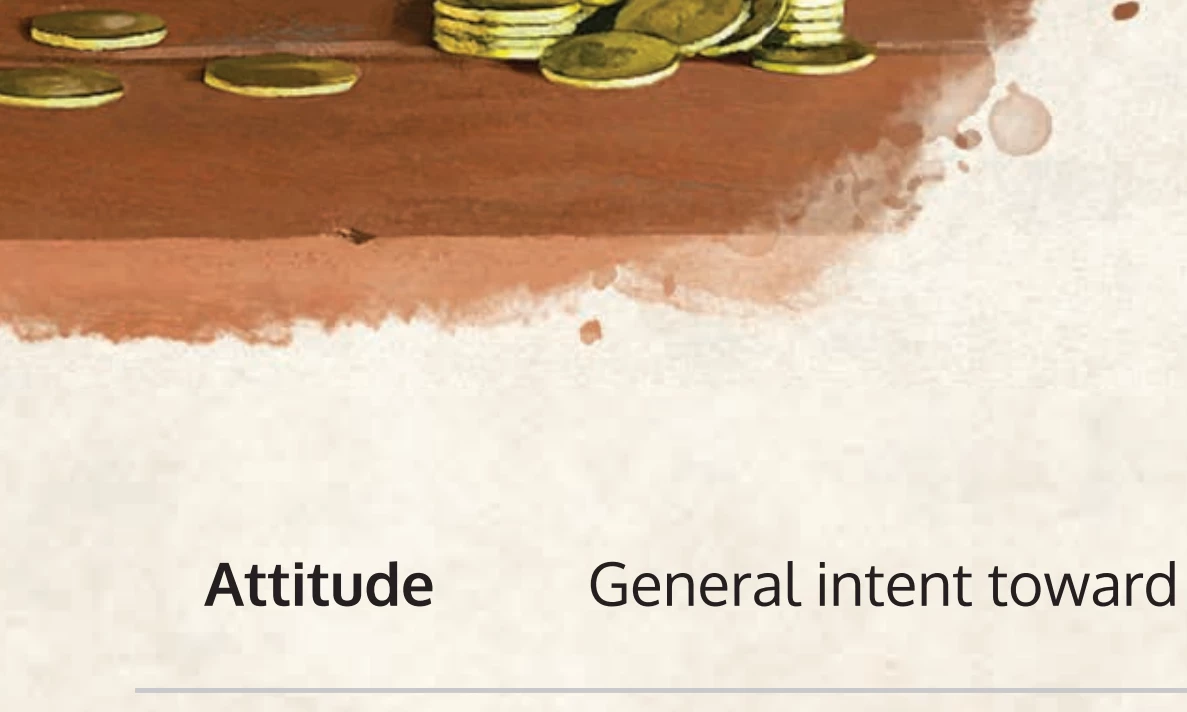
But after conversion it's visibly downsampled (you don't see the grainy texture anymore. The image consists of gradient squares about 10 times larger than the pixels above):
I'd appreciate the help, thank you in advane,
Robert
 AdChoices