


Participant
November 12, 2020
Question

How to remove overlay on fillable PDF

  • November 12, 2020
  • 2 replies
  • 1906 views

This is driving me crazy. Does anyone know how to remove these grey boxes? I made this fillable PDF and it shows these grey boxes in Chrome but not in Adobe. Can I make it so they do not show in Chrome? Also, it doesn't show when you are clicked on it see the picture.  
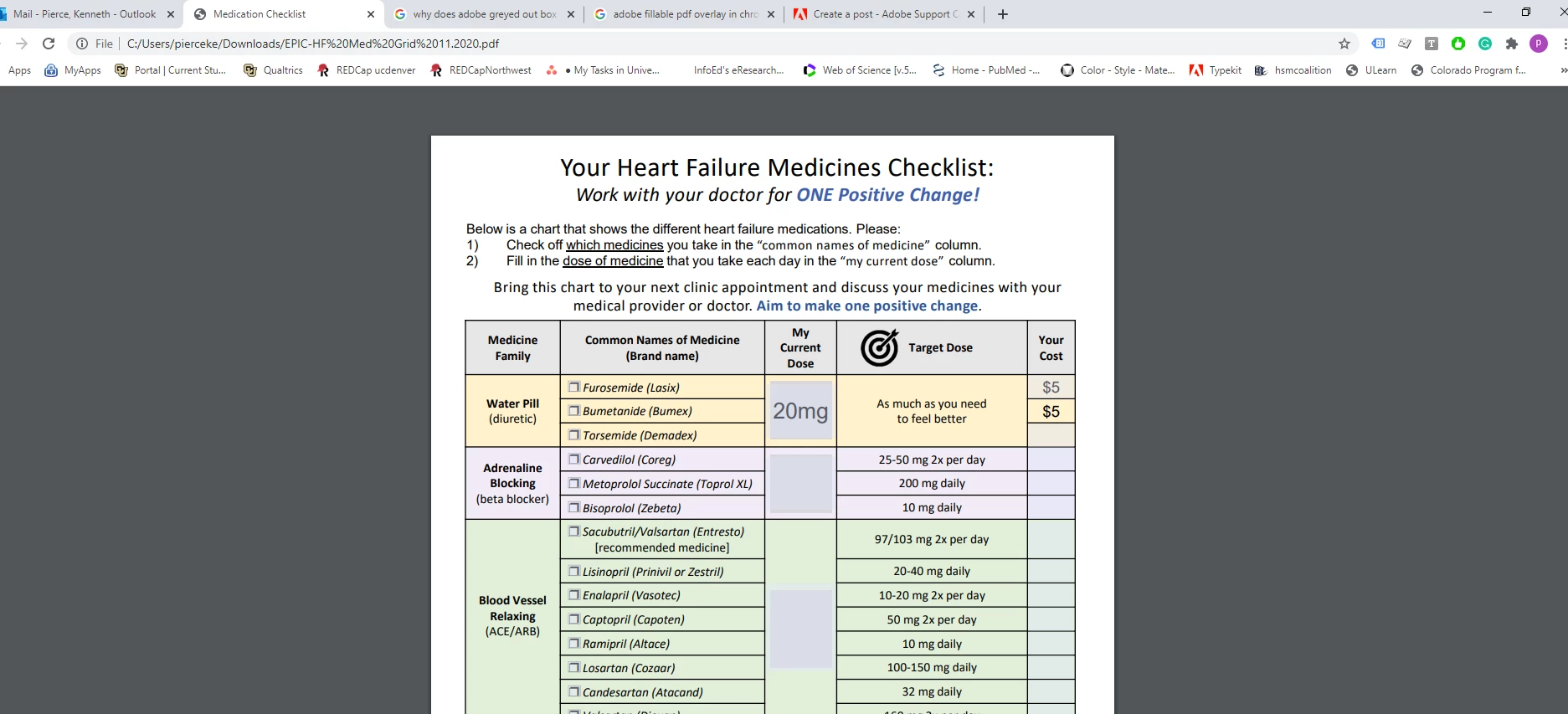
 

This topic has been closed for replies.

2 replies

Thom Parker
Community Expert
Community Expert
November 12, 2020

Also, you really aught to be asking this question on the Chrome forum. This is the Adobe forums, which have literally nothing to do with Chrome. 

Thom Parker - Software Developer at PDFScriptingUse the Acrobat JavaScript Reference early and often
CPPCDAuthor
Participant
November 12, 2020

Well, it was made in Adobe so really could have been either program doing it that is why I asked. Telling them to not use chrome, unfortunately, is not an option for this and no Chrome doesn't read the code. I tried that. Thanks anyway. I'll check a chrome form. 

Thom Parker
Community Expert
Community Expert
November 12, 2020

The simple answer is, Don't Use Chrome to fill forms. 

Acrobat has a setting for highlighing fillable form fields. It looks like Chrome is doing the same thing. In Acrobat this field highlighting is a user preference, but can also be removed by putting this line of code in a document script.


app.runtimeHighlight = false;


I seriously doubt Chrome respects this setting, but it's worth a try.  But again, the real solution is to tell your users to never, ever, use the Chrome PDF viewer to fill forms.


Thom Parker - Software Developer at PDFScriptingUse the Acrobat JavaScript Reference early and often