


How to show a text field when selecting option from dropdown menu?
I want to modify a form so that when one specific option from a dropdown menu is selected, it displays a text field underneath. So far I've only found that this is possible through Javascript. I know nothing about Javascript but here's what I found:
if (this.getField("DropdownMenuName").value == "TextOfTheSpecificOption")
{ this.getField("TextFieldName").display = display.visible; }
else { this.getField("TextFieldName").display = display.hidden; }
My dropdown menu's name is "Dropdown2"
The text of the specific option is "Transfer to another restaurant"
My text field's name is "TransferTo"
This is the actual code I've saved.

But it does not seem to work. Upon selecting the option, nothing happens. No text field showing up, no error message, no nothing.
I've set the TransferTo text field properties as such.
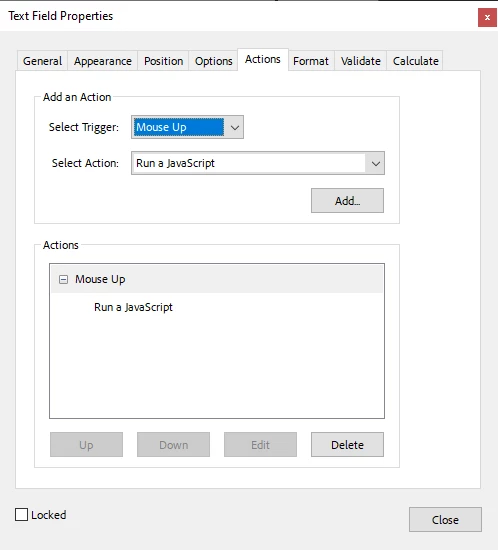
What am I missing? Also, if any of you know a simpler way to do this, please let me know, because Javascript is basically alien language to me. Thanks to anyone who can help.
 AdChoices