Answered
Premiere Pro stuck in "Loading ImporterQuicktime Bundle
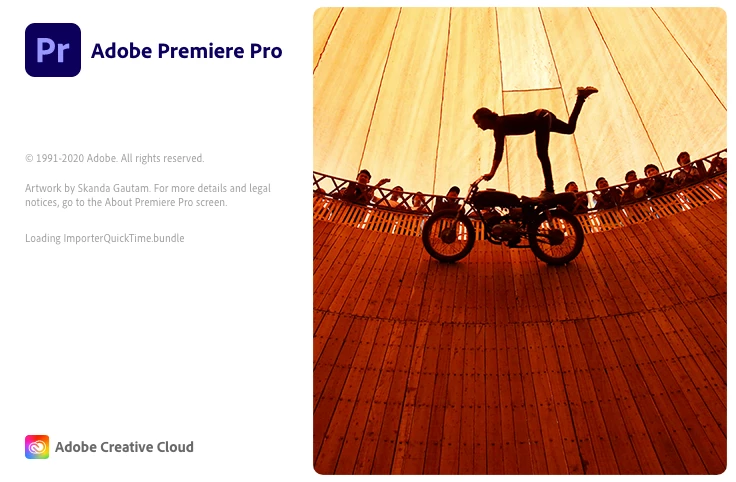 Do you know why Premiere won't start and stuck in this stage? I turned off Firewall, empty Adobe folder and reinstalled Adobe CC. It still does not work. Please help!

Do you know why Premiere won't start and stuck in this stage? I turned off Firewall, empty Adobe folder and reinstalled Adobe CC. It still does not work. Please help!
I've been through this at length with Apple Support, who have been superb, and got this resolved. It isn't an Adobe issue, but an underlying OS issue.
On a Mac, the issue appears to be mainly due to missing Desktop and Documents folders within your user profile (Macintosh HD > Users > YOURNAME. Creating a new profile allowed it to work ok, although that is just a workaround / test, not a solution. I had recently uninstalled DropBox, but I believe iCloud Drive has a similar impact. Due to underlying OS permissions you cannot simply recreate these folders.
Ultimately I had to delete the existing Documents and Desktop links (since they weren't linking anywhere) and reinstall the MacOS. This only took about 30 minutes and doesn't affect your existing files, it just fixes any underlying system files and folders. It recreated the Documents and Desktop folders and all started fine and is now running perfectly.
Already have an account? Login
Enter your E-mail address. We'll send you an e-mail with instructions to reset your password.
 AdChoices