


Insert Digital Signature Field - Acrobat 2019
I'm having trouble inserting digital signature fields in Acrobat. Searching online alludes to several options that appear to have changed in the newest version, so the actions are no longer applicable. I am using Acrobat Pro DC Version 2019.010.20091 on Windows.
Most solutions online refer to a "Digital Signature" field type, however this seems to be replaced with the "Signature" and "Signature Block" fields. When using these I found both to be unsatisfactory and nigh indistinguishable as seen in the screenshot below. The upper right field is a "Signature Block" and the one immediately below it is a "Signature," yet they both appear the exact same.
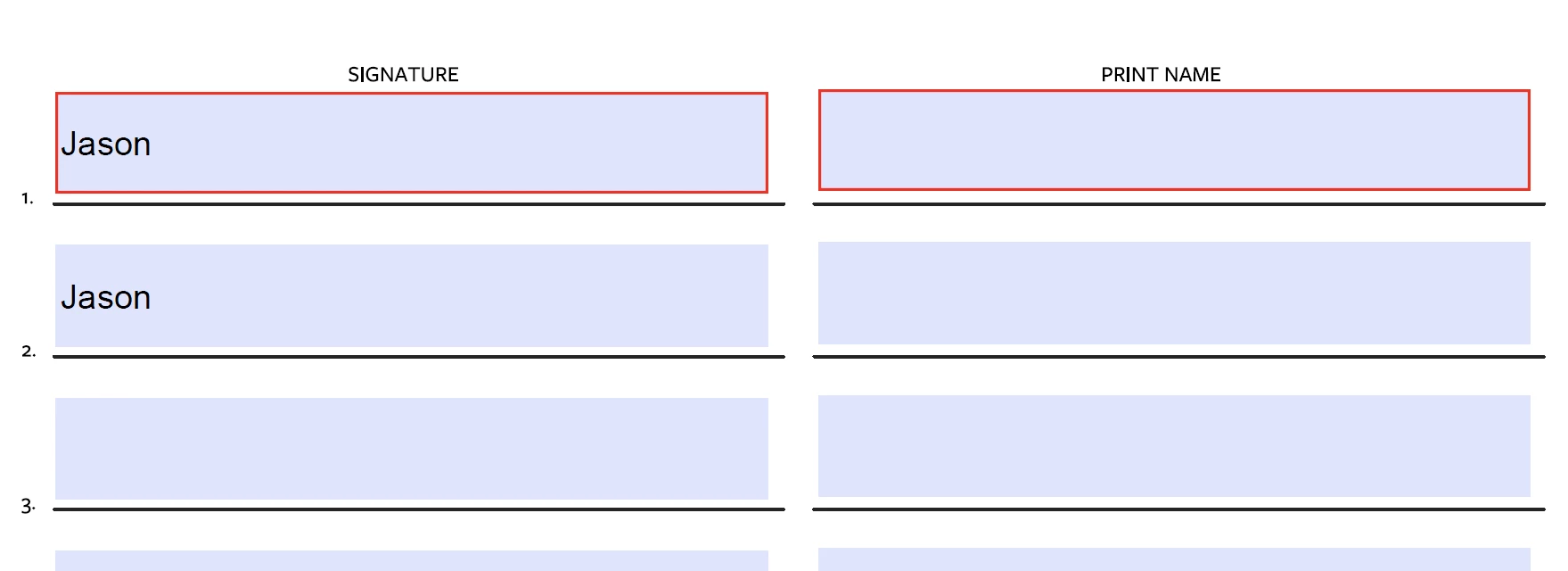
Both also appear as just printed text. Seeing how the designer of the form (not myself) has designed it with both "Signature" and "Print Name" columns, this would be redundant. I instead want to prompt the user to input a digital signature. What am I missing?
 AdChoices