


mjherm
Participant
June 29, 2015
Answered

Install Acrobat without Signing In with Adobe ID

  • June 29, 2015
  • 1 reply
  • 67171 views

I am preparing laptops for users in my organization. I purchased licenses for Acrobat as part of the laptop purchase through Dell. Is there any way I can activate Acrobat on the laptops without needing to use Adobe IDs?
This topic has been closed for replies.
Correct answer Steve Cordero


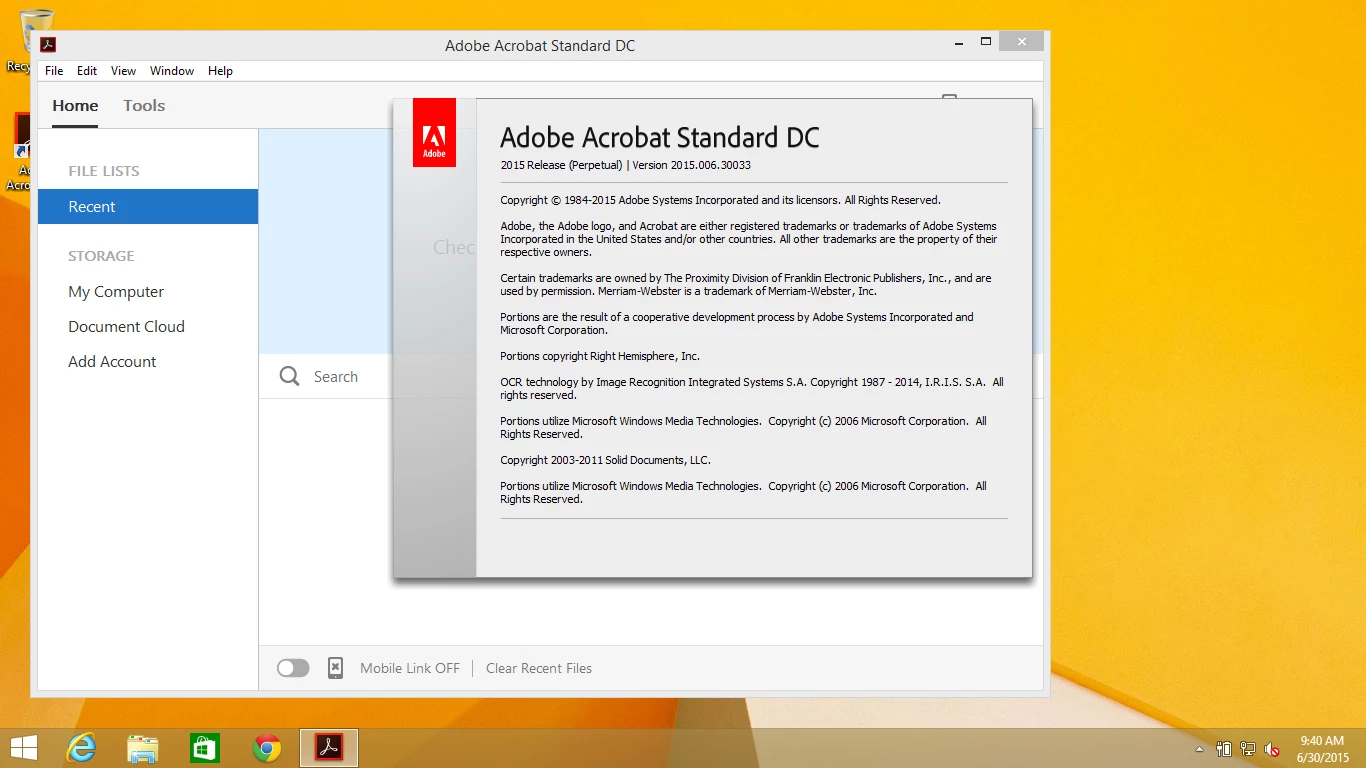
You are using Acrobat DC Classic. You said that this is a RETAIL serial number so disabling Sign-In isn't really and option.  If it were a VOLUME then you could do this via the Adobe Customization Wizard DC by using the Grant Offline Exception feature.

1 reply

Adobe Employee
June 29, 2015

It depends on the version of Acrobat you have. Is it the VOLUME license or the RETAIL license?  Is it Acrobat XI or Acrobat DC?  If Acrobat DC, then is it the Acrobat DC Continuous version or Acrobat DC Classic version ( Document Cloud Product Tracks — Enterprise Administration Guide )?  The answers to these questions will determine the answer for your question.

mjherm
mjhermAuthor
Participant
June 30, 2015

It is DC and I am using a retail key so I don't think either of those enterprise versions apply, but please correct me if I'm wrong.

Adobe Employee
July 1, 2015

I have tried creating a master account to activate all keys under but upon signing into the 3rd device I'm told "Sign In Failed" due to "This Adobe ID xxx@xxx.com has already been used to activate the software on two other computers or devices." I purchased separate serials for each PC, this is ridiculously complicated. Is it not possible to have more than one key under one Adobe ID?


RETAIL serial numbers are only supposed to be used for two activations per machine.  You have to use a separate serial number for each machine.