


Participant
December 19, 2022
Question

Interactive buttons in acrobat question

  • December 19, 2022
  • 1 reply
  • 1609 views

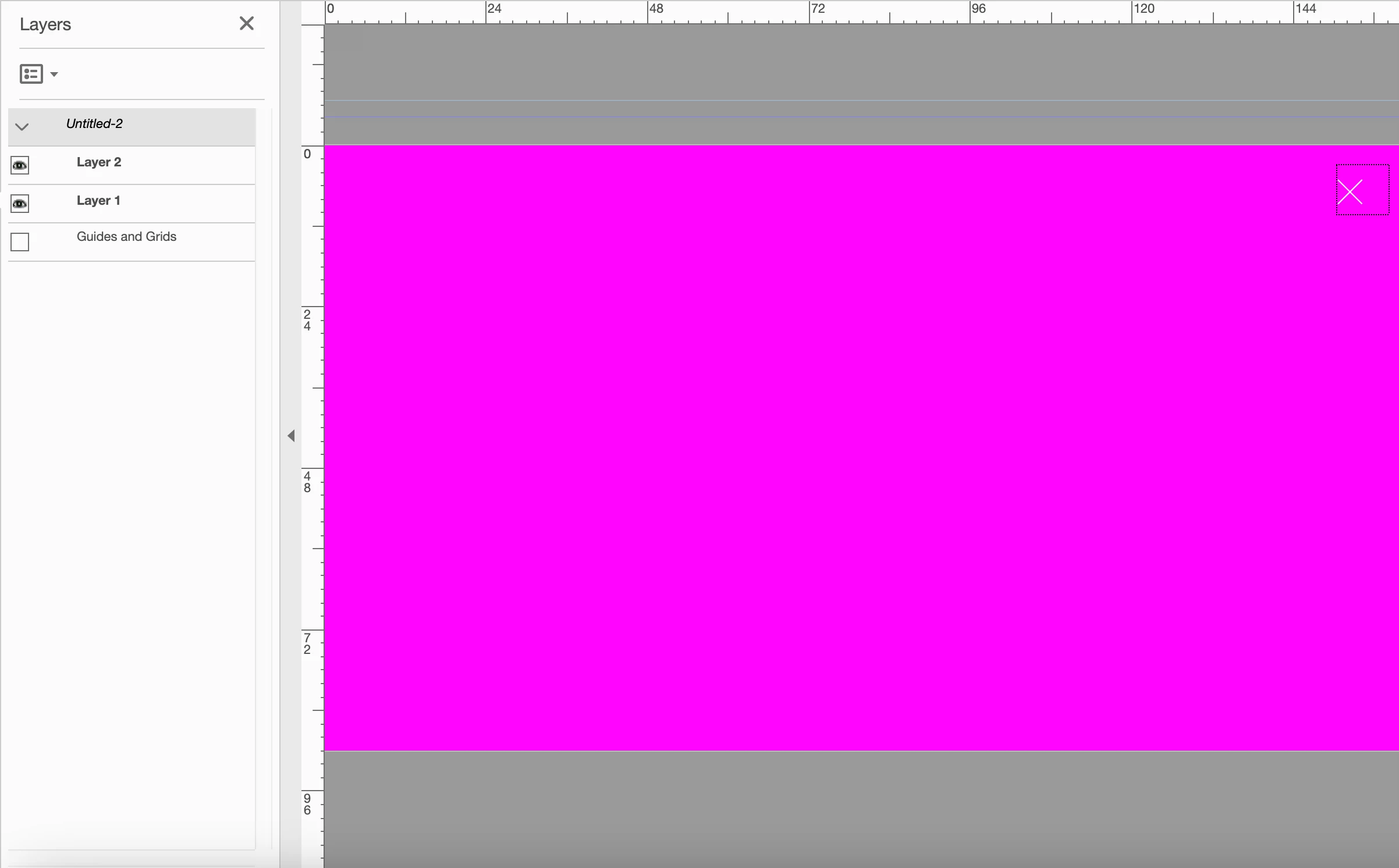
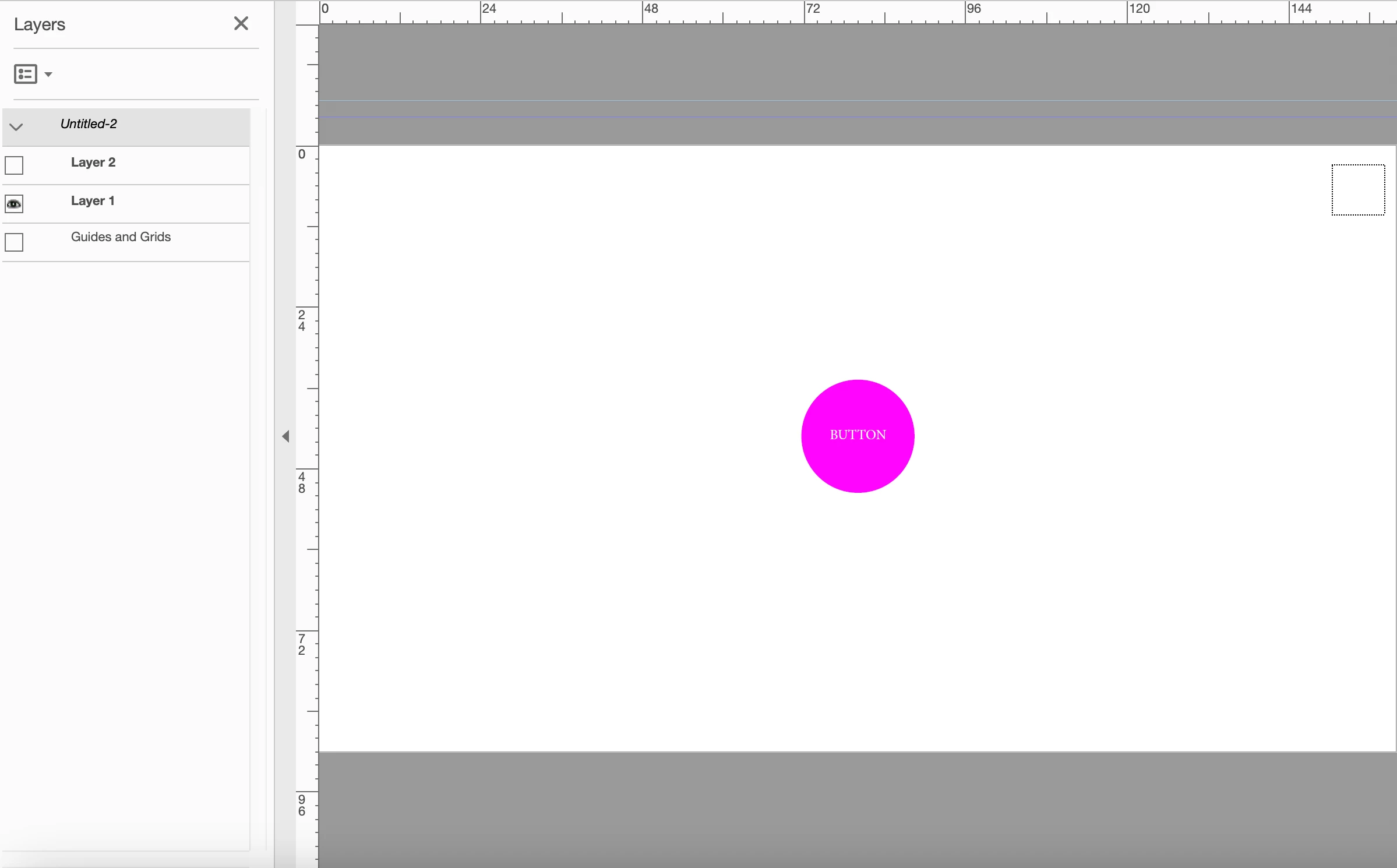
Hi I'm trying to create a simple interactive pdf, i've created layers then added buttons with 'set layer visibilty' for both layers, however when I click on the button to take me to the next layer it leaves a dotted line bounding box were the original button was, is there a way of hiding these bounding boxes?
This topic has been closed for replies.

1 reply

try67
Community Expert
Community Expert
December 19, 2022

Yes, but it's a setting of the application. It won't "travel" with your file, so someone else who views it might still have see them. To disable it go to Edit (on Windows) or the Acrobat app menu (on a Mac) - Preferences - Forms and tick off the box next to "Show focus rectangle".

Participant
December 19, 2022

Thankyou that worked for me, but such a shame that you can't embed into the pdf for when my client opens it?

Participant
December 19, 2022

Hi,

You could place an alert in document-level of your document then set the focus rectangle such as before opening when you close it!:

// Document-Level Script
theFocusRect=app.focusRect;
if (theFocusRect==true) {
	var answer=app.alert({
		cMsg: "Do you want to turn the focus rectangle off?",
		cTitle: "Turns the focus rectangle off",
		nIcon: 2,
		nType: 2
	});
	if (answer==4) app.focusRect=false;
}

// Document Actions - Document Will Close
app.focusRect=theFocusRect;

@+


Also, if I could annoy you one last time, my document will have about 10 layers eventually, is it possible to have button fields that a only active on certain layers or does it have to be active on every layer