Participant
July 12, 2021
Answered

Issue while installing extended asian language font pack for Adobe Acrobat Reader DC

  • July 12, 2021
  • 1 reply
  • 7768 views

Hello everyone,

I hope someone can please help me concerning a problem that is happening to me when I try to install the extended Asian Language font package for Adobe Acrobat Reader DC to be able to view certain documents in pdf format. When running the installer I am getting the following error message:
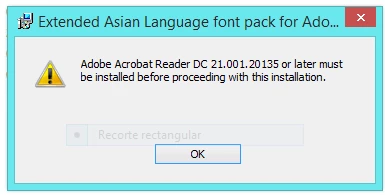
I am using Adobe Acrobat Reader version DC 2021.005.20048. I also downloaded the package installer by using the following link:


https://helpx.adobe.com/acrobat/kb/windows-font-packs-32-bit-reader.html 


Thanks in advance for the help, I will remain attentive to any suggestions.


Regards
This topic has been closed for replies.
Correct answer Amal.

Hey,


Thanks for replying.


Till now i have tried wtih 32 bit version. After your message i have installed 64 bit ver of adobe reader dc and downloaded the 64 bit font pack from the link you shared. However, the issue is still same.


Hi there


Hope you are doing well and sorry to hear that.  Please try to create a new test user profile with full admin rights in Windows or enable the root account in Mac and try using the application  and installing the 64 bit font pack there and see if that helps.


Regards

Amal

1 reply

Amal.
Community Manager
Community Manager
July 13, 2021

Hi Christian


Hope you are doing well and sorry for the trouble. As you are unable to install the extended font pack and getting the above error message.


Please try to reboot the computer once and try again installing the font pack and check if that helps.


If it doesn't work, please try to create a new test user profile with full admin rights in Windows and try installing the font pack there and check.


If it still doesn't work, please remove the application using the Acrobat Cleaner Tool - https://www.adobe.com/devnet-docs/acrobatetk/tools/Labs/cleaner.html, reboot the computer and reinstall the application using the link - https://get.adobe.com/reader/enterprise/ and check.


Regards

Amal

Participant
October 24, 2021

Hi,


I'm also facing same issue. Can someone help on this.


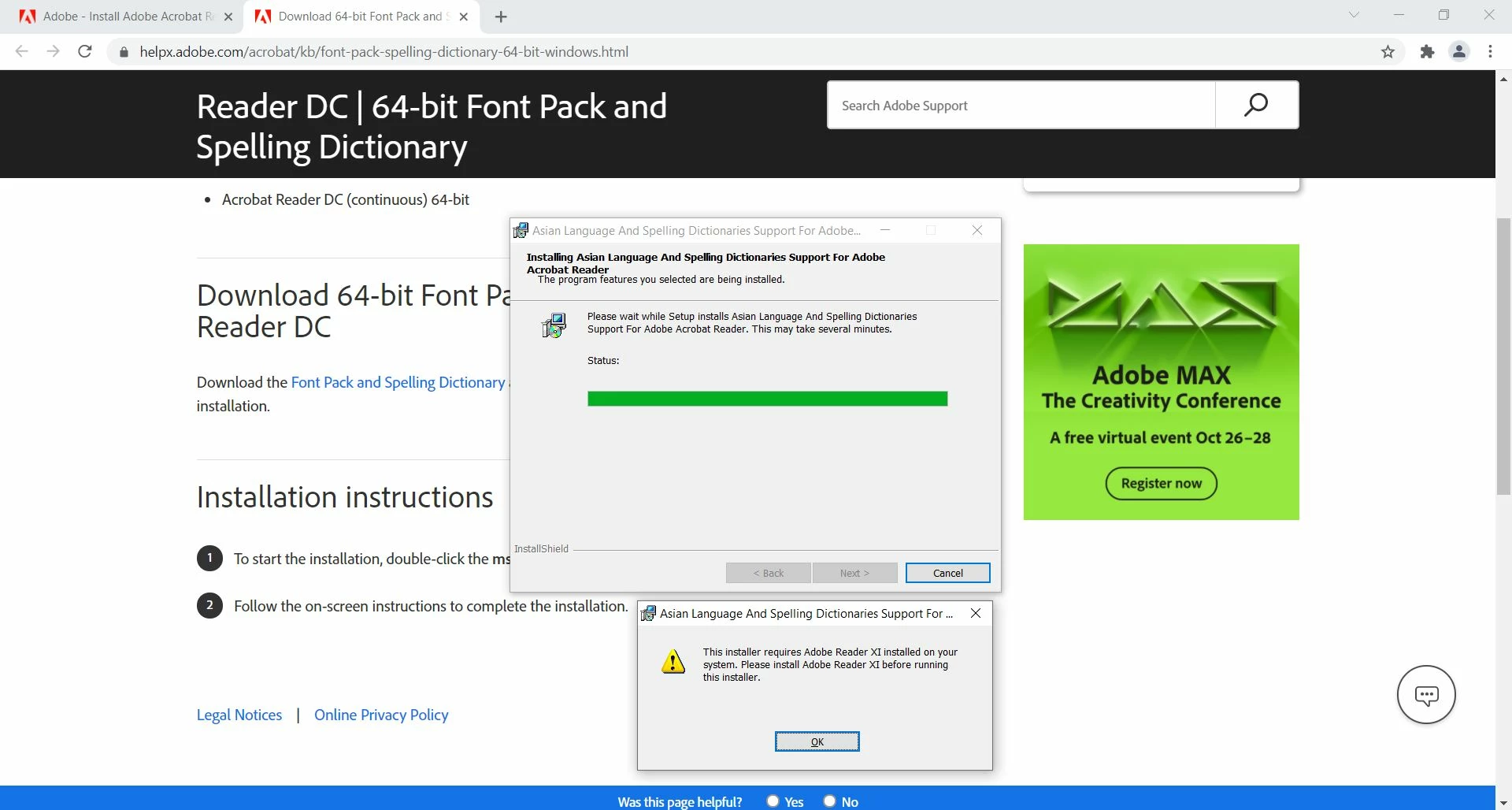
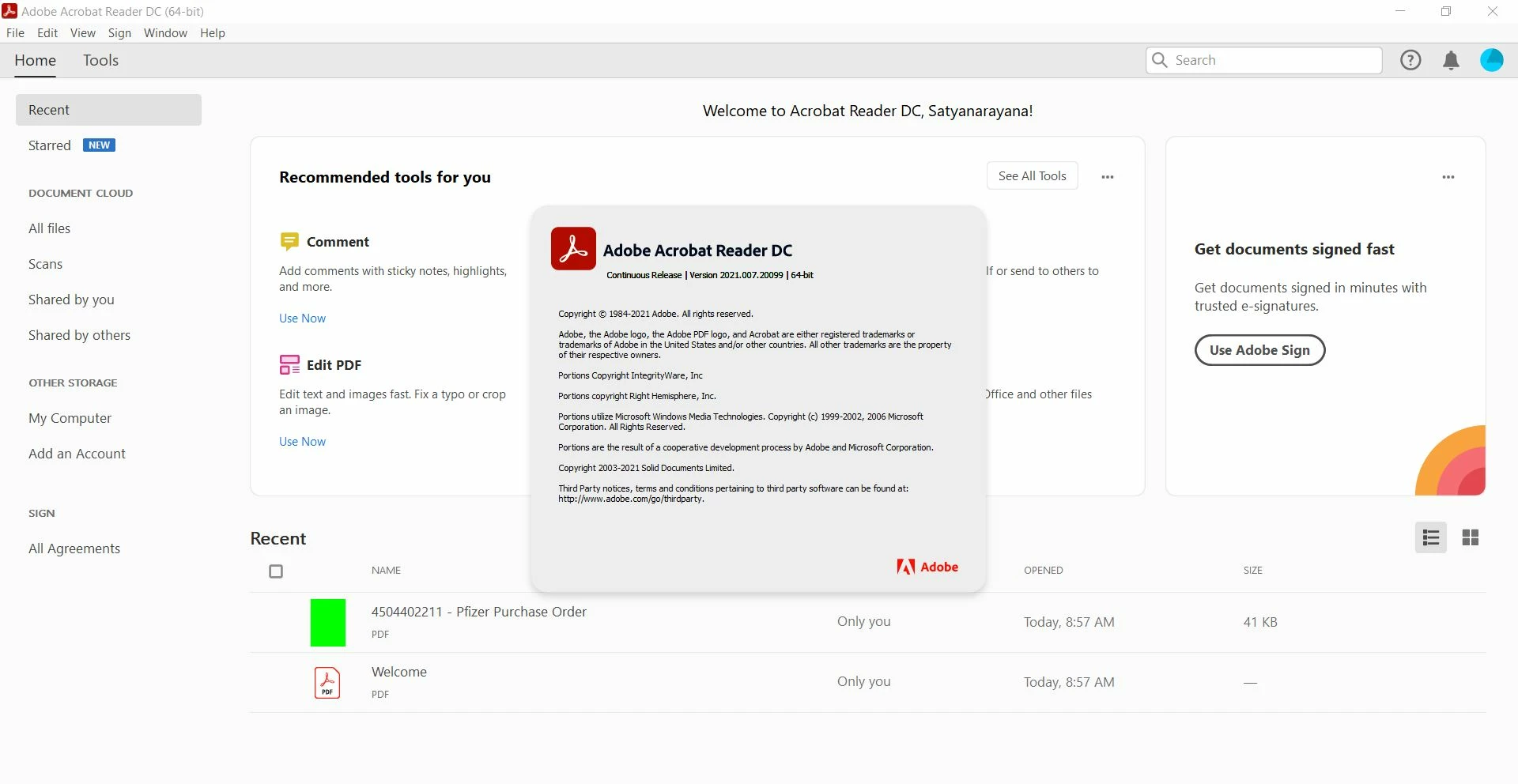
I'm having latest version of adobe acrobat reader dc and when i try to install 32 bit font pack, it says this installer requires adobe reader XI installed on your system.

Amal.
Community Manager
Community Manager
October 26, 2021

Hi Satyanarayana


Hope you are doing well and sorry for the trouble.


Please check if you have 32 bit or 64 bit Adobe Acrobat Reader DC. If  you have a 64 bit version of the application please try to download the font pack from the help page https://helpx.adobe.com/acrobat/kb/font-pack-spelling-dictionary-64-bit-windows.html and see if that works for you.


Regards

Amal