


Participating Frequently
February 18, 2024
Question

Issues with Opening Adobe Acrobat DC and Reader and PDFs on Mac Catalina 10.15

  • February 18, 2024
  • 1 reply
  • 3723 views

Hi all,


Here's the rundown.


I cant open my Adobe Acrobat DC or Reader App at all. I've already tried uninstalling and reinstalling. When I try to open the app or view a pdf in the Acrobat app it looks like it initiates and starts up but then the app icon on my launch bar disappears (aka does the hopping thing then goes away) 


Macbook Air Details:

Mac OS Catalina 10.15.3

Intel iCore 5


Adobe  Version: 23.008.20533


After the uninstalling and reinstalling I went to adobe website to look at error codes Adobe Installation Error Codes.

However, I don't think any of these codes are related to my issue of why it just wont launch on startup or when I open a PDF. Sorry in advance if this has been answered before, I'm too busy to go through all the threads. 
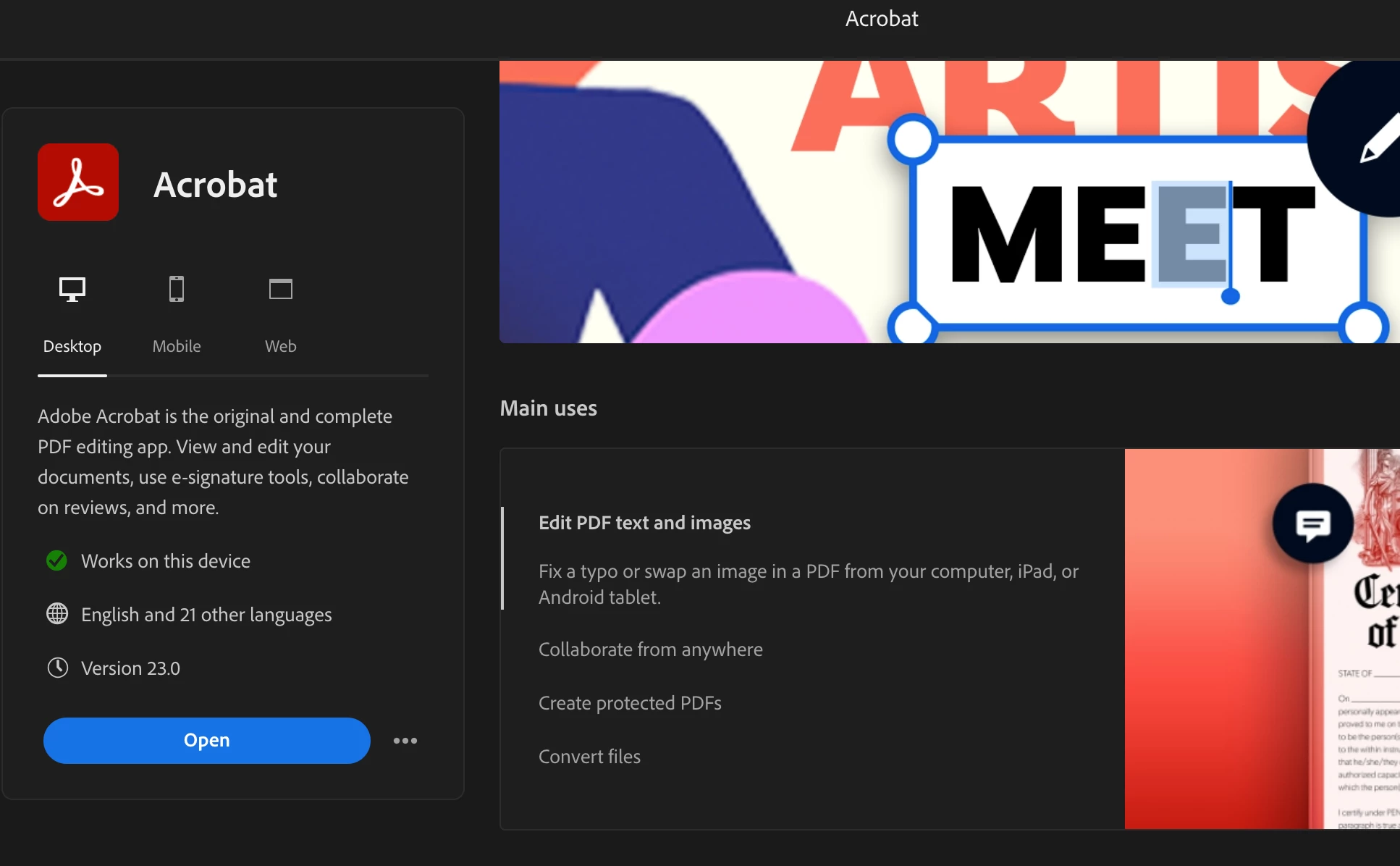


Do I need to update my system in order for this to finally open so I can edit my PDF? What am I missing? Please send help!


(TL,DR: Adobe Acrobat Pro won't launch on start-up or when I try to open a PDF and my computer is pretty up-to-date with systems.)


P.S. - Video below of what it looks like when I try to start it up. 

This topic has been closed for replies.

1 reply

Amal.
Community Manager
Community Manager
February 19, 2024

Hi @Dejanay5D5E 


Hope you are doing well and thanks for reaching out.


As you have the most recent version of the application and tried most of the troubleshooting steps with no luck, please try to create a new test user profile with full admin rights or enable the root account in MAC and try using the application there and check.


If it still doesn't work please try the steps  in the sequence as described and see  if that works:

  1. Remove the application using the Acrobat cleaner tool https://www.adobe.com/devnet-docs/acrobatetk/tools/Labs/cleaner.html 
  2. Reboot the computer.
  3. Reinstall the application using the direct link https://helpx.adobe.com/acrobat/kb/acrobat-dc-downloads.html


Let us know how it goes.


~Amal

Participating Frequently
February 21, 2024

Hi @Amal. ,


I tried doing the new test user but got confused, do I make a new test user for my creative adobe account or on my MAC because I created a test user on my computer. However, this did nothing to solve the issue. Could you provide a link or something so I could see how I could enable root account for MAC to use the application there. 


After trying to edit permissions for the app, uninstall and reinstall again, download the VIP/Lincense nothing works. See screenshots 


I also received the error code 136


https://helpx.adobe.com/creative-cloud/kb/troubleshoot-download-install-logs.html#error136


It seems that the only way I can do anything is if I use the acrobat for web as an app. But I rather use the Acrobat DC or Reader.


Please help.

Participating Frequently
February 21, 2024

@Amal. this is what my other adobe reader app looks like. However, and again this is not the DC app. So I'm wondering is this the new updated one that has the features and stuff?